Meta Lookalike Audiences: Complete Guide for 2026
Meta Ads
May 5, 2026
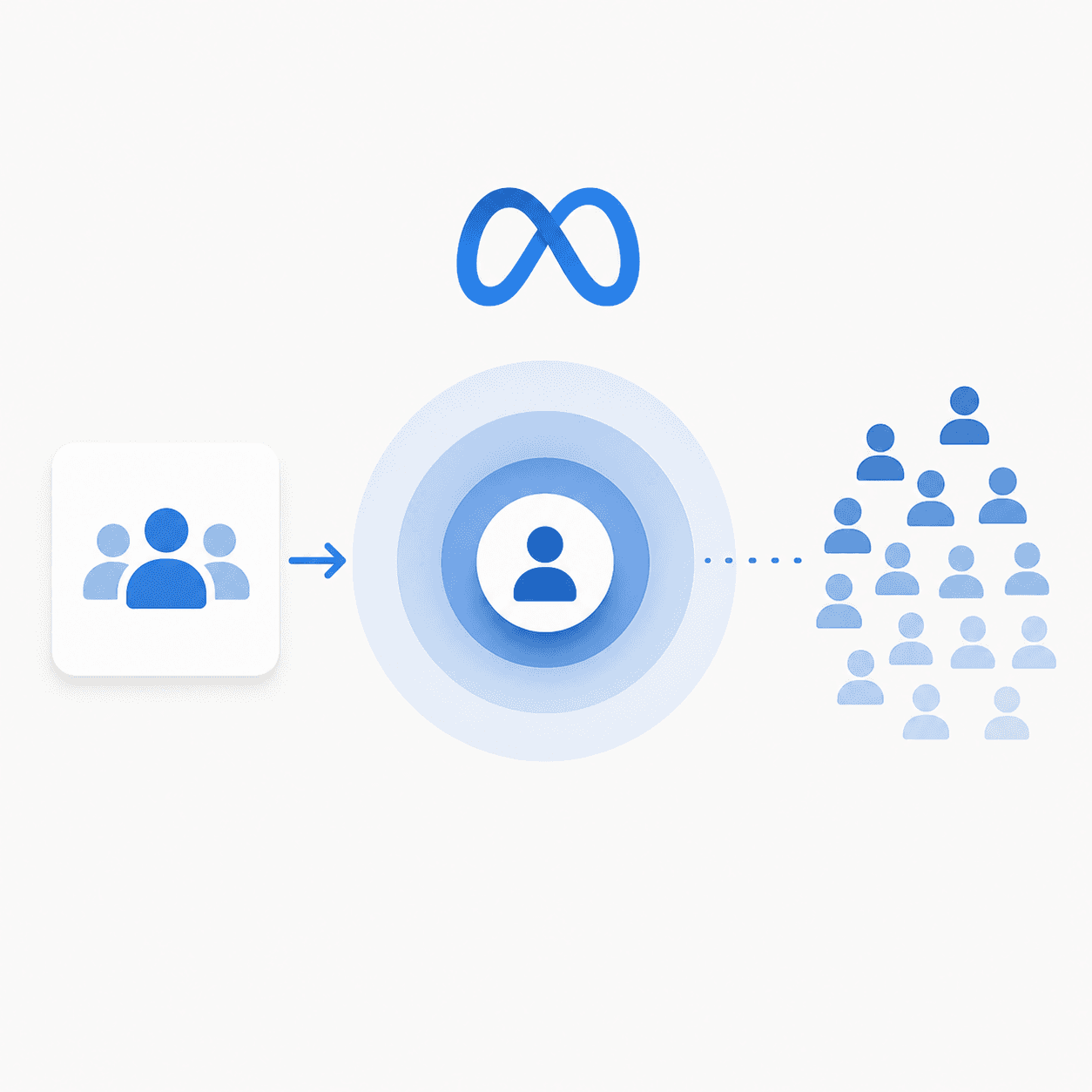
Table Of Contents
Looking for Meta ads support?
We're a small, hardworking US-based team. Book a call and get a free audit today.
How to create a lookalike audience on Facebook
The process takes about five minutes once you have a source audience ready.
Step 1: Open Ads Manager and go to Audiences
Navigate to Meta Ads Manager, click "All Tools," then select "Audiences." This is where all your custom and lookalike audiences live.
Step 2: Click Create Audience and select Lookalike Audience
In the dropdown menu, choose "Lookalike Audience." This opens the lookalike builder.
Step 3: Choose your source audience
Select from your existing custom audiences. This could be a customer list you uploaded, a pixel-based audience like "Purchasers - Last 180 Days," or an engagement audience.
Step 4: Select target location
Lookalikes are location-specific. Choose the country or region where you want to find similar users. You can select multiple locations, but Meta will create separate lookalikes for each.
Step 5: Set audience size percentage
Use the slider to choose between 1% and 10%. Lower percentages mean closer matches to your source, while higher percentages mean larger reach but looser matching. Start with 1-3% for initial testing.
Step 6: Name and save your audience
Use a clear naming convention so you can identify audiences later. Example: "LAL - Purchasers - US - 1%" tells you the type, source, location, and size at a glance.
Lookalike audience size selection
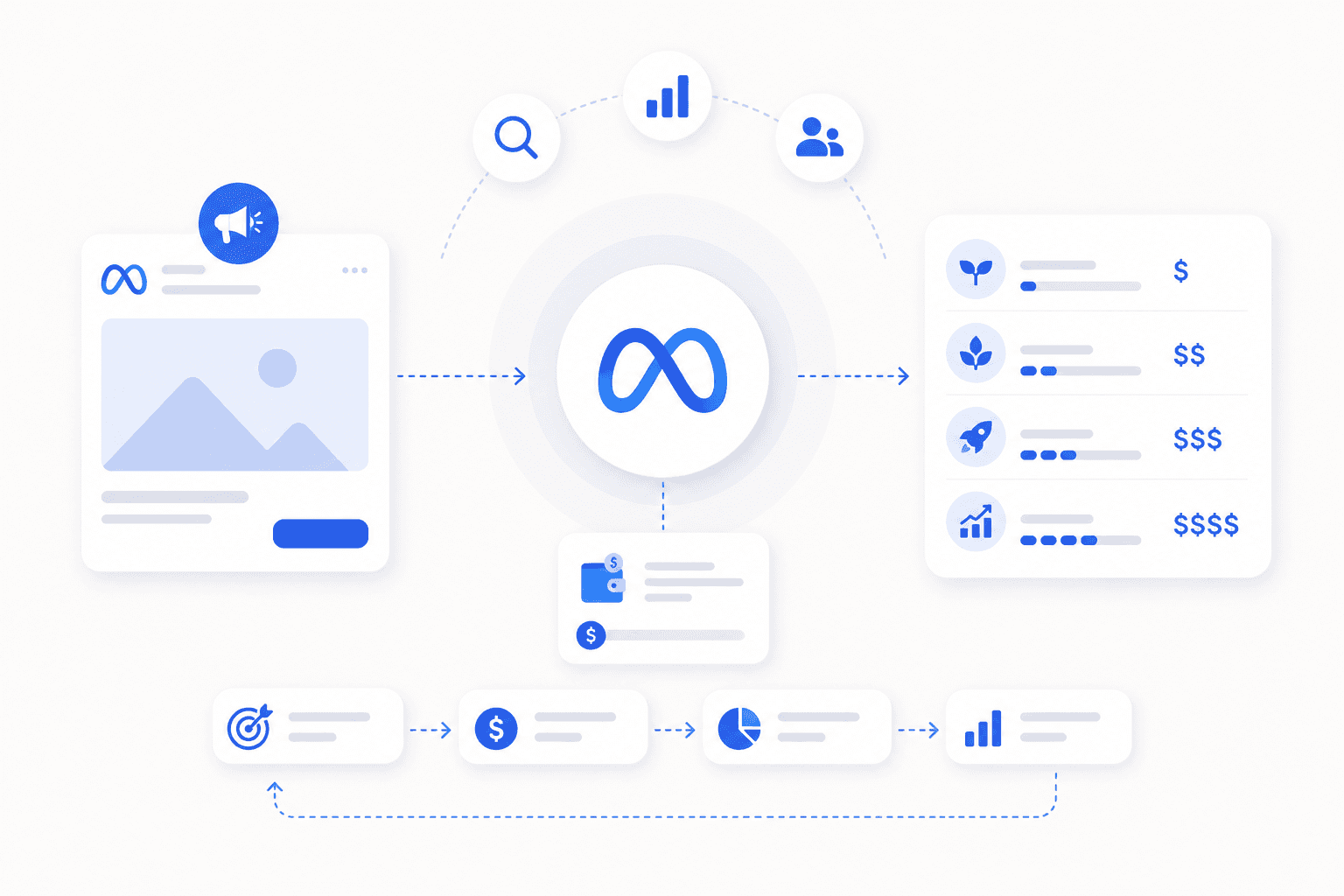
The percentage you choose determines how closely the lookalike matches your source—and how many people it includes.
Audience Size | Best Use Case | Trade-off |
|---|---|---|
1% | High-value prospecting, limited budgets | Smallest reach, closest match |
2-5% | Balanced scale and quality | Moderate reach, good match |
6-10% | Broad awareness, audience expansion | Largest reach, loosest match |
One percent lookalike audiences
A 1% lookalike in the US contains roughly 2.5 million people—the top 1% most similar to your source. This is your highest-quality prospecting audience and typically where you'll see the best CPA. Start here.
Two to five percent lookalike audiences
Once your 1% audience is performing and you want to scale, expand to 2-5%. You're trading some precision for reach. Many brands find their sweet spot in this range.
Six to ten percent lookalike audiences
Larger audiences are useful when smaller lookalikes are exhausted or for broad awareness campaigns. Expect higher CPAs but more volume. Test before committing significant budget.
Best source audiences for lookalike targeting
The quality of your lookalike depends entirely on the quality of your source. Garbage in, garbage out.
High-value purchasers
Segment your customer list by order value or lifetime value (LTV). A lookalike built from customers who spent $500+ will outperform one built from all customers, including one-time $20 buyers.
Customer lists and CRM data
Upload email addresses or phone numbers directly to Ads Manager. Meta matches these against user profiles to build your custom audience.
Website conversion events
Use pixel events like "Purchase" or "Lead" as your source. A "Purchasers - Last 180 Days" audience captures recent buyers with fresh behavioral signals.
Video viewers and engagers
Users who watched 75% or more of your video content have demonstrated interest. Video viewers make strong top-of-funnel lookalike sources, especially for brands without large customer lists.
Page and post engagement audiences
People who liked, commented, or shared your content can serve as a source. This is less qualified than purchasers but useful for newer brands building their first audiences.
How to create a Facebook lookalike audience without email collection
You don't need an email list to build effective lookalikes. Several alternatives exist.
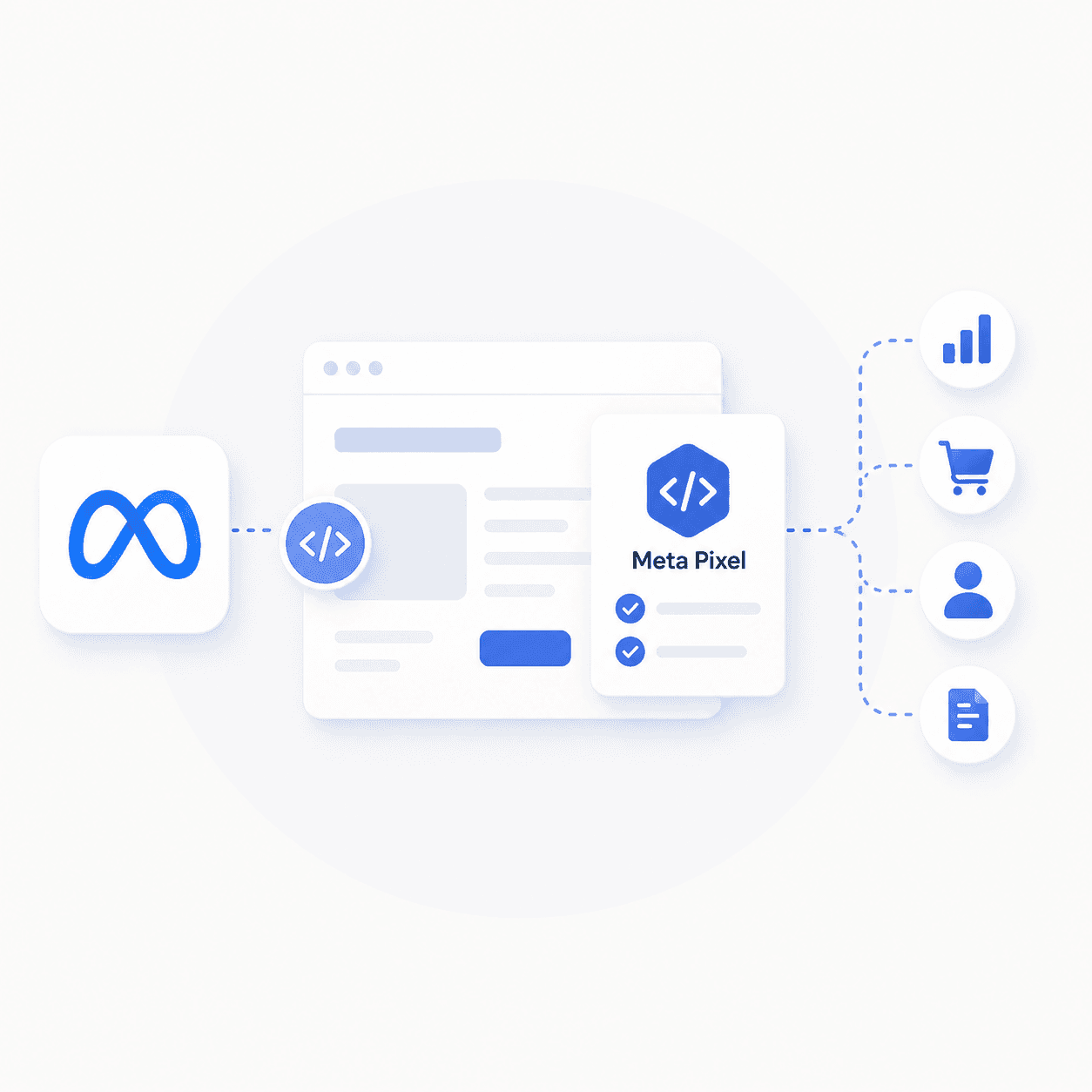
Meta Pixel purchase or lead events
If your pixel tracks conversions, use those events as your source. A "Purchase" event audience works just as well as an uploaded customer list—sometimes better, because it includes behavioral data.
Video view custom audiences
Build an audience of users who watched 50%, 75%, or 95% of your videos. This signals intent without requiring any form submission.
Page engagement custom audiences
Create an audience from users who engaged with your Facebook or Instagram page in the last 365 days. It's broader than purchasers but gives Meta real behavioral data to work with.
Lookalike audience optimization strategies
Building the audience is step one. Optimizing it over time is where performance compounds.
1. Segment source audiences by customer value
Don't lump all customers together. Create separate lookalikes from high-LTV customers, repeat purchasers, and recent buyers. Test each to see which source produces the best results.
2. Start with smaller percentages before expanding
Test 1% first. Once you've validated it converts profitably, expand to 2-3%. Scaling too fast to 5-10% often dilutes performance.
3. Layer lookalike audiences with interest targeting
In early testing, you can combine a lookalike with an interest layer. For example, "1% Purchaser Lookalike" plus "Interested in Yoga" narrows the audience but can improve relevance. Remove the layer once you have conversion data.
4. Refresh source audiences every 90 days
Customer behavior changes. A source audience from 12 months ago reflects outdated patterns. Rebuild your custom audiences quarterly to keep lookalikes fresh.
5. Split test multiple audience sizes simultaneously
Run 1%, 3%, and 5% lookalikes in separate ad sets with identical creative. This isolates audience performance and shows you where to allocate budget.
6. Use exclusions to eliminate audience overlap
Exclude existing customers, email subscribers, and users in other active prospecting campaigns. Overlap wastes budget and muddies your data.
Lookalike audiences vs Advantage Plus targeting
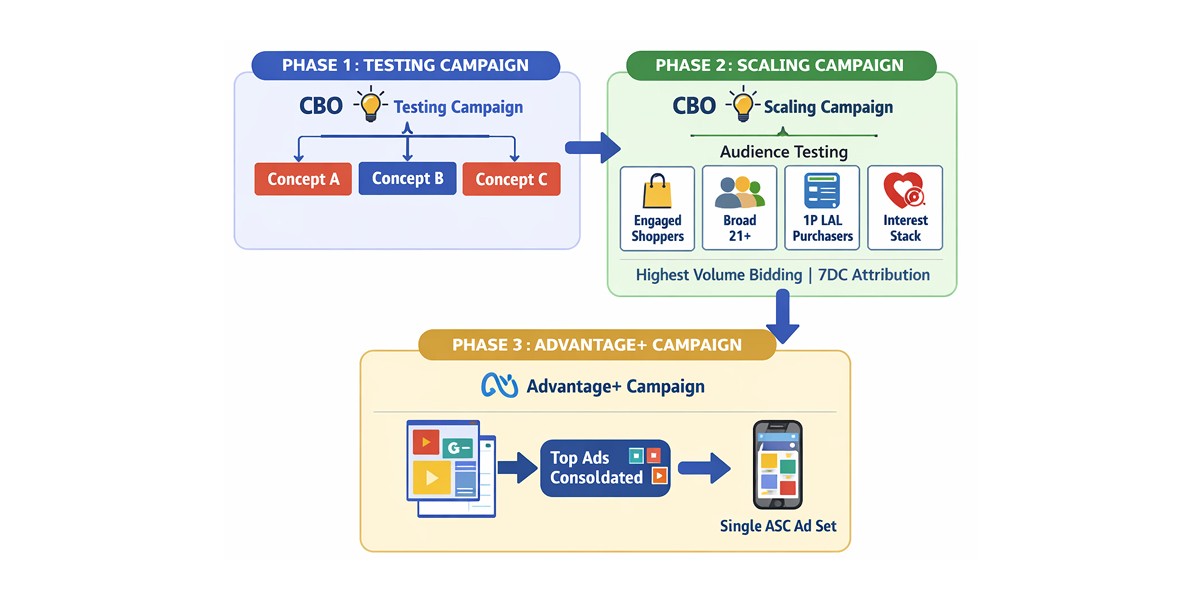
Meta's Advantage+ campaigns use automated targeting that expands beyond any audience you set, with Advantage+ shopping campaigns growing 70% year over year in Q4 2024. Traditional lookalikes give you more control over who sees your ads. Our Meta ads best practices guide covers how to structure campaigns that combine both approaches.
Feature | Lookalike Audiences | Advantage+ Targeting |
|---|---|---|
Control level | You define source and size | Meta automates expansion |
Best for | Testing specific segments | Broad scaling at higher budgets |
Data requirement | Requires custom audience | Uses campaign conversion signals |
Neither is universally better. Lookalikes work well for structured testing and understanding which segments convert.
Advantage+ can scale efficiently once you have strong creative and conversion data. Many DTC brands run both.
Common Facebook lookalike audience mistakes
Avoid these errors—they're the most frequent reasons lookalike campaigns underperform.
1. Using a source audience that is too small
A source of 100 people meets Meta's minimum but doesn't give the algorithm enough signal. Aim for 1,000+ when possible.
2. Choosing audience size without testing
Assuming 1% is always best is a mistake. Sometimes 3% outperforms 1% because the source was too narrow. Test multiple sizes.
3. Ignoring source audience quality
A lookalike built from all website visitors will underperform one built from purchasers. Be selective about your source.
4. Failing to exclude existing customers
If you don't exclude current customers, you'll pay to reach people who already bought. Add exclusions to every prospecting campaign.
5. Running lookalike campaigns without creative variation
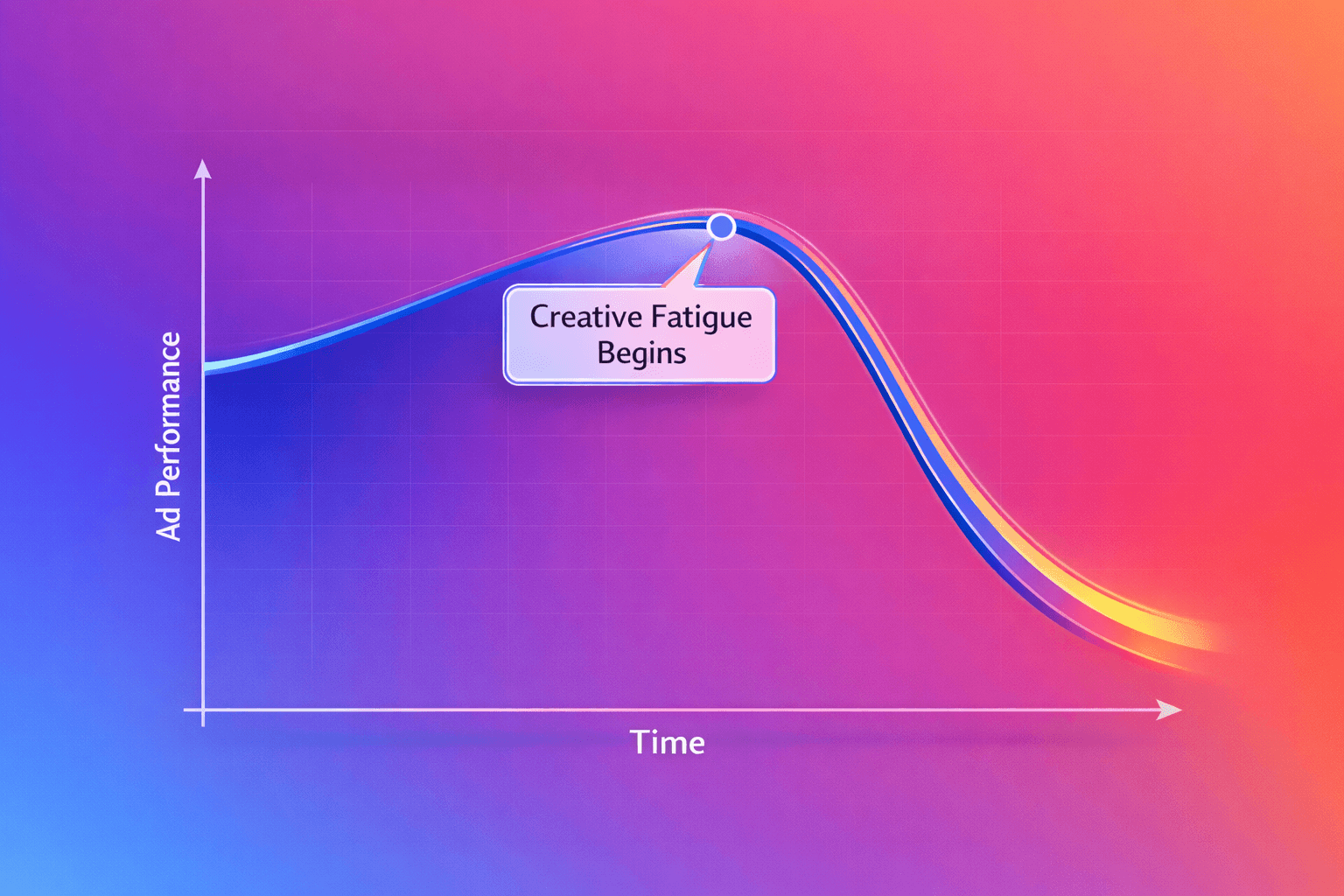
Even the best audience won't save weak creative. Ads fatigue quickly—typically within 2-4 weeks. Have a creative brief ready so new variants are always in the pipeline. Pair your audience work with ongoing Meta ads creative strategies to keep performance strong.
Tip: Audience targeting and creative work together. A well-built lookalike with stale creative will plateau.
A fresh ad with poor targeting wastes budget. The brands that scale profitably treat both as connected systems.
When to scale your lookalike audiences
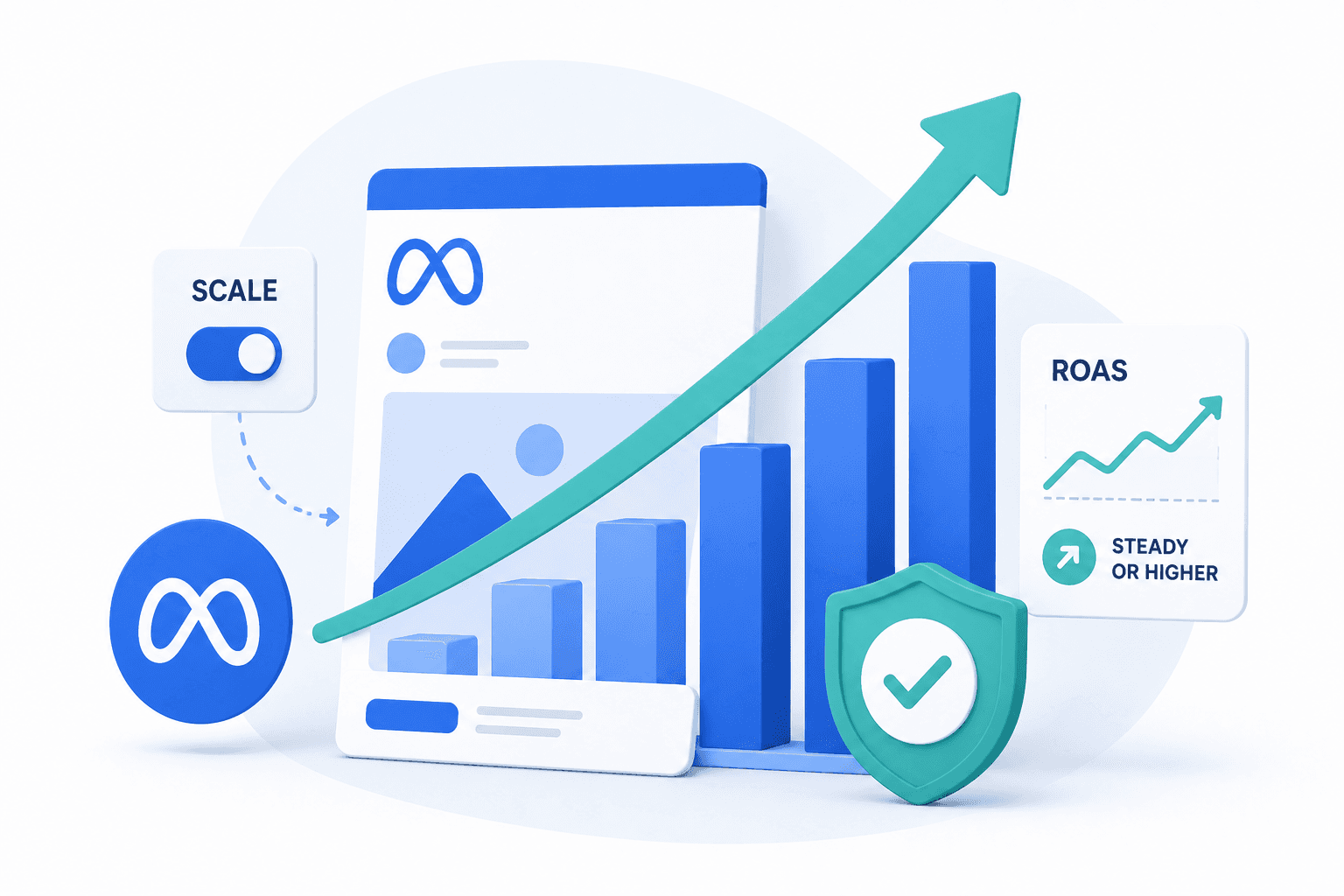
Look for a few signals before expanding. CPA should be stable for 7+ days. ROAS should meet or exceed your target. Your marketing efficiency ratio should confirm that blended performance holds as you scale.
The ad set should spend its full daily budget. Frequency should stay below 2.0.
Once you see those indicators, you can increase budget by 20-30% or expand to larger audience percentages. Scaling too aggressively—doubling budget overnight—often resets the learning phase and spikes CPA.
How to turn lookalike audiences into a scalable acquisition channel
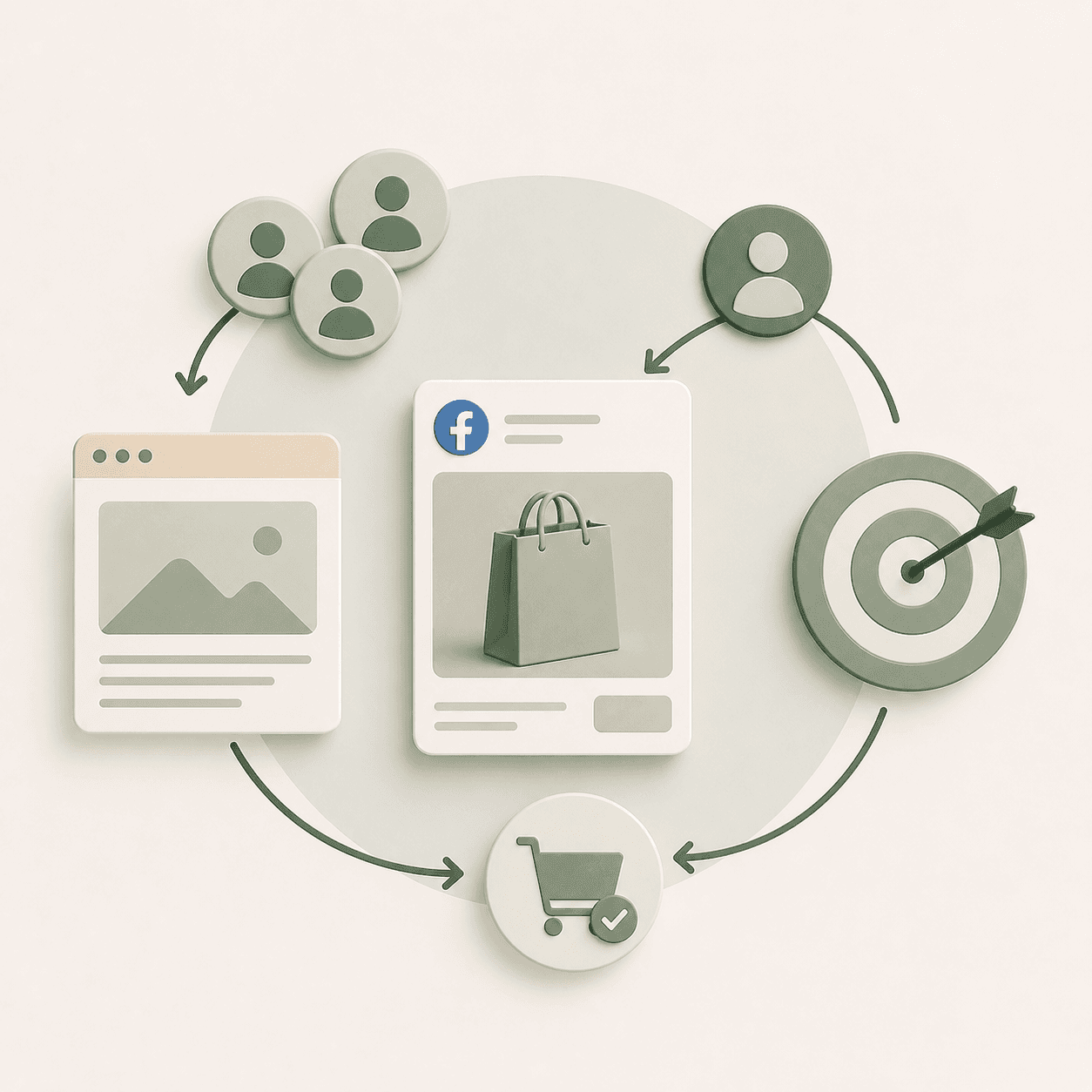
Lookalike audiences are a tactic, not a strategy. The brands that scale profitably on Meta combine audience modeling with two other elements: creative that converts and landing pages that close.
Your lookalike finds the right people. Your creative production earns their attention. Your landing page turns that attention into revenue.
When one breaks down, the whole system underperforms.
This is why we approach Meta Ads management as three interdependent pillars—Paid Media Expertise, Creative Strategy, and Landing Page Optimization. These work together rather than as separate workstreams.
If you're looking for a partner to build and scale your Meta acquisition system, book a call with Flighted.
FAQs about Meta lookalike audiences
How long does it take for a Meta lookalike audience to populate?
Most lookalike audiences populate within 1-6 hours. Larger audiences or complex sources can take up to 24 hours. You'll see "Populating" in Ads Manager until it's ready.
What is the minimum source audience size for a Meta lookalike audience?
Meta requires at least 100 people in your source audience. However, sources with 1,000+ people typically produce more stable lookalikes.
Can you create a lookalike audience from another lookalike audience?
Technically yes, but it's not recommended. Each generation dilutes the signal from your original source data. Stick to first-party sources like customer lists or pixel events.
Do Meta lookalike audiences work for B2B advertising?
Yes. If you have conversion data or customer lists, lookalikes work for B2B on Facebook and Instagram. The key is having enough source data—B2B often has smaller customer bases, so email lists and lead form submissions become critical sources.
See how to choose a Meta ads agency specializing in ecommerce if you need expert support scaling these campaigns.
Can you use lookalike audiences inside Advantage Plus campaigns?
Advantage+ campaigns use automated targeting, so you don't apply traditional lookalikes directly. You can add lookalikes as "audience suggestions," but Meta may expand beyond them. For controlled testing, use standard campaigns with manual audience selection.
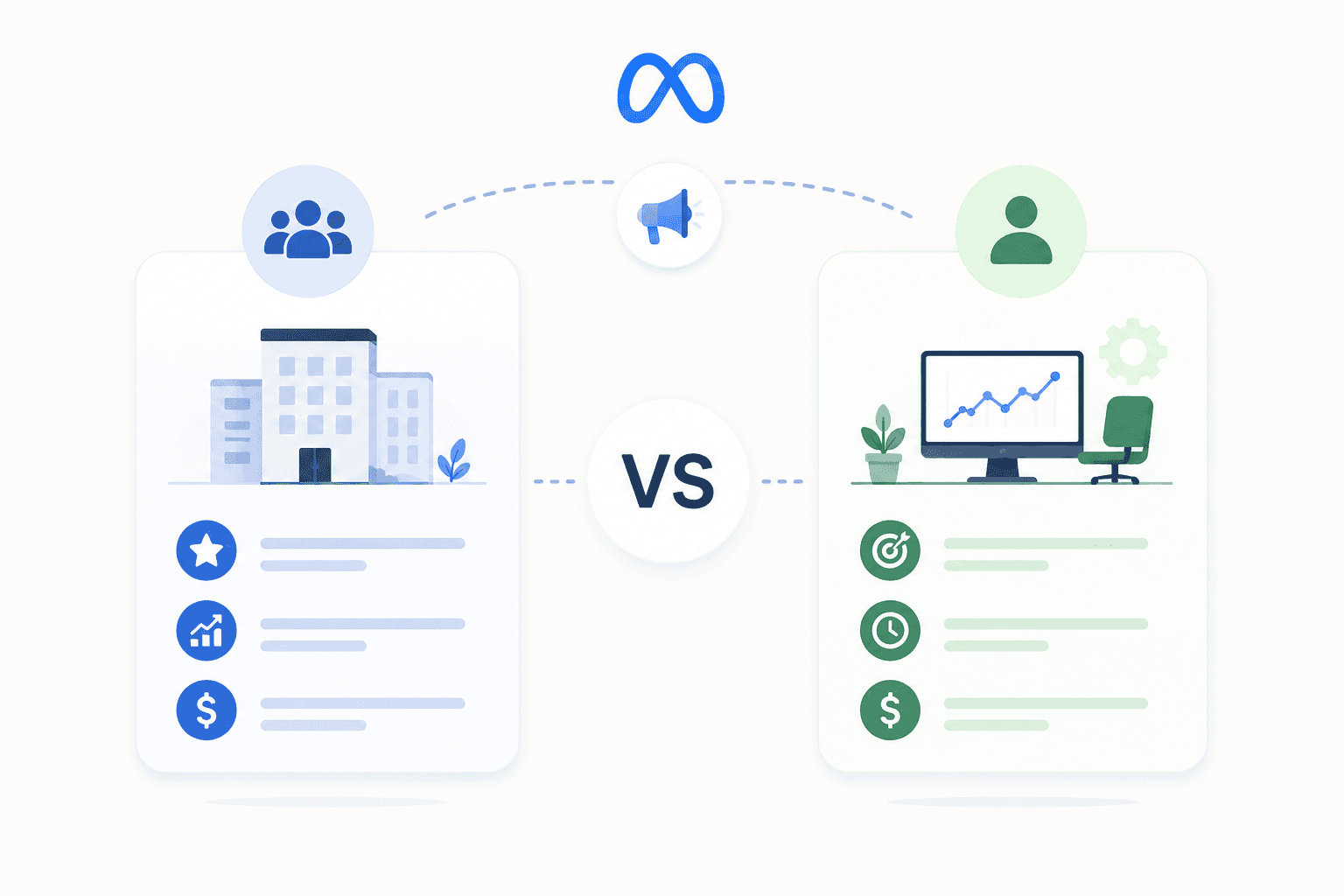
How is a Meta lookalike audience different from a LinkedIn lookalike audience?
Both find users similar to a source, but they use different data. Meta relies on behavioral and interest signals—what people do online.
LinkedIn uses professional attributes like job title, company size, and industry. Choose based on where your audience spends time and what signals matter for your offer.