Meta's Advantage Plus AI Creative Enhancements: Each One Explained

Meta Ads

July 16, 2026

Table Of Contents

No headings found on page

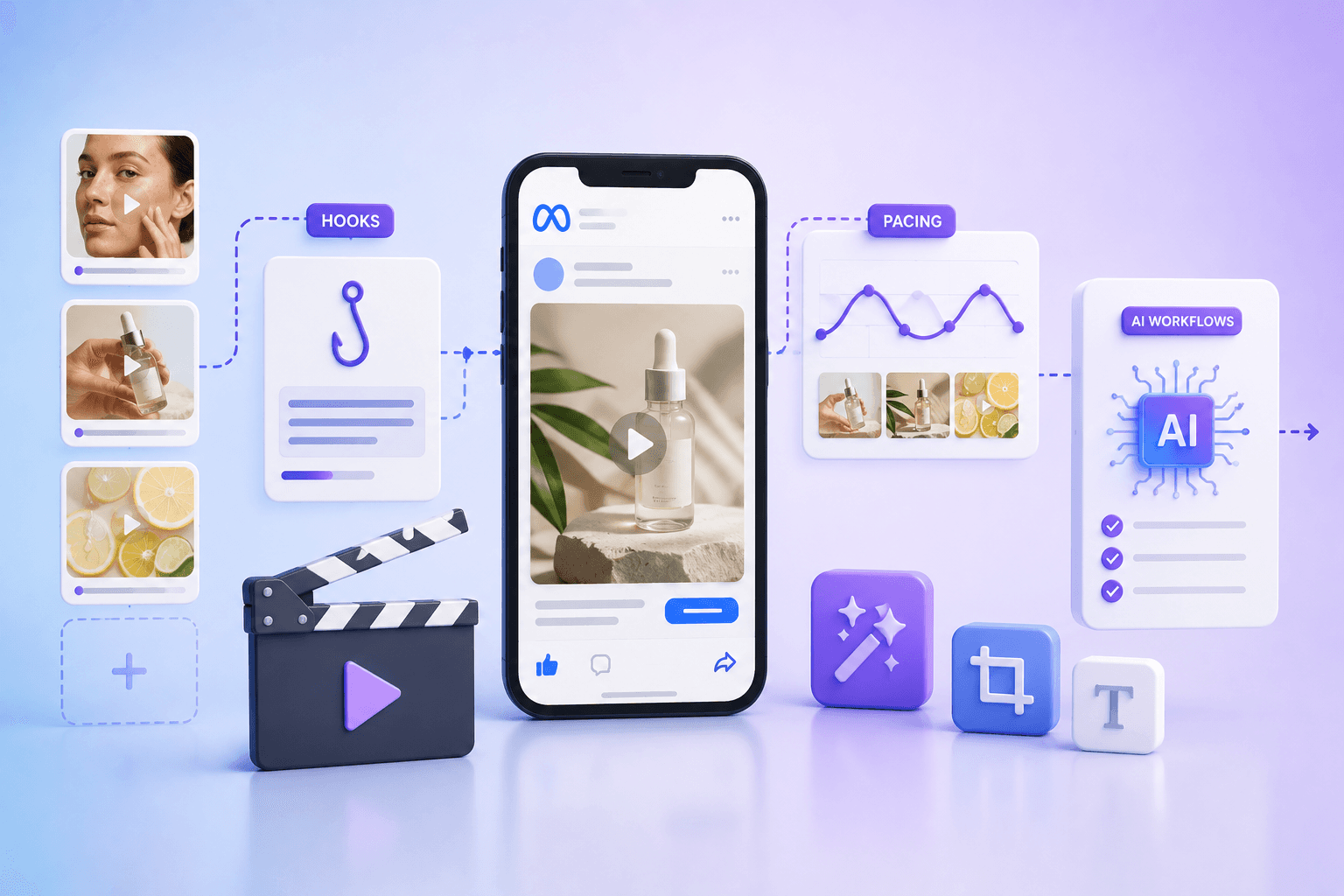
Meta Advantage+ AI ads in 2026 rely heavily on creative enhancements. These are automatic modifications the platform applies to your uploaded ads. They adjust brightness, extend backgrounds, generate new text, or add music—all without you touching the asset.

They're enabled by default on most new campaigns—according to the IAB, nearly 40% of creative ads are expected to be AI-enhanced in 2026—which means your ads might already be running variations you've never seen.

This guide breaks down each enhancement type, when to enable or disable them by campaign objective, and how to test their impact on performance.

Key takeaways

  • Advantage+ AI creative enhancements are automatic modifications Meta applies to your uploaded ads, and they're enabled by default on most new campaigns

  • Nine distinct enhancement types exist, ranging from basic brightness adjustments to full background generation using generative AI

  • Not every enhancement fits every campaign objective—B2B lead generation campaigns often perform better with music and animation disabled

  • Platform-reported results include all variations, so isolating enhancement impact requires structured holdout testing

  • As Meta moves toward end-to-end automation, the quality of your creative inputs becomes your primary performance lever

What Advantage Plus AI creative enhancements are

Meta Advantage+ in 2026 centers on end-to-end AI automation. Creative enhancements are one piece of that system. When you upload an image or video, Meta's AI can automatically modify it by adjusting brightness, extending backgrounds, generating new text variations, or adding music.

The goal is to improve predicted engagement or conversions without you lifting a finger. For a broader look at how to structure campaigns, see Meta Ads Best Practices to Follow in 2026.

Now, creative enhancements sit within a broader Advantage+ suite that also includes Advantage+ audience (AI-driven targeting), Advantage+ placements, and Advantage+ shopping campaigns. The distinction matters:

  • Advantage+ creative enhancements: Automatic modifications to your existing creative assets

  • Advantage+ campaigns: Fully automated campaign types that bundle multiple Advantage+ features together

You can use creative enhancements inside a manual campaign, or you can run a full Advantage+ campaign that bundles everything. Either way, the enhancements themselves work the same.

Here's the thing—blanket automation without oversight erodes brand control. You can disable specific enhancements while keeping others active, and knowing which ones to toggle on or off is where the real work happens.

How Meta's AI applies creative enhancements to your ads

When you upload creative, Meta's AI analyzes it and determines which enhancements might improve performance based on your campaign objective. The algorithm then serves different variations to different users depending on predicted response.

What catches most advertisers off guard is that you do not see every variation Meta creates. Some are generated dynamically at serve time, meaning your original creative is a starting point rather than a final asset. Meta treats your upload as raw material.

The AI optimizes for whatever objective you set—conversions, traffic, leads. Signal quality from your Pixel or Conversions API directly affects which variations get served and to whom. Weak signal data means the AI has less to work with, and your results will reflect that.

Every Advantage Plus AI creative enhancement explained

Before diving into each one, here's a quick reference:

Enhancement

What it does

Best for

Standard enhancements

Adjusts brightness, contrast, aspect ratio

Most campaigns

Image expansion

Extends image edges to fit more placements

Feed and Stories

Image templates

Adds borders, logos, or design frames

Catalog and product ads

Text generation

Creates headline and primary text variations

Testing messaging at scale

Music

Adds royalty-free audio tracks to video

Reels and short-form video

Video expansion

Extends video frame to fit vertical/horizontal

Cross-placement delivery

3D animation

Adds motion effects to static images

Attention-grabbing for scroll

Background generation

Replaces or generates new backgrounds

Product photography with plain backgrounds

Catalog ad enhancements

Applies templates and text overlays to catalog items

Dynamic product ads

Standard enhancements

Standard enhancements cover basic adjustments to brightness, contrast, and aspect ratio. They're the least intrusive option in the suite. Disabling them is rarely necessary unless you have strict brand guidelines on color accuracy—think luxury brands where a specific shade of blue is non-negotiable.

Image expansion

Image expansion uses generative AI to extend the edges of your image so it fits placements it wasn't originally designed for. A square image can become a vertical Stories placement without you creating a new asset.

However, this can create visual artifacts or distort product imagery if your original composition is tight. If your product sits near the edge of the frame, the AI might generate something awkward next to it.

Image templates

Templates are pre-designed frames, borders, or overlays Meta applies to your image. They're common in catalog ads and can include price callouts or promotional badges. Overuse makes ads look generic—you've probably scrolled past dozens of templated catalog ads without a second glance.

Text generation

Meta's AI generates alternative headlines and primary text based on your original copy and landing page content. This is useful for high-volume testing because you can see which angles resonate without writing 50 variations yourself.

The catch: the AI doesn't understand your product nuances. It might generate a headline that's technically accurate but misses your brand voice entirely. Review generated text before it goes live.

Music

This enhancement adds royalty-free audio tracks to your video ads, particularly for Reels placements. It can improve engagement on sound-on placements, but it may clash with existing audio or voiceover in your creative. If you've already added a soundtrack, the AI might layer another one on top.

Video expansion

Similar to image expansion, video expansion extends the frame of your video to fit placements with different aspect ratios using generative fill. A horizontal video can become vertical for Stories without cropping.

Important visual information near the edges may be distorted or obscured. If your logo sits in the corner, test this carefully.

3D animation

Meta adds motion effects—zoom, pan, parallax—to static images to create video-like assets. Useful if you lack creative production capacity.

The motion can feel artificial on high-end creative, though. A luxury watch brand probably doesn't want their product photo doing a slow zoom like a PowerPoint transition.

Background generation

Background generation replaces or extends the background of product images using generative AI. It works best for product shots on plain white or simple backgrounds. Complex backgrounds or lifestyle imagery often produce unrealistic results—the AI might generate a kitchen counter that looks like it belongs in a video game.

Catalog ad enhancements

Catalog ad enhancements bundle several features specifically for dynamic product ads (DPA) and Advantage+ catalog campaigns. They include templates, text overlays, and image adjustments.

They're enabled by default and controlled at the catalog level in Commerce Manager, not at the ad level. Learn more in The Complete Guide to Meta Dynamic Product Ads.

When to enable each creative enhancement by campaign objective

Sales and ecommerce campaigns

Catalog ad enhancements and background generation work well for product-focused creative. Use caution with text generation if product claims require compliance review—the AI might generate a headline that makes a claim you can't legally support.

Keep standard enhancements on for most campaigns. Test image expansion with holdouts before scaling, especially if your product photography has tight compositions.

Lead generation campaigns

For B2B audiences where professionalism matters, consider disabling music and 3D animation. A SaaS company targeting CFOs probably doesn't want their ad set to a royalty-free beat. See Profitable Meta Ads Strategy For B2B SaaS in 2026 for more guidance.

Text generation can help test value propositions, but it requires monitoring for accuracy. Advantage+ leads campaigns bundle multiple automations—review enhancement settings within the campaign before launch.

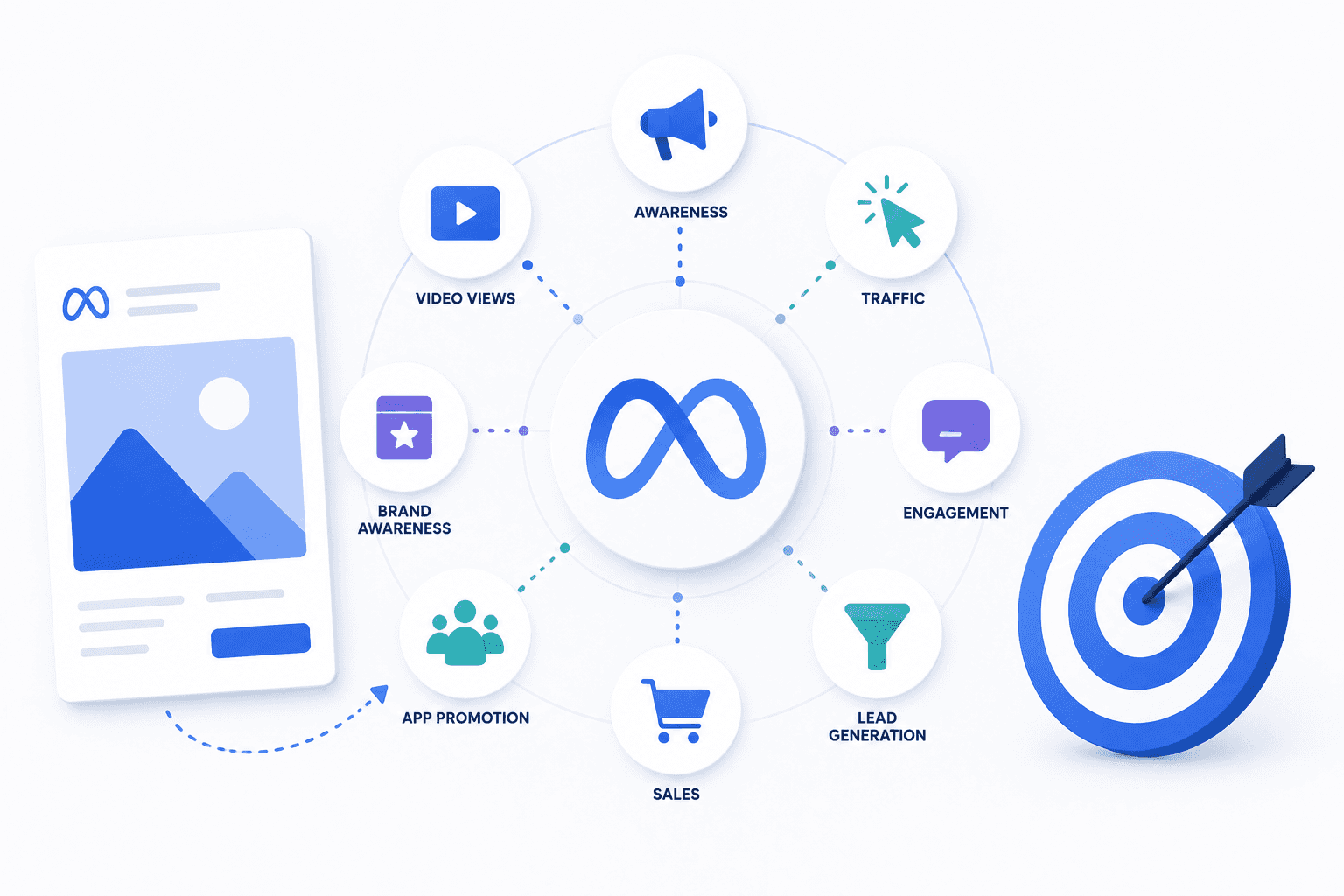
Traffic and awareness campaigns

Most enhancements work well for broad awareness goals where creative variety improves reach. Music and 3D animation perform particularly well for Reels and discovery placements. When the goal is impressions rather than conversions, the risk of a slightly off-brand variation is lower.

Meta Advantage+ AI ads in 2026 rely heavily on creative enhancements. These are automatic modifications the platform applies to your uploaded ads. They adjust brightness, extend backgrounds, generate new text, or add music—all without you touching the asset.

They're enabled by default on most new campaigns—according to the IAB, nearly 40% of creative ads are expected to be AI-enhanced in 2026—which means your ads might already be running variations you've never seen.

This guide breaks down each enhancement type, when to enable or disable them by campaign objective, and how to test their impact on performance.

Key takeaways

  • Advantage+ AI creative enhancements are automatic modifications Meta applies to your uploaded ads, and they're enabled by default on most new campaigns

  • Nine distinct enhancement types exist, ranging from basic brightness adjustments to full background generation using generative AI

  • Not every enhancement fits every campaign objective—B2B lead generation campaigns often perform better with music and animation disabled

  • Platform-reported results include all variations, so isolating enhancement impact requires structured holdout testing

  • As Meta moves toward end-to-end automation, the quality of your creative inputs becomes your primary performance lever

What Advantage Plus AI creative enhancements are

Meta Advantage+ in 2026 centers on end-to-end AI automation. Creative enhancements are one piece of that system. When you upload an image or video, Meta's AI can automatically modify it by adjusting brightness, extending backgrounds, generating new text variations, or adding music.

The goal is to improve predicted engagement or conversions without you lifting a finger. For a broader look at how to structure campaigns, see Meta Ads Best Practices to Follow in 2026.

Now, creative enhancements sit within a broader Advantage+ suite that also includes Advantage+ audience (AI-driven targeting), Advantage+ placements, and Advantage+ shopping campaigns. The distinction matters:

  • Advantage+ creative enhancements: Automatic modifications to your existing creative assets

  • Advantage+ campaigns: Fully automated campaign types that bundle multiple Advantage+ features together

You can use creative enhancements inside a manual campaign, or you can run a full Advantage+ campaign that bundles everything. Either way, the enhancements themselves work the same.

Here's the thing—blanket automation without oversight erodes brand control. You can disable specific enhancements while keeping others active, and knowing which ones to toggle on or off is where the real work happens.

How Meta's AI applies creative enhancements to your ads

When you upload creative, Meta's AI analyzes it and determines which enhancements might improve performance based on your campaign objective. The algorithm then serves different variations to different users depending on predicted response.

What catches most advertisers off guard is that you do not see every variation Meta creates. Some are generated dynamically at serve time, meaning your original creative is a starting point rather than a final asset. Meta treats your upload as raw material.

The AI optimizes for whatever objective you set—conversions, traffic, leads. Signal quality from your Pixel or Conversions API directly affects which variations get served and to whom. Weak signal data means the AI has less to work with, and your results will reflect that.

Every Advantage Plus AI creative enhancement explained

Before diving into each one, here's a quick reference:

Enhancement

What it does

Best for

Standard enhancements

Adjusts brightness, contrast, aspect ratio

Most campaigns

Image expansion

Extends image edges to fit more placements

Feed and Stories

Image templates

Adds borders, logos, or design frames

Catalog and product ads

Text generation

Creates headline and primary text variations

Testing messaging at scale

Music

Adds royalty-free audio tracks to video

Reels and short-form video

Video expansion

Extends video frame to fit vertical/horizontal

Cross-placement delivery

3D animation

Adds motion effects to static images

Attention-grabbing for scroll

Background generation

Replaces or generates new backgrounds

Product photography with plain backgrounds

Catalog ad enhancements

Applies templates and text overlays to catalog items

Dynamic product ads

Standard enhancements

Standard enhancements cover basic adjustments to brightness, contrast, and aspect ratio. They're the least intrusive option in the suite. Disabling them is rarely necessary unless you have strict brand guidelines on color accuracy—think luxury brands where a specific shade of blue is non-negotiable.

Image expansion

Image expansion uses generative AI to extend the edges of your image so it fits placements it wasn't originally designed for. A square image can become a vertical Stories placement without you creating a new asset.

However, this can create visual artifacts or distort product imagery if your original composition is tight. If your product sits near the edge of the frame, the AI might generate something awkward next to it.

Image templates

Templates are pre-designed frames, borders, or overlays Meta applies to your image. They're common in catalog ads and can include price callouts or promotional badges. Overuse makes ads look generic—you've probably scrolled past dozens of templated catalog ads without a second glance.

Text generation

Meta's AI generates alternative headlines and primary text based on your original copy and landing page content. This is useful for high-volume testing because you can see which angles resonate without writing 50 variations yourself.

The catch: the AI doesn't understand your product nuances. It might generate a headline that's technically accurate but misses your brand voice entirely. Review generated text before it goes live.

Music

This enhancement adds royalty-free audio tracks to your video ads, particularly for Reels placements. It can improve engagement on sound-on placements, but it may clash with existing audio or voiceover in your creative. If you've already added a soundtrack, the AI might layer another one on top.

Video expansion

Similar to image expansion, video expansion extends the frame of your video to fit placements with different aspect ratios using generative fill. A horizontal video can become vertical for Stories without cropping.

Important visual information near the edges may be distorted or obscured. If your logo sits in the corner, test this carefully.

3D animation

Meta adds motion effects—zoom, pan, parallax—to static images to create video-like assets. Useful if you lack creative production capacity.

The motion can feel artificial on high-end creative, though. A luxury watch brand probably doesn't want their product photo doing a slow zoom like a PowerPoint transition.

Background generation

Background generation replaces or extends the background of product images using generative AI. It works best for product shots on plain white or simple backgrounds. Complex backgrounds or lifestyle imagery often produce unrealistic results—the AI might generate a kitchen counter that looks like it belongs in a video game.

Catalog ad enhancements

Catalog ad enhancements bundle several features specifically for dynamic product ads (DPA) and Advantage+ catalog campaigns. They include templates, text overlays, and image adjustments.

They're enabled by default and controlled at the catalog level in Commerce Manager, not at the ad level. Learn more in The Complete Guide to Meta Dynamic Product Ads.

When to enable each creative enhancement by campaign objective

Sales and ecommerce campaigns

Catalog ad enhancements and background generation work well for product-focused creative. Use caution with text generation if product claims require compliance review—the AI might generate a headline that makes a claim you can't legally support.

Keep standard enhancements on for most campaigns. Test image expansion with holdouts before scaling, especially if your product photography has tight compositions.

Lead generation campaigns

For B2B audiences where professionalism matters, consider disabling music and 3D animation. A SaaS company targeting CFOs probably doesn't want their ad set to a royalty-free beat. See Profitable Meta Ads Strategy For B2B SaaS in 2026 for more guidance.

Text generation can help test value propositions, but it requires monitoring for accuracy. Advantage+ leads campaigns bundle multiple automations—review enhancement settings within the campaign before launch.

Traffic and awareness campaigns

Most enhancements work well for broad awareness goals where creative variety improves reach. Music and 3D animation perform particularly well for Reels and discovery placements. When the goal is impressions rather than conversions, the risk of a slightly off-brand variation is lower.

Looking for Meta ads support?

We're a small, hardworking, US-based team. Book a call and get a free audit today.

How to A/B test Advantage Plus creative enhancements

Platform-reported results include all variations, so you can't isolate enhancement impact from the default reporting. Structured tests are the only way to know what's actually working. For campaign objective context, review Every Meta Campaign Objective Explained for 2026.

1. Set a clean holdout group

Create a control ad set with all enhancements disabled. This is your baseline.

Both test and control need identical audiences, testing budgets, and creative inputs. Any difference in setup contaminates your results.

2. Isolate one enhancement per test

Test one enhancement at a time—for example, only image expansion enabled in the test group. Testing multiple enhancements simultaneously makes attribution impossible. You won't know which one moved the needle.

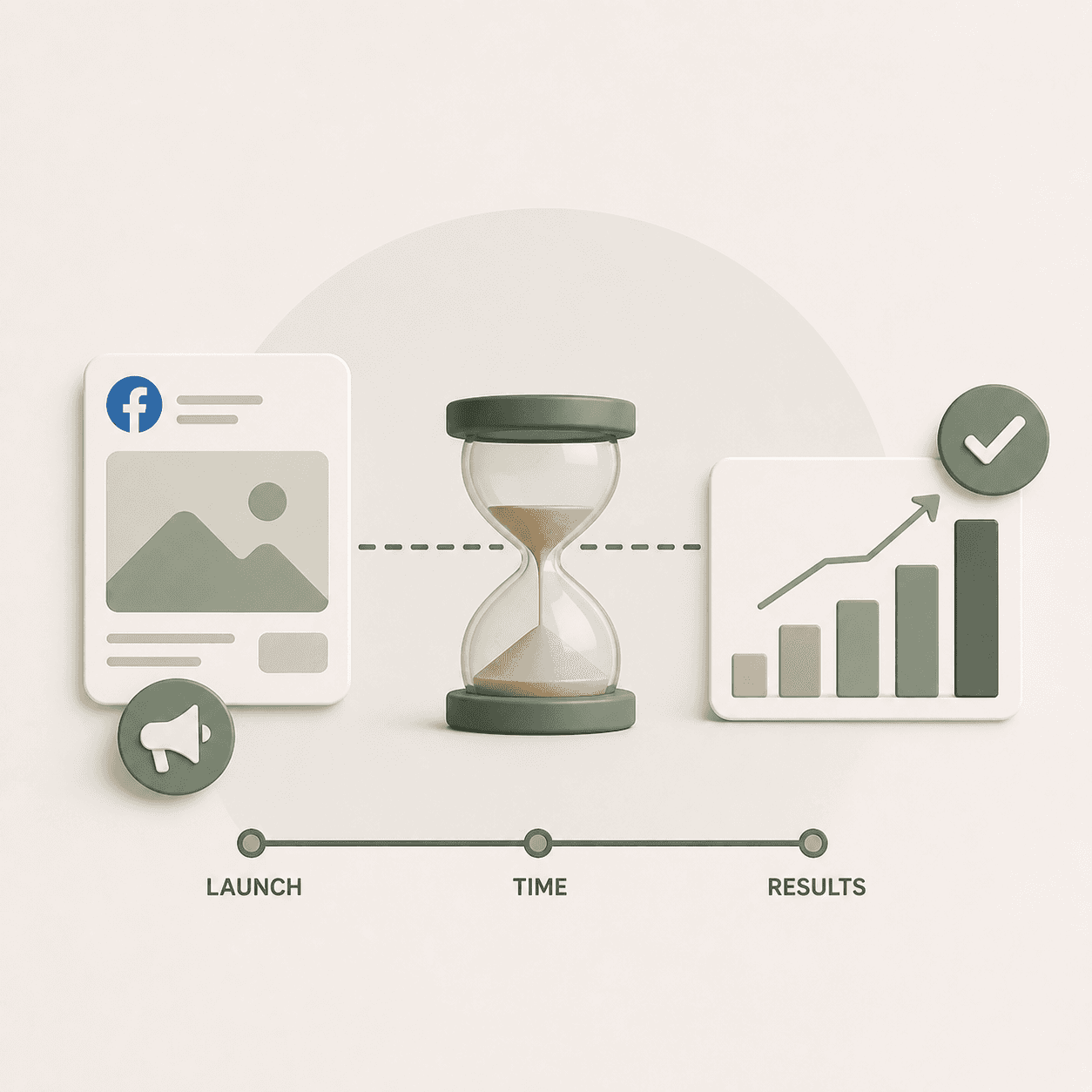
3. Run tests for two full weeks

Shorter tests don't account for day-of-week variance, learning phase, and audience saturation. Two weeks is the minimum for directional confidence. One week of data can mislead you.

4. Read results with frequency and first-time impression rate

First-Time Impression Rate (FTIR) measures how often your ad is shown to new users versus repeat viewers. Compare FTIR and frequency between test and control.

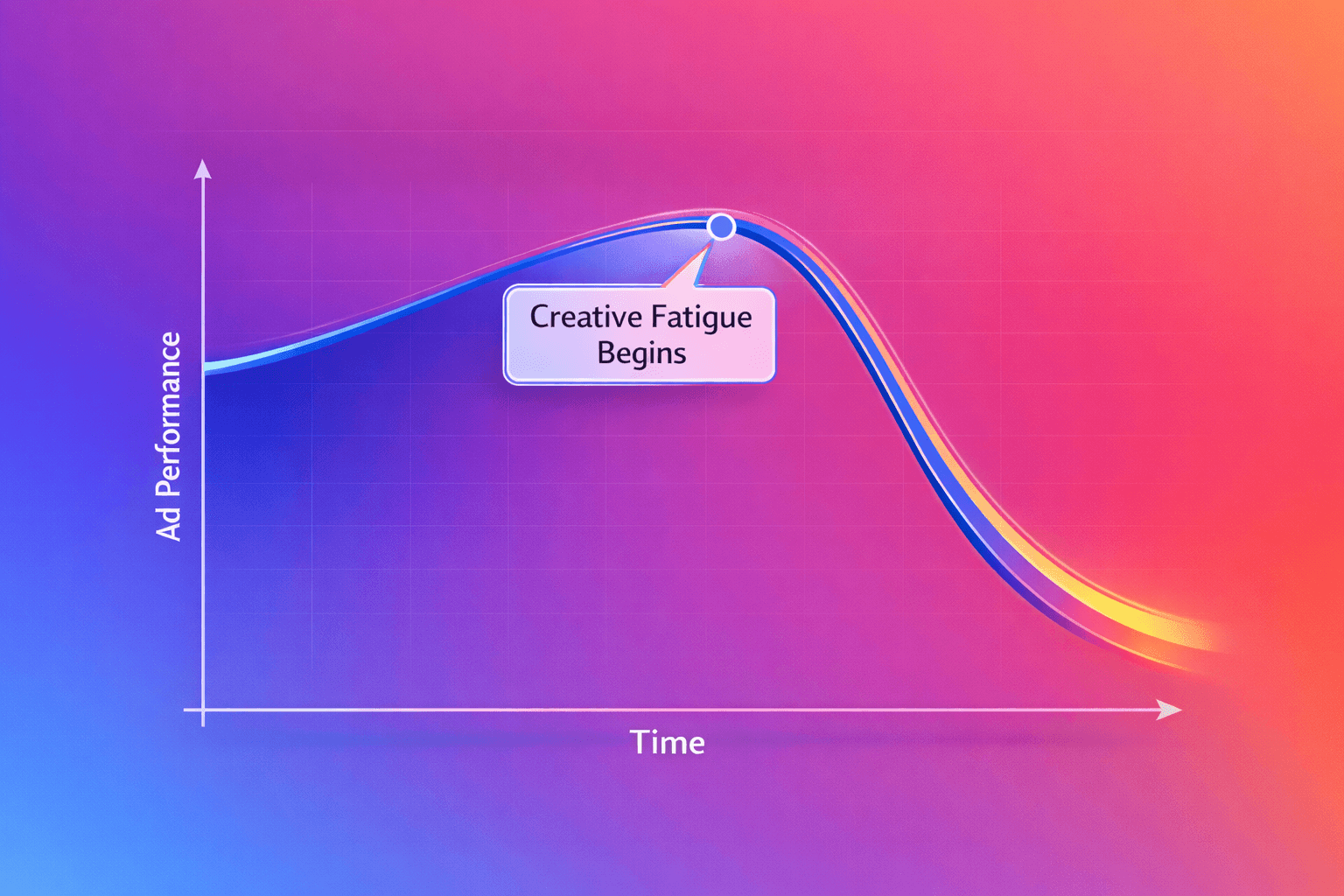
If the enhanced ad set has higher FTIR and lower frequency at similar spend, the enhancements are likely helping. If frequency is climbing while FTIR drops, the AI variations aren't solving creative fatigue.

Common errors with Advantage Plus AI creative to avoid

Enabling every enhancement by default

Meta enables enhancements by default on new campaigns. Accepting defaults without review means you don't know which variations are running. Audit enhancement settings before launch—it takes two minutes and saves you from surprises.

Feeding the AI low-quality source creative

AI enhancements amplify what you give them. If your source creative is weak, variations will also be weak.

Garbage in, garbage out. The AI can't fix a bad concept; it can only remix what you provide.

Ignoring brand safety on text and music generation

Text generation can produce inaccurate claims or off-brand messaging—Kantar found over 60% of consumers worry AI-generated ads could be fake or misleading. Music can clash with your brand tone. Review generated variations in Ads Manager under "Asset Customization" and disable problematic outputs before they accumulate impressions.

Skipping holdouts and trusting platform attribution

Meta's attribution includes all enhanced variations, making it impossible to isolate impact without a holdout test. Trusting platform-reported lift without testing leads to false confidence.

This is a known challenge with Meta Advantage+ AI ads in 2026—you might think enhancements are helping when they're actually neutral or negative. Review Meta Ads Performance Benchmarks by Industry to set realistic expectations.

What is changing with Meta Advantage Plus AI ads in 2026

Meta is moving toward fewer manual controls and more AI-driven optimization—Dentsu projects 78.1% of ad spend will be algorithm-driven by 2027. Automated Ads is being deprecated in favor of Advantage+ campaign types. Meta's official Advantage+ resource outlines the full scope of these changes.

By late this year and into next, advertisers may only need to provide a goal, budget, and product image. Meta will then generate and optimize entire campaigns. The platform handles the rest.

This shift makes creative quality and signal integrity even more important. The inputs you control—creative, Pixel data, landing pages—are your only levers.

Everything else is automated. Explore 7 Meta Ads Creative Strategies That Work in 2026 to strengthen your creative inputs.

Frequently asked questions about Meta Advantage Plus AI creative enhancements

Can you turn off Advantage Plus creative enhancements entirely?

Yes. Disable all enhancements at the ad level in Ads Manager. Navigate to the ad's creative settings and toggle off each enhancement individually or select "No enhancements."

Do Advantage Plus AI creative enhancements work for B2B lead generation campaigns?

They can, but B2B campaigns require more caution. Text generation may produce messaging that doesn't match compliance requirements or professional tone. Music or animation enhancements often feel out of place for business audiences.

Will manual Meta campaigns still exist alongside Advantage Plus?

For now, yes. Manual campaign options remain available, but Meta is clearly deprecating manual features and consolidating toward Advantage+ as the default. Building workflows around Advantage+ now prepares you for reduced manual control later.

Scale Meta ads with Flighted

As Meta automates more of the media buying process, the inputs you control become your only levers for differentiation. These inputs are creative strategy, landing page experience, and signal quality.

Flighted's three interdependent pillars—Paid Media Expertise, Creative Strategy, and Landing Page Design—are built for this environment. They include structured creative testing to feed the AI winning assets, landing pages optimized to convert traffic, and paid media expertise to configure automation correctly.

Book a call to discuss how Flighted can help you scale Meta Ads profitably.

Related Posts

Related Posts

Related Posts

Related Posts

Ready to talk?

Book A Call

We are a Paid Media agency based in New York, NY.
Flighted

New York, NY 11217

hello@flighted.co

© Flighted, 2026

Ready to talk?

Book A Call

We are a Paid Media agency based in New York, NY.

Flighted

New York, NY 11217

hello@flighted.co

© Flighted, 2026