Meta Audience Segments Explained: What They Are and How to Define Them

Meta Ads

June 16, 2026
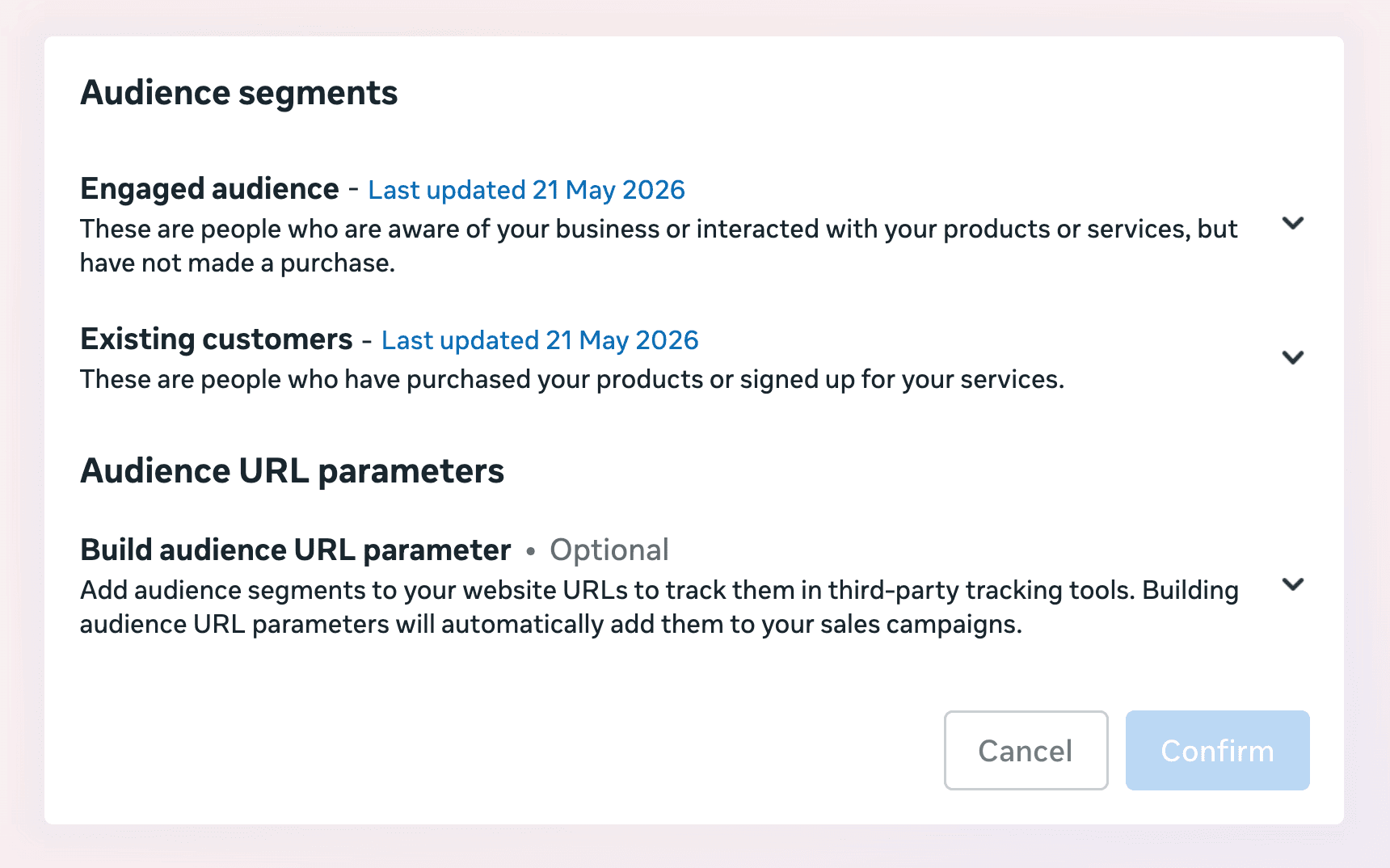
Table Of Contents

No headings found on page

This guide covers Meta's Audience Segments setting—what it is, why it suddenly matters, and how to define yours. For the broader picture, see our Meta Ads Strategy 2026 guide and our deep dive on Meta ads account structure.


Key Takeaways

  • Audience Segments is a setting in Meta Ads Manager that buckets your reach into three groups: New Audiences, Engaged Audiences, and Existing Customers. You define it once in your Advertising Settings, and every advertiser has access to it.

  • It makes visible what Meta has always been doing. The algorithm already serves your ads to a mix of cold, warm, and existing audiences, and it gravitates toward whichever converts cheapest. Existing customers convert at nearly three times the rate of cold audiences at half the CPA, so Meta keeps going back to them. Without segments, that's invisible inside your blended numbers.

  • Once defined, the segments show up as a breakdown in your reporting. You can split any metric—spend, reach, frequency, CPM, CVR, CPA—by audience type. Instead of one blended number, you get three.

  • Two new Ads Manager updates now use these definitions to inform delivery. Value Rules let you bid up or down on each segment, and the Customer Lifecycle strategy lets you optimize a Sales campaign explicitly for new customers. That's the shift: these labels used to be reporting-only, now they steer the auction.

  • Social media engagers can't be added to your Engaged Audience. Meta always classifies people who liked, commented on, or shared your posts as New Audience. This skews your New Audience figures, especially for brands with large organic followings or heavy partnership ad activity.

  • Set it, then watch the split. Define your Engaged and Existing segments with as many signals as possible, add the breakdown to your reporting, and check your spend percentage by segment on a recurring basis.

What Audience Segments Actually Are

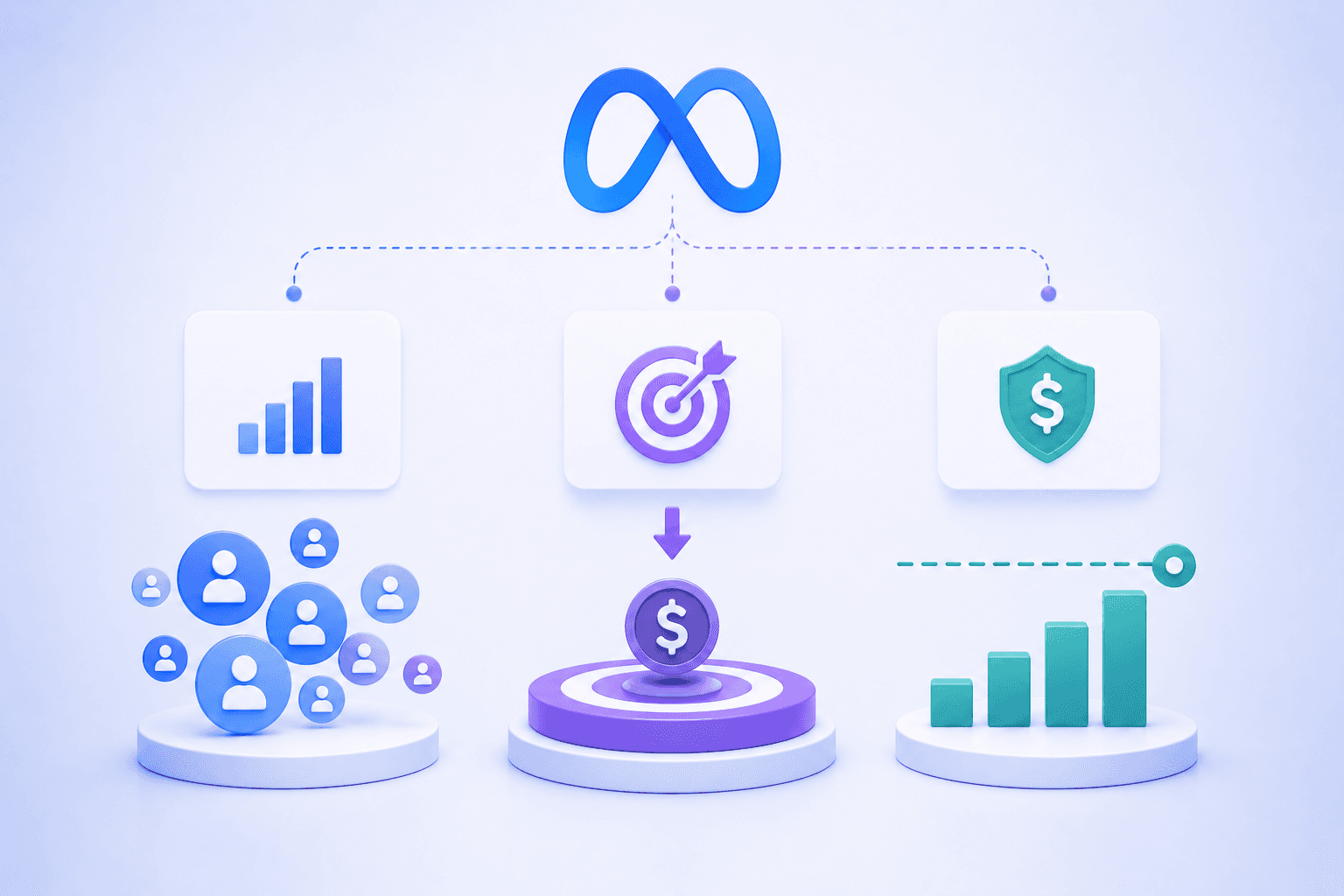
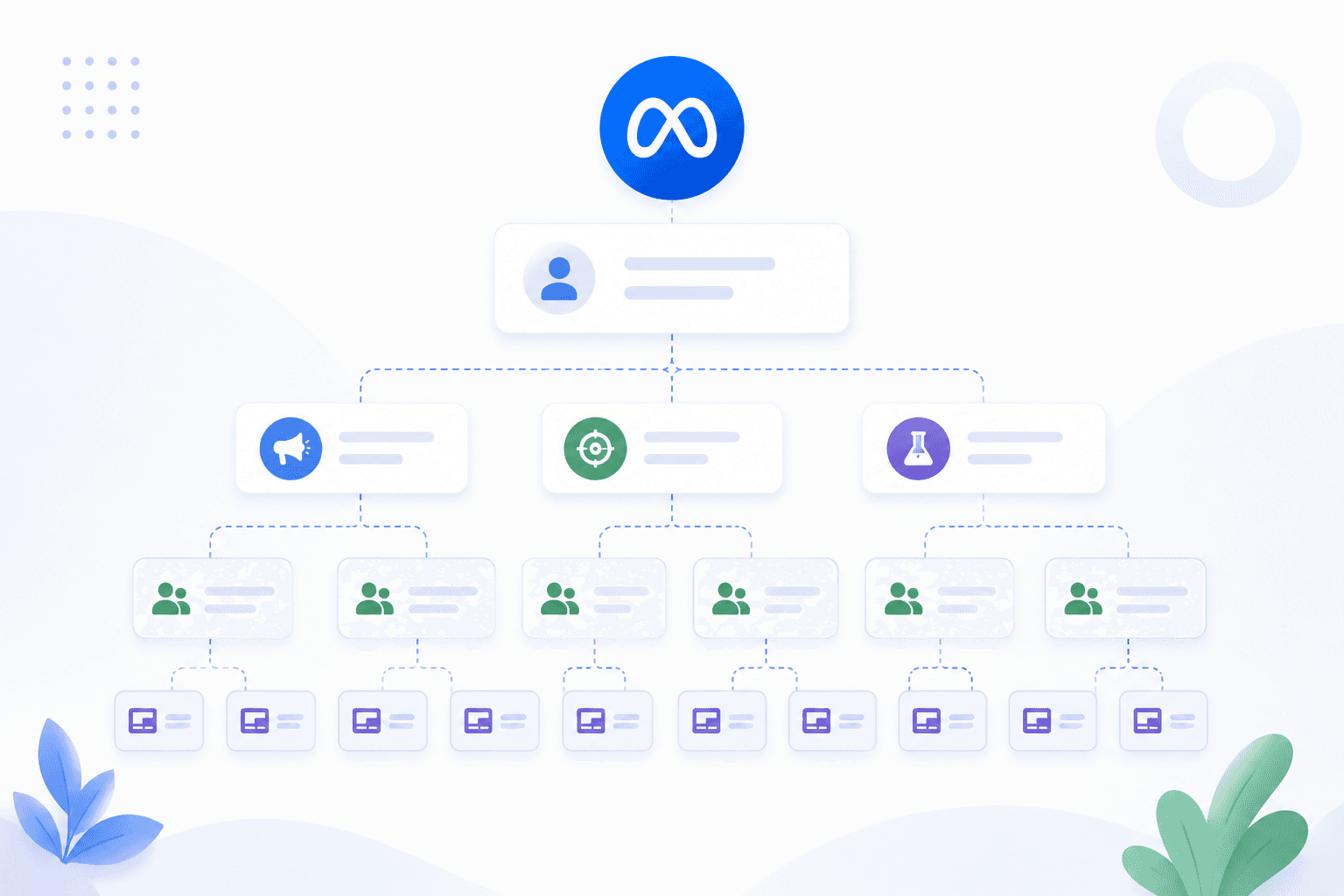
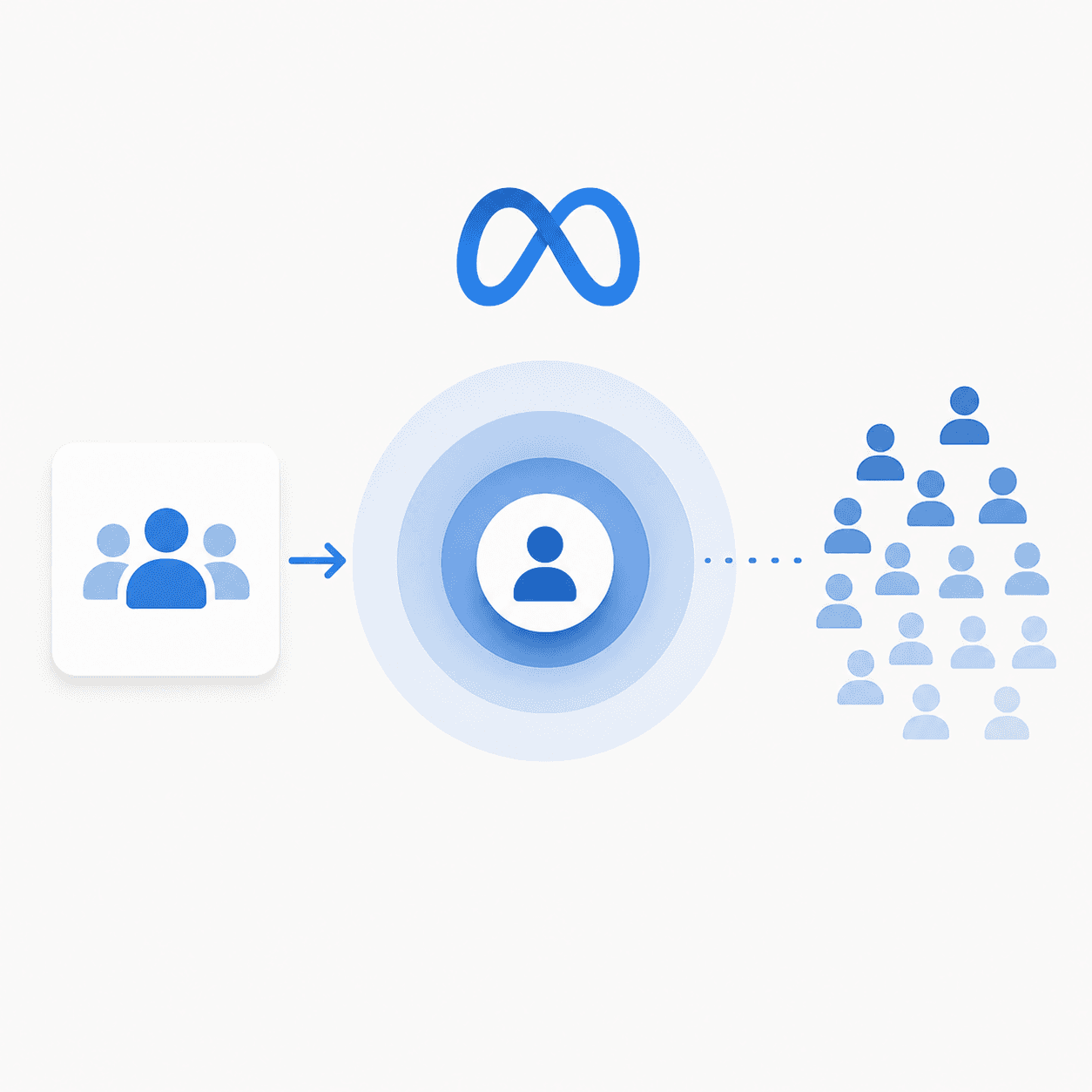
Every Meta advertiser can define their existing and engaged audiences inside Ads Manager under Advertising Settings, in a section called Audience Segments. It's a setting that classifies your reach into three buckets: New Audiences, Engaged Audiences, and Existing Customers.

Once you've defined them, those labels become a breakdown option in your reporting. You can split any metric you care about—spend, reach, frequency, CPM, CVR, CPA—by audience type. Instead of looking at one blended number and guessing, you get three numbers that tell you exactly who your budget reached and how each group performed.

What Meta Is Already Doing Behind the Scenes

Here's the part most advertisers miss. Meta is already serving your ads to a mix of new, warm, and existing audiences. It always has. This isn't a bug, it's a feature.

Audience Type

Conversion Rate

Relative CPA

Existing Customers

~3x Higher

~50% Lower

Cold Audiences

Baseline

Baseline

Without segments, that behavior is invisible. It's baked into your blended metrics, and you have no way to see how much of your "prospecting" budget is quietly being spent re-converting people who already know you. Turn segments on, and you can see exactly how much of your budget is going where—and decide whether that split is something you'd actually choose.

Why This Suddenly Matters More

Historically, Audience Segments didn't change what Meta does. They only made what Meta was already doing visible. Useful for diagnosis, but not something that touched delivery.

That's changing. A recent run of updates to the Ads Manager UI suggests these audience definitions are becoming increasingly important in informing how your ads actually get delivered. Two updates in particular now rely directly on your Audience Definitions:

  1. Value Rules. You can now increase or decrease your bids on these audience definitions—New, Engaged, or Existing customers. If you want to bid down on people who already converted, or push harder on net-new, the segments are the lever.

  2. Customer Lifecycle strategy for New Customer Acquisition. When you build a Sales campaign, you can now explicitly optimize for new customers. Think of it as incremental attribution, but at the campaign level instead of the adset level.

Both of these are useless if your segments aren't defined. Which means setting up Audience Segments is becoming more important than it's ever been.

How to Set Up Your Audience Segments

Go to Advertising Settings in the All Tools menu in Meta Ads Manager and find the Audience Segments section. There are two segments you need to define.

Segment

Included Signals / Audiences

Engaged Audience

Website visitors, email subscribers, app activity, lead form submissions (Non-purchasers).

Existing Customers

Customer lists (past purchasers), Purchase-event website audiences, transaction-based signals.

For more on building the underlying audiences these definitions pull from, see our Meta lookalike audiences guide.

The social engager catch

One thing worth knowing before you interpret your numbers: social media engagers—people who liked, commented on, or shared your posts on Facebook or Instagram—cannot be added to your Engaged Audience in Advertising Settings. Meta always classifies them as New Audience.

You can exclude them from specific ad sets, but they will never show up in your Engaged Audience segment breakdown. This matters because it inflates your New Audience figures. If you have a large organic following or run a lot of high-engagement partnership ad activity, a meaningful chunk of what looks like "new" reach is actually people who already engage with you constantly. Read your New Audience numbers with that caveat in mind.

Add the breakdown and watch it

Once your segments are defined, add the Audience Segments breakdown in Ads Manager under the Breakdowns menu. Then set a recurring check on your spend percentage by segment.

What you're watching for is simple: your prospecting (New Audience) percentage holding steady as you scale, with your Engaged and Existing percentages staying controlled. If your existing-customer spend is quietly creeping up while you think you're scaling new acquisition, the segments are the only place you'll catch it. This pairs naturally with the rest of your measurement stack—see blended ROAS vs platform ROAS and the most important Meta ads metrics to track for how this fits the bigger picture.

This guide covers Meta's Audience Segments setting—what it is, why it suddenly matters, and how to define yours. For the broader picture, see our Meta Ads Strategy 2026 guide and our deep dive on Meta ads account structure.


Key Takeaways

  • Audience Segments is a setting in Meta Ads Manager that buckets your reach into three groups: New Audiences, Engaged Audiences, and Existing Customers. You define it once in your Advertising Settings, and every advertiser has access to it.

  • It makes visible what Meta has always been doing. The algorithm already serves your ads to a mix of cold, warm, and existing audiences, and it gravitates toward whichever converts cheapest. Existing customers convert at nearly three times the rate of cold audiences at half the CPA, so Meta keeps going back to them. Without segments, that's invisible inside your blended numbers.

  • Once defined, the segments show up as a breakdown in your reporting. You can split any metric—spend, reach, frequency, CPM, CVR, CPA—by audience type. Instead of one blended number, you get three.

  • Two new Ads Manager updates now use these definitions to inform delivery. Value Rules let you bid up or down on each segment, and the Customer Lifecycle strategy lets you optimize a Sales campaign explicitly for new customers. That's the shift: these labels used to be reporting-only, now they steer the auction.

  • Social media engagers can't be added to your Engaged Audience. Meta always classifies people who liked, commented on, or shared your posts as New Audience. This skews your New Audience figures, especially for brands with large organic followings or heavy partnership ad activity.

  • Set it, then watch the split. Define your Engaged and Existing segments with as many signals as possible, add the breakdown to your reporting, and check your spend percentage by segment on a recurring basis.

What Audience Segments Actually Are

Every Meta advertiser can define their existing and engaged audiences inside Ads Manager under Advertising Settings, in a section called Audience Segments. It's a setting that classifies your reach into three buckets: New Audiences, Engaged Audiences, and Existing Customers.

Once you've defined them, those labels become a breakdown option in your reporting. You can split any metric you care about—spend, reach, frequency, CPM, CVR, CPA—by audience type. Instead of looking at one blended number and guessing, you get three numbers that tell you exactly who your budget reached and how each group performed.

What Meta Is Already Doing Behind the Scenes

Here's the part most advertisers miss. Meta is already serving your ads to a mix of new, warm, and existing audiences. It always has. This isn't a bug, it's a feature.

Audience Type

Conversion Rate

Relative CPA

Existing Customers

~3x Higher

~50% Lower

Cold Audiences

Baseline

Baseline

Without segments, that behavior is invisible. It's baked into your blended metrics, and you have no way to see how much of your "prospecting" budget is quietly being spent re-converting people who already know you. Turn segments on, and you can see exactly how much of your budget is going where—and decide whether that split is something you'd actually choose.

Why This Suddenly Matters More

Historically, Audience Segments didn't change what Meta does. They only made what Meta was already doing visible. Useful for diagnosis, but not something that touched delivery.

That's changing. A recent run of updates to the Ads Manager UI suggests these audience definitions are becoming increasingly important in informing how your ads actually get delivered. Two updates in particular now rely directly on your Audience Definitions:

  1. Value Rules. You can now increase or decrease your bids on these audience definitions—New, Engaged, or Existing customers. If you want to bid down on people who already converted, or push harder on net-new, the segments are the lever.

  2. Customer Lifecycle strategy for New Customer Acquisition. When you build a Sales campaign, you can now explicitly optimize for new customers. Think of it as incremental attribution, but at the campaign level instead of the adset level.

Both of these are useless if your segments aren't defined. Which means setting up Audience Segments is becoming more important than it's ever been.

How to Set Up Your Audience Segments

Go to Advertising Settings in the All Tools menu in Meta Ads Manager and find the Audience Segments section. There are two segments you need to define.

Segment

Included Signals / Audiences

Engaged Audience

Website visitors, email subscribers, app activity, lead form submissions (Non-purchasers).

Existing Customers

Customer lists (past purchasers), Purchase-event website audiences, transaction-based signals.

For more on building the underlying audiences these definitions pull from, see our Meta lookalike audiences guide.

The social engager catch

One thing worth knowing before you interpret your numbers: social media engagers—people who liked, commented on, or shared your posts on Facebook or Instagram—cannot be added to your Engaged Audience in Advertising Settings. Meta always classifies them as New Audience.

You can exclude them from specific ad sets, but they will never show up in your Engaged Audience segment breakdown. This matters because it inflates your New Audience figures. If you have a large organic following or run a lot of high-engagement partnership ad activity, a meaningful chunk of what looks like "new" reach is actually people who already engage with you constantly. Read your New Audience numbers with that caveat in mind.

Add the breakdown and watch it

Once your segments are defined, add the Audience Segments breakdown in Ads Manager under the Breakdowns menu. Then set a recurring check on your spend percentage by segment.

What you're watching for is simple: your prospecting (New Audience) percentage holding steady as you scale, with your Engaged and Existing percentages staying controlled. If your existing-customer spend is quietly creeping up while you think you're scaling new acquisition, the segments are the only place you'll catch it. This pairs naturally with the rest of your measurement stack—see blended ROAS vs platform ROAS and the most important Meta ads metrics to track for how this fits the bigger picture.

Looking for Meta ads support?

We're a small, hardworking, US-based team. Book a call and get a free audit today.

How Segments Fit Your Broader Strategy

Audience Segments aren't a standalone tactic—they're a measurement and control layer on top of everything else you're doing. They tell you whether your account structure is genuinely acquiring new customers or just harvesting demand you already created.

If your Existing Customer segment is eating more spend than you'd like, that's usually a retargeting question, not a segments question. Our guides on the best Facebook ads retargeting strategy and ecommerce retargeting ads cover how to keep that spend deliberate. And if you're trying to grow net-new while holding efficiency, pair your segment monitoring with the principles in how to scale Meta ads without decreasing ROAS.

The point of all of this is the same point we make everywhere: feed the platform the right signals, then read what it gives you back honestly. Audience Segments are one of the cleanest reads you can get.

FAQs About Meta Audience Segments

What are Meta Audience Segments?

Audience Segments is a setting in Meta Ads Manager, found under Advertising Settings, that classifies your reach into three buckets: New Audiences, Engaged Audiences, and Existing Customers. Once defined, you can break down any reporting metric—spend, reach, frequency, CPM, CVR, CPA—by segment instead of looking at a single blended number.

Where do I find Audience Segments in Ads Manager?

Go to the All Tools menu in Meta Ads Manager, open Advertising Settings, and find the Audience Segments section. From there you define your Engaged Audience and your Existing Customers using your custom audiences.

How do I define my Engaged Audience versus Existing Customers?

Define your Engaged Audience with every custom audience reflecting people who interacted with your brand but didn't buy—website visitors, email subscribers, app activity, lead form submissions. Define your Existing Customers with purchase-based audiences—a customer list, a Purchase-event website custom audience, or any audience of people who completed a transaction.

Why aren't my social media engagers showing up in my Engaged Audience?

Because Meta always classifies people who liked, commented on, or shared your Facebook or Instagram posts as New Audience. They can't be added to your Engaged Audience in Advertising Settings. You can exclude them from specific ad sets, but they'll never appear in your Engaged Audience breakdown—which is why your New Audience figures can look inflated, especially with a large organic following.

Do Audience Segments change how Meta delivers my ads?

Historically, no—they only made Meta's existing behavior visible. That's changing. Two new updates now use your definitions to inform delivery: Value Rules, which let you bid up or down on New, Engaged, or Existing customers, and the Customer Lifecycle strategy, which lets you optimize a Sales campaign explicitly for new customer acquisition.

What should I watch for in the segment breakdown?

Track your spend percentage by segment on a recurring basis. You want your prospecting (New Audience) percentage holding steady as you scale, with your Engaged and Existing percentages staying controlled. If existing-customer spend creeps up while you think you're scaling acquisition, the segment breakdown is the only place you'll see it.

Related Posts

Related Posts

Related Posts

Related Posts

Ready to talk?

Book A Call

We are a Paid Media agency based in New York, NY.
Flighted

New York, NY 11217

hello@flighted.co

© Flighted, 2026

Ready to talk?

Book A Call

We are a Paid Media agency based in New York, NY.

Flighted

New York, NY 11217

hello@flighted.co

© Flighted, 2026