Meta Pixel Implementation For B2B SaaS: A Complete Guide

Meta Ads

May 7, 2026
Table Of Contents

No headings found on page

Most B2B brands running Meta ads have a conversion tracking problem they don't know they have. Their pixel fires on every demo booking, their dashboards show lots of leads coming in, and their cost-per-lead looks reasonable. Then sales runs the numbers a quarter later and realizes 80% of those "leads" never made it past the first call.

Your SaaS business doesn't have an audience quality problem on Meta, and it's likely not an issue with your creative or your audience targeting. It's that Meta is being told to optimize for the wrong thing.

This guide walks through how to set up reliable conversion tracking for a B2B funnel - the kind that lets Meta optimize toward high-intent outcomes instead of just chasing volume.

Key Takeaways

  • Optimize for Quality: B2B Meta ads often fail because they optimize for lead volume rather than lead quality; you must signal which leads actually convert to sales.

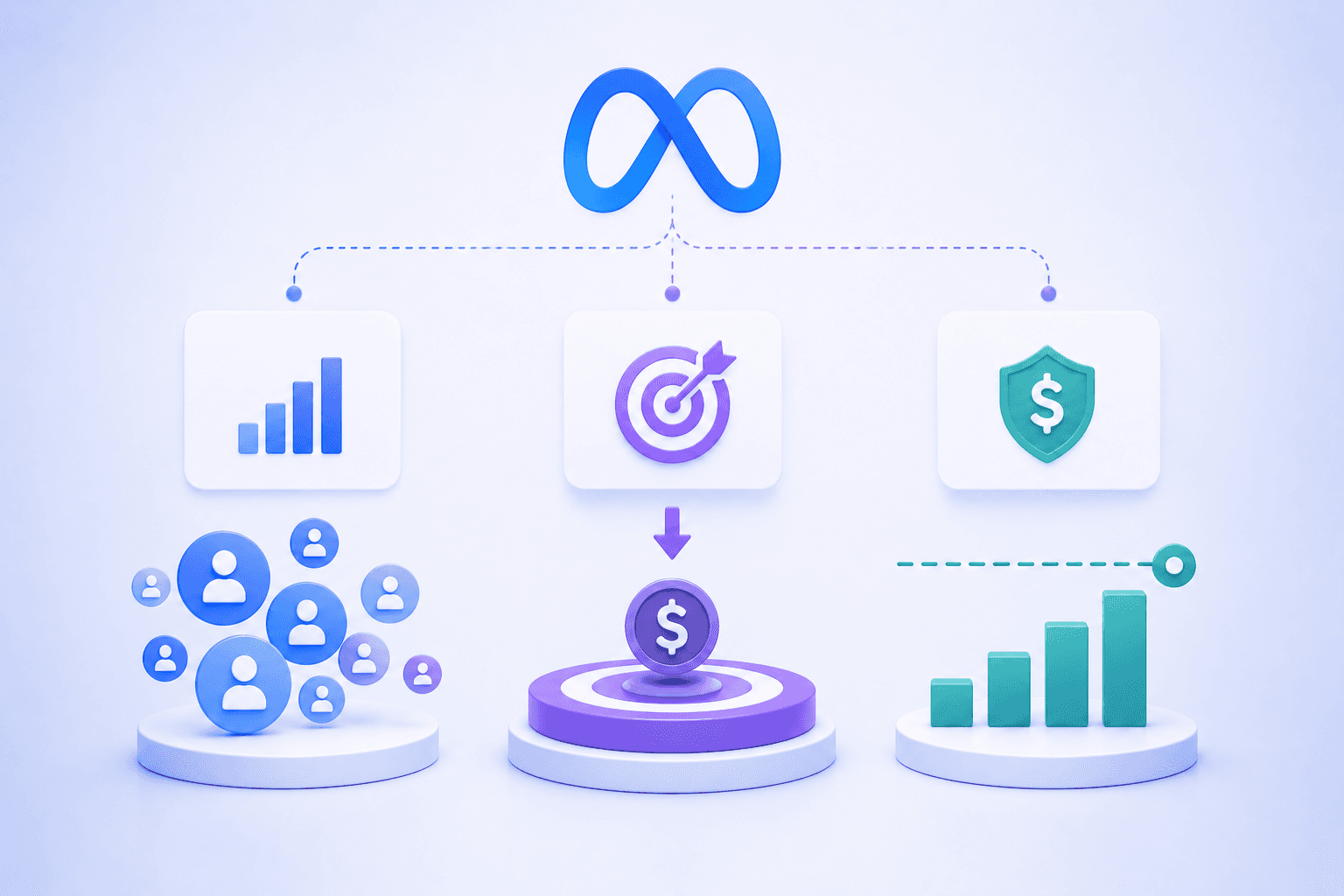
  • The Two-Event System: Track a "Lead" event for all signups and a "Qualified Lead" event (mapped to a Meta Standard Event) for high-intent prospects.

  • Standard Events are Mandatory: Use Meta's built-in event names (like CompleteRegistration or Subscribe) instead of custom names to help the algorithm understand intent hierarchy.

  • Choose the Right Signal Path: Use Form-Field qualification for immediate browser-side signals or CRM/CAPI integration for down-funnel qualification.

Why B2B Conversion Tracking Is Different From Ecommerce

In a Shopify store, the funnel is simple. Someone clicks an ad, they buy a product, the pixel fires a Purchase event, and Meta gets a clean signal that an actual transaction occurred. Conversion volume and conversion quality are basically the same thing.

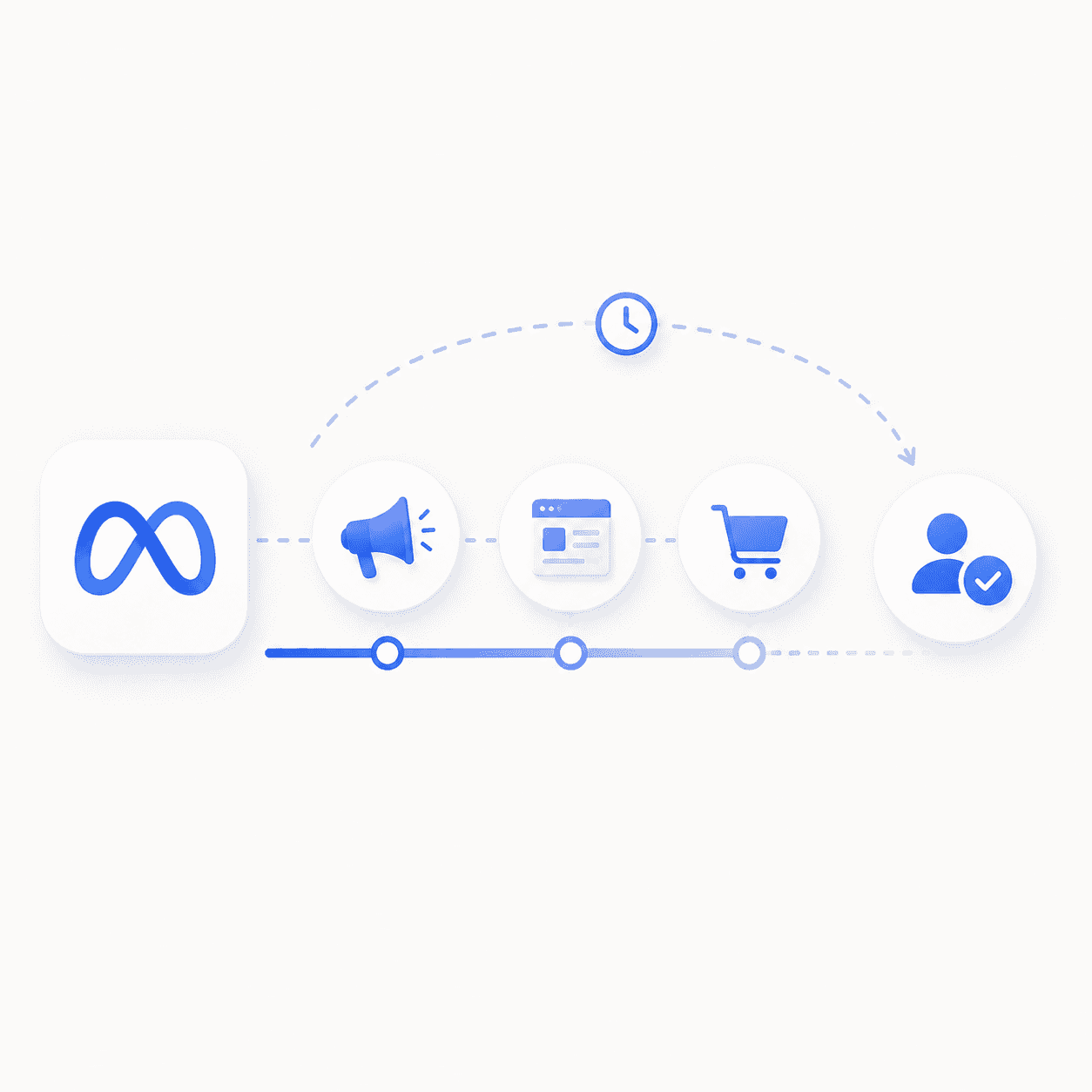
B2B doesn't work that way. The "purchase" event in B2B usually happens days or weeks later - 84 days at the median for B2B SaaS - in a CRM, after a sales process, far away from anything Meta can see. So most B2B advertisers default to optimizing toward whatever event they CAN fire on-site: a demo booking, a free trial signup, a form submission.

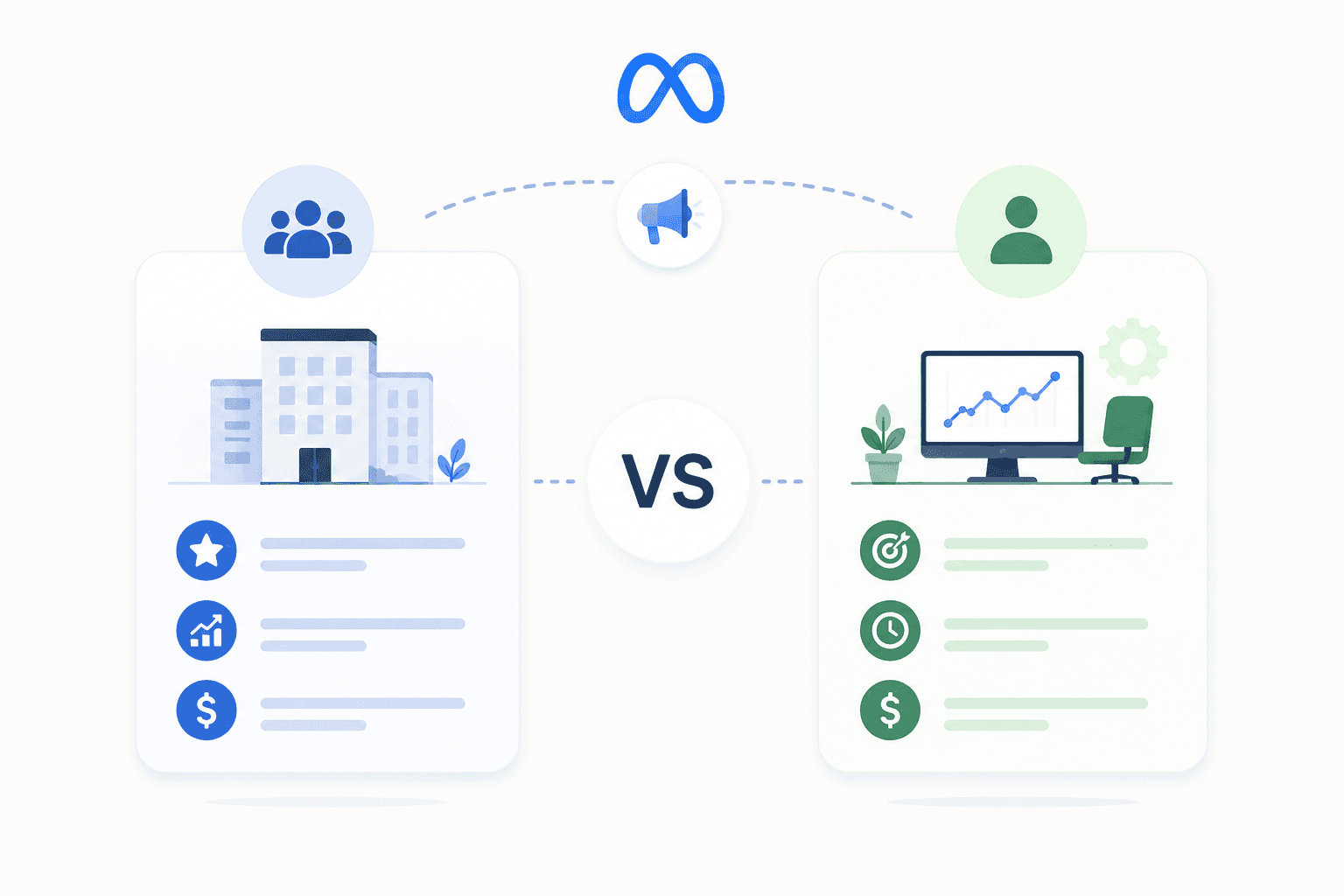
The issue is that those events don't tell Meta anything about lead quality. A booked demo from a Fortune 500 buyer and a booked demo from a 2-person side project look identical to the algorithm. Optimize toward that signal alone and Meta will gleefully bring you more of the latter, because they convert at a higher rate (low-quality leads are easier to acquire).

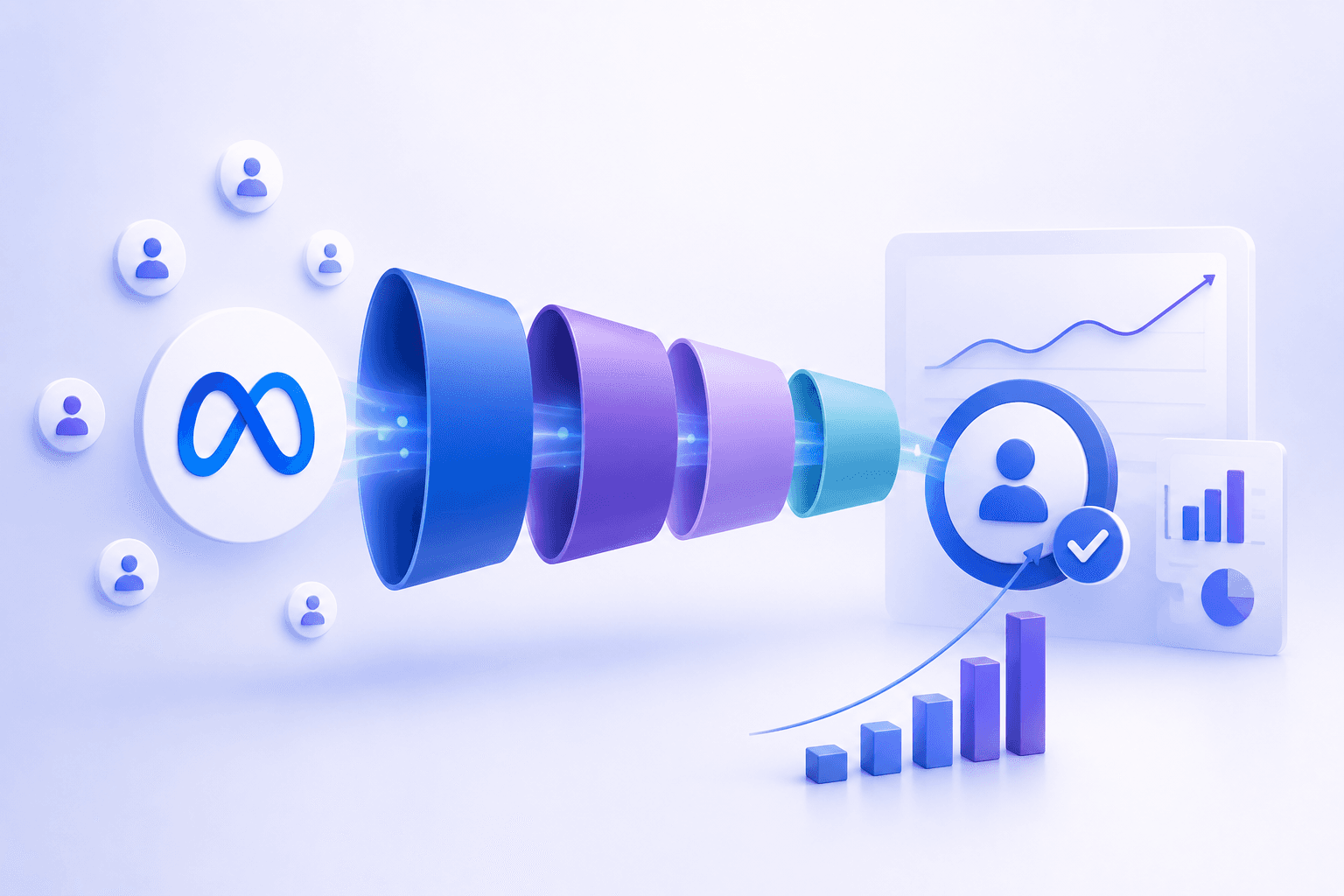
The fix is sending Meta two distinct conversion signals: one for the initial action, and one for whether that action came from a qualified prospect.

The Two-Event Setup Every B2B Account Needs

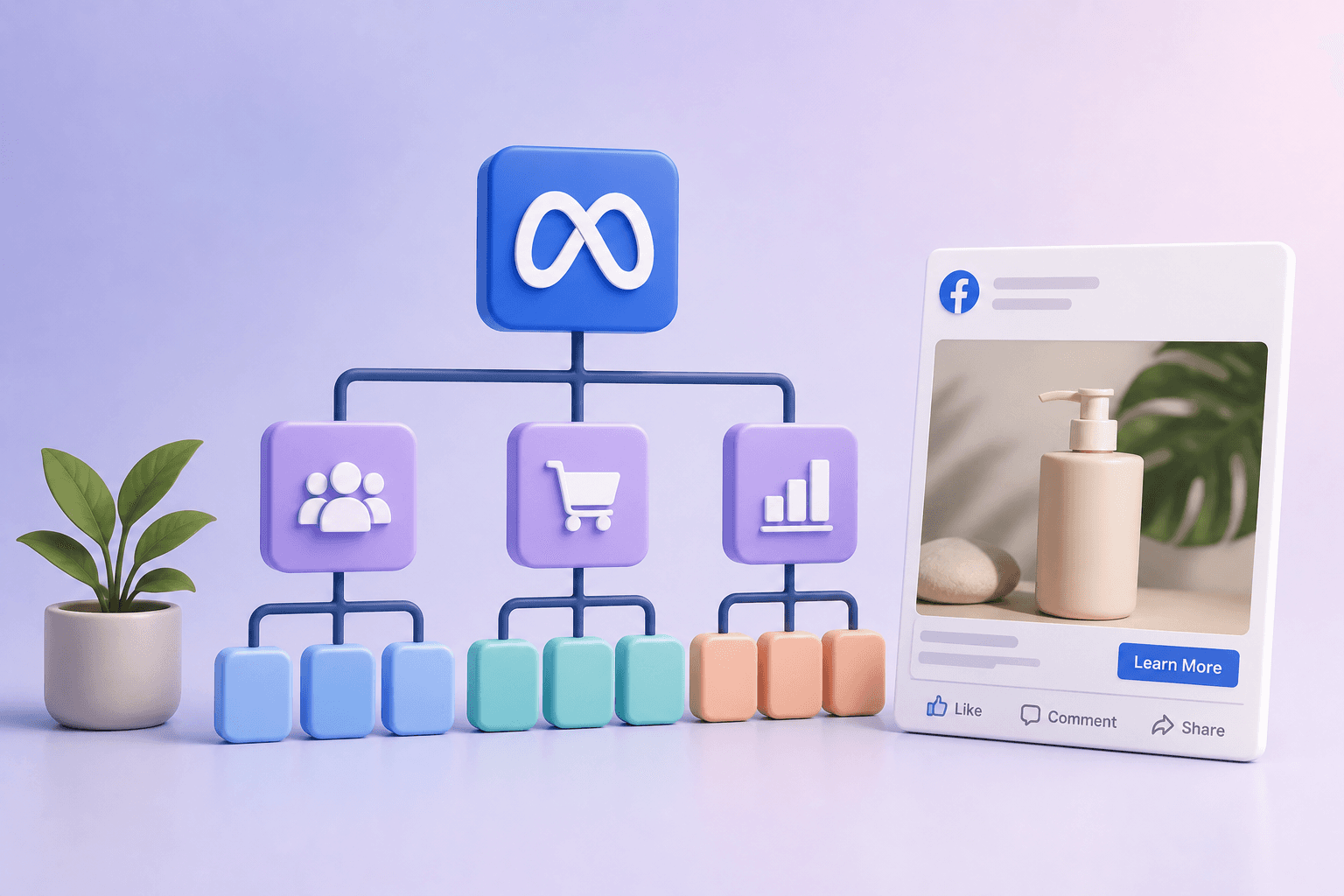
At a minimum, every B2B Meta ads account should be tracking two events:

1. Lead Event (Top Conversion Event)

This fires when someone takes the primary initial action — a booked demo with a sales rep, or an initiated free trial. This event should fire for every lead, regardless of quality. It's the volume signal.

2. Qualified Lead Event (Down-Funnel Event)

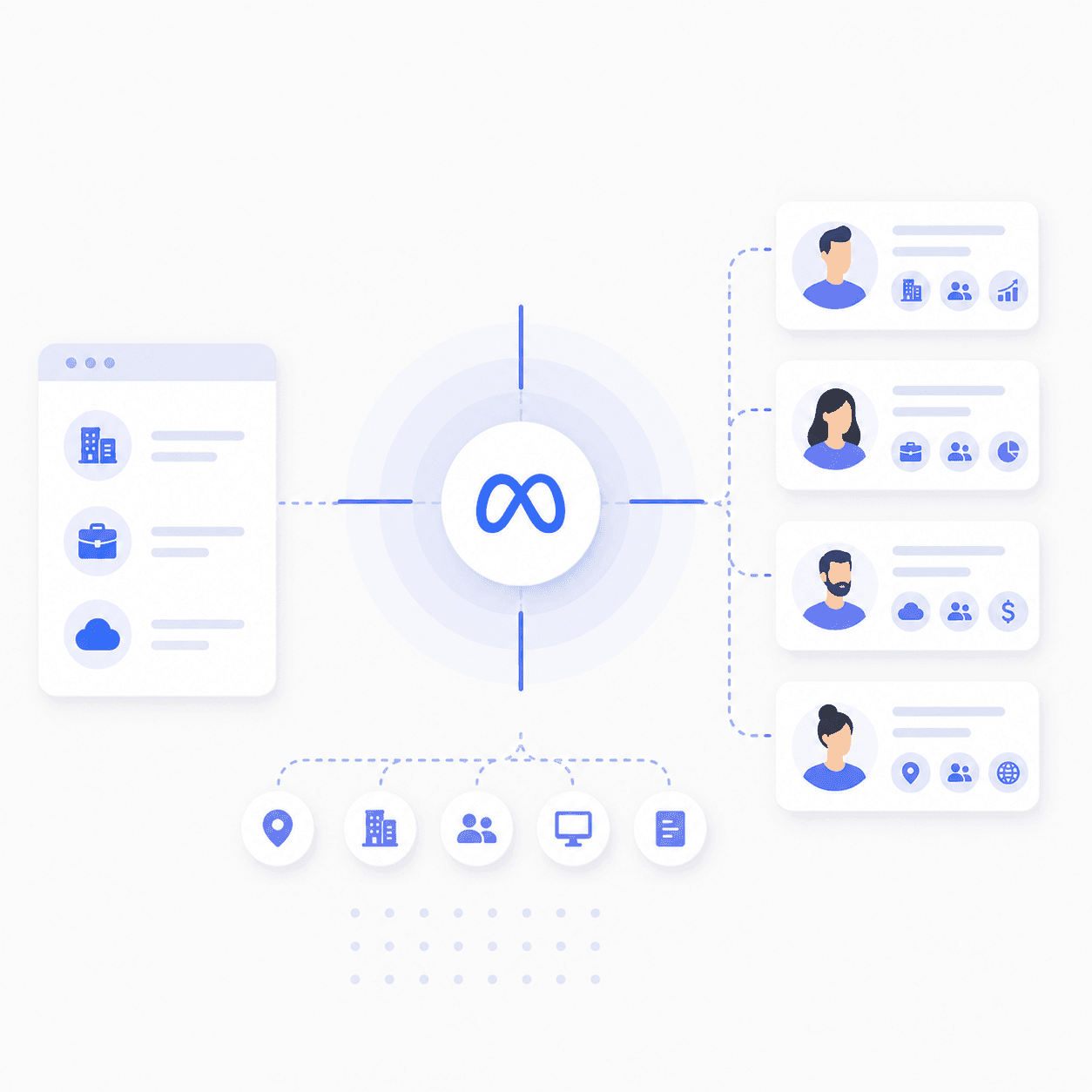
This fires only when the lead meets the client's qualification criteria. The exact definition varies by business, but typical examples include:

  • A form field indicating revenue above a certain threshold

  • An employee count check above a minimum size

  • A CRM stage change to "MQL," "SQL," or "Qualified"

  • A rep manually marking a lead as a fit

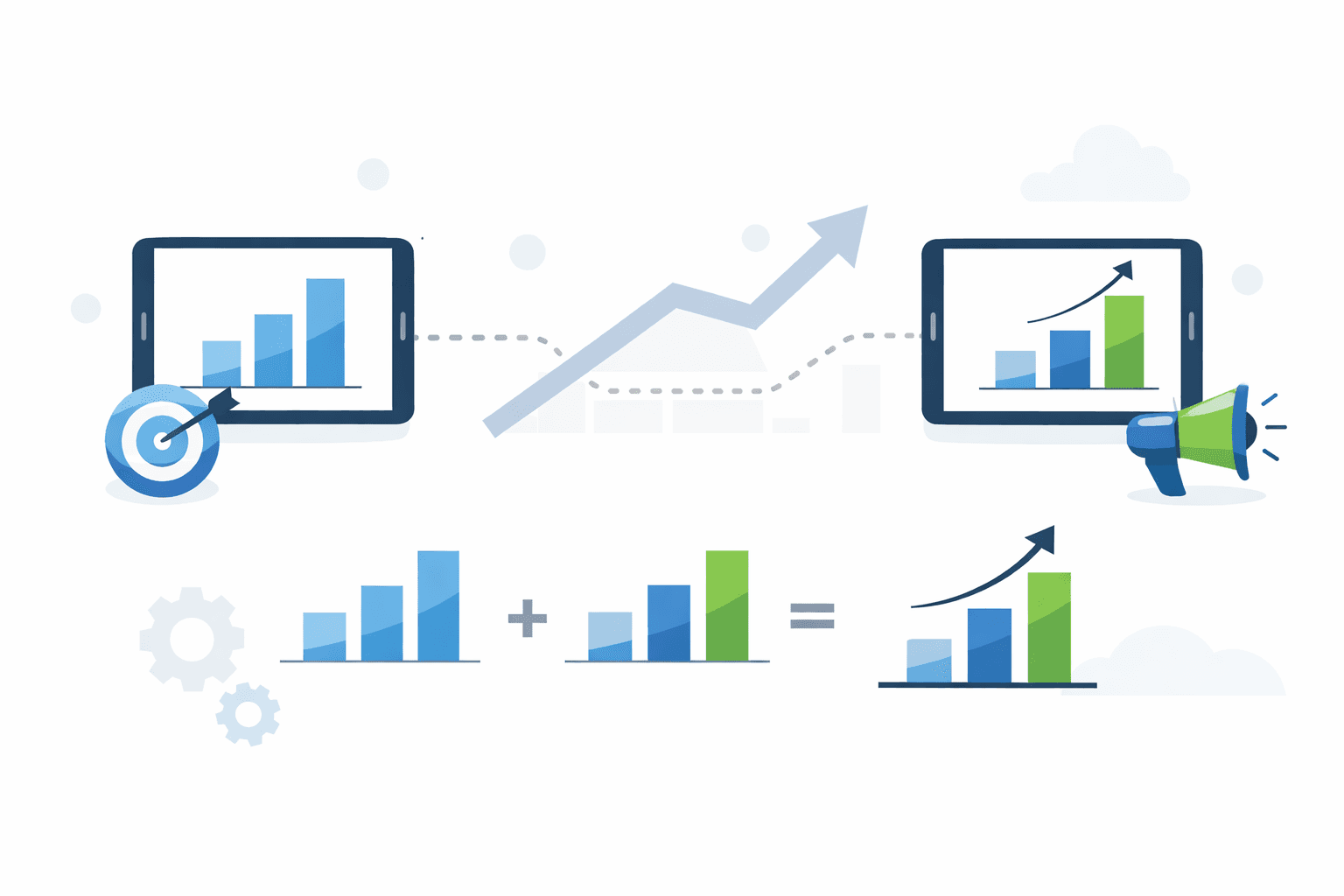
Meta performs significantly better when it receives both signals. With only the top-of-funnel event, the algorithm learns "what types of people convert." With both signals, it learns "what types of people convert AND are actually a good fit." Qualified leads convert at nearly 4x the rate of unqualified ones, and the second one is what actually grows your business.

You can technically also send a third event for actual closed deals (a Purchase proxy), but conversion volume at that stage for many SaaS businesses is usually too low to optimize toward in any meaningful way. Track it, don't optimize against it.

Use Meta Standard Events — Don't Invent Names

This is the part most B2B teams get wrong, and it quietly tanks performance for months before anyone catches it.

When you set up your conversions, you need to map them to standard Meta events. Don't make up custom event names like BookedFreeTrial or typeform_submit. Those names don't carry any built-in meaning to Meta's algorithm.

Standard events do. Meta knows that a Lead event is higher in the funnel than a Subscribe event. It knows a Start Trial is lower-intent than a CompleteRegistration. That hierarchy is baked into the platform, and the algorithm uses it to make smarter optimization decisions across your account.

Skip the standard events and you're essentially handing Meta a string of meaningless event names and asking it to figure out which ones matter. It can't, because standard events carry global data that custom events lack.

A reasonable mapping for most B2B accounts:

  • Lead EventLead

  • Qualified Lead EventCompleteRegistration, Subscribe, or Purchase (some clients use Purchase as the highest-intent proxy even when no actual transaction occurs)

The specific name you pick for the qualified event matters less than two things: that you're sending the right intent signal, and that your firing rules are consistent.

Defining "Qualified" — This Is a Business Question, Not a Marketing One

Before you touch any code, you need to nail down what "qualified" actually means for the business. This should come from the client (or the sales team if you're in-house), not from a generic marketing playbook.

Some real examples from clients we've worked with:

  • A retargeting tool defined qualified as "websites with more than 50,000 monthly visitors"

  • A multi-location restaurant SaaS defined qualified as "restaurant owner with multiple locations"

  • A med spa software product defined qualified as "practice has 2+ employees"

  • An agency we work with internally defined qualified as "annual revenue ≥ $500K/year"

Notice the pattern: each definition is binary, business-specific, and pulled from a question the prospect actually answers somewhere in the initial lead form. "Qualified" is whatever your sales team would call a real opportunity. Don't let it become abstract.

Most B2B brands running Meta ads have a conversion tracking problem they don't know they have. Their pixel fires on every demo booking, their dashboards show lots of leads coming in, and their cost-per-lead looks reasonable. Then sales runs the numbers a quarter later and realizes 80% of those "leads" never made it past the first call.

Your SaaS business doesn't have an audience quality problem on Meta, and it's likely not an issue with your creative or your audience targeting. It's that Meta is being told to optimize for the wrong thing.

This guide walks through how to set up reliable conversion tracking for a B2B funnel - the kind that lets Meta optimize toward high-intent outcomes instead of just chasing volume.

Key Takeaways

  • Optimize for Quality: B2B Meta ads often fail because they optimize for lead volume rather than lead quality; you must signal which leads actually convert to sales.

  • The Two-Event System: Track a "Lead" event for all signups and a "Qualified Lead" event (mapped to a Meta Standard Event) for high-intent prospects.

  • Standard Events are Mandatory: Use Meta's built-in event names (like CompleteRegistration or Subscribe) instead of custom names to help the algorithm understand intent hierarchy.

  • Choose the Right Signal Path: Use Form-Field qualification for immediate browser-side signals or CRM/CAPI integration for down-funnel qualification.

Why B2B Conversion Tracking Is Different From Ecommerce

In a Shopify store, the funnel is simple. Someone clicks an ad, they buy a product, the pixel fires a Purchase event, and Meta gets a clean signal that an actual transaction occurred. Conversion volume and conversion quality are basically the same thing.

B2B doesn't work that way. The "purchase" event in B2B usually happens days or weeks later - 84 days at the median for B2B SaaS - in a CRM, after a sales process, far away from anything Meta can see. So most B2B advertisers default to optimizing toward whatever event they CAN fire on-site: a demo booking, a free trial signup, a form submission.

The issue is that those events don't tell Meta anything about lead quality. A booked demo from a Fortune 500 buyer and a booked demo from a 2-person side project look identical to the algorithm. Optimize toward that signal alone and Meta will gleefully bring you more of the latter, because they convert at a higher rate (low-quality leads are easier to acquire).

The fix is sending Meta two distinct conversion signals: one for the initial action, and one for whether that action came from a qualified prospect.

The Two-Event Setup Every B2B Account Needs

At a minimum, every B2B Meta ads account should be tracking two events:

1. Lead Event (Top Conversion Event)

This fires when someone takes the primary initial action — a booked demo with a sales rep, or an initiated free trial. This event should fire for every lead, regardless of quality. It's the volume signal.

2. Qualified Lead Event (Down-Funnel Event)

This fires only when the lead meets the client's qualification criteria. The exact definition varies by business, but typical examples include:

  • A form field indicating revenue above a certain threshold

  • An employee count check above a minimum size

  • A CRM stage change to "MQL," "SQL," or "Qualified"

  • A rep manually marking a lead as a fit

Meta performs significantly better when it receives both signals. With only the top-of-funnel event, the algorithm learns "what types of people convert." With both signals, it learns "what types of people convert AND are actually a good fit." Qualified leads convert at nearly 4x the rate of unqualified ones, and the second one is what actually grows your business.

You can technically also send a third event for actual closed deals (a Purchase proxy), but conversion volume at that stage for many SaaS businesses is usually too low to optimize toward in any meaningful way. Track it, don't optimize against it.

Use Meta Standard Events — Don't Invent Names

This is the part most B2B teams get wrong, and it quietly tanks performance for months before anyone catches it.

When you set up your conversions, you need to map them to standard Meta events. Don't make up custom event names like BookedFreeTrial or typeform_submit. Those names don't carry any built-in meaning to Meta's algorithm.

Standard events do. Meta knows that a Lead event is higher in the funnel than a Subscribe event. It knows a Start Trial is lower-intent than a CompleteRegistration. That hierarchy is baked into the platform, and the algorithm uses it to make smarter optimization decisions across your account.

Skip the standard events and you're essentially handing Meta a string of meaningless event names and asking it to figure out which ones matter. It can't, because standard events carry global data that custom events lack.

A reasonable mapping for most B2B accounts:

  • Lead EventLead

  • Qualified Lead EventCompleteRegistration, Subscribe, or Purchase (some clients use Purchase as the highest-intent proxy even when no actual transaction occurs)

The specific name you pick for the qualified event matters less than two things: that you're sending the right intent signal, and that your firing rules are consistent.

Defining "Qualified" — This Is a Business Question, Not a Marketing One

Before you touch any code, you need to nail down what "qualified" actually means for the business. This should come from the client (or the sales team if you're in-house), not from a generic marketing playbook.

Some real examples from clients we've worked with:

  • A retargeting tool defined qualified as "websites with more than 50,000 monthly visitors"

  • A multi-location restaurant SaaS defined qualified as "restaurant owner with multiple locations"

  • A med spa software product defined qualified as "practice has 2+ employees"

  • An agency we work with internally defined qualified as "annual revenue ≥ $500K/year"

Notice the pattern: each definition is binary, business-specific, and pulled from a question the prospect actually answers somewhere in the initial lead form. "Qualified" is whatever your sales team would call a real opportunity. Don't let it become abstract.

Looking for Meta ads support?

We're a small, hardworking US-based team. Book a call and get a free audit today.

The Two Ways to Send a Qualified Signal Back to Meta

Once you have a definition, you need to decide how the signal actually gets to Meta. There are only two real options, and the right choice depends on when and where qualification gets determined.

Option A: Form-Field Qualification (Pixel / Browser Event)

Use this when qualification can be determined immediately during the web session.

The setup is straightforward. You ask qualifying questions on the demo or trial form — annual revenue, employee count, monthly sessions, number of locations, whatever your qualification criteria depend on. Then you use Google Tag Manager (GTM) to fire a separate conversion event ONLY when the qualifying answer is selected.

For example: if "Employee count = 2+" is selected, fire the CompleteRegistration event. If "Employee count = 1" is selected, fire only the Lead event and skip the qualified event entirely.

This is a pixel-level event, since it happens in-session. It almost always needs a developer to implement properly in GTM, because the conditional logic on form fields gets fiddly fast.

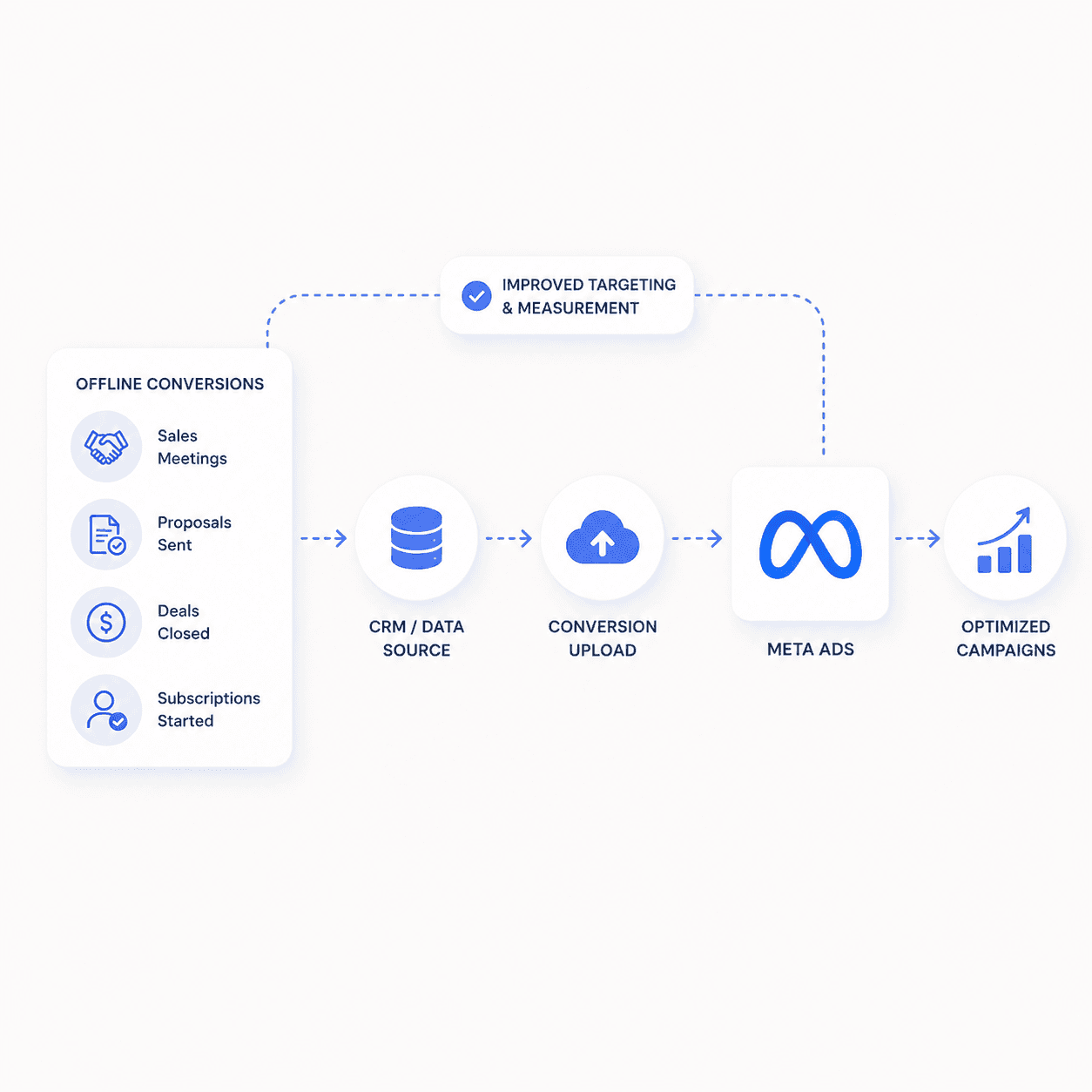
Option B: CRM Qualification (Server-Side / Conversions API Event)

Use this when qualification happens later, inside a CRM.

Here, a lead becomes "qualified" when a rep marks them qualified in the CRM, or when an automated CRM workflow moves the deal stage forward (HubSpot deal stage to "Qualified," Salesforce stage to "MQL," GoHighLevel pipeline step changes, etc). When that stage change happens, you send the event server-side to Meta via the Conversions API (CAPI).

The implementation is often handled through Zapier — even on accounts where "the dev team handles it." A typical Zap looks something like: "If HubSpot deal stage changes to Qualified, send Meta a CompleteRegistration event." When native integrations exist (HubSpot and Segment both have native event mapping back to Meta), use those. When they don't, push the work to a developer to implement via CAPI directly.

These events are usually delayed by hours or days, which is exactly why they have to be server-side rather than pixel events. The user is no longer on your website when the qualification fires.

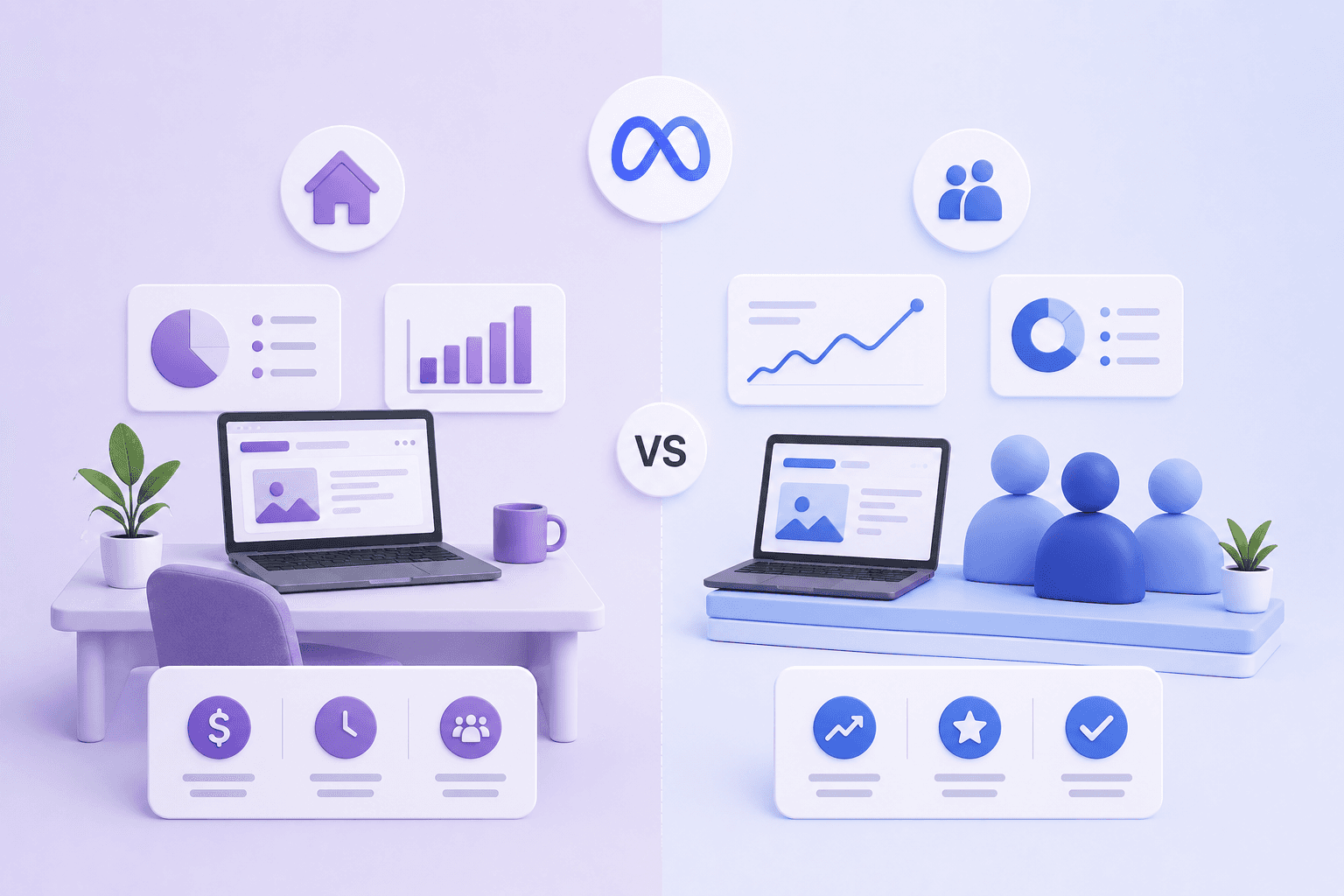
How to Choose Between Form-Field and CRM Qualification

Factor

Form-Field (Pixel)

CRM (CAPI)

Tech Stack

Custom/obscure CRMs or simple email tools (e.g., Mailchimp).

Strong native integrations (HubSpot, Salesforce, Segment).

Speed

Immediate; qualification is determined during the web session.

Delayed; qualification happens hours or days later via sales rep.

Implementation

Google Tag Manager with conditional logic on form fields.

Server-side via Zapier or native CRM-to-Meta connectors.

The Implementation Process We Run With Our Clients

When we onboard a new B2B account, the conversation goes something like this:

  1. What is your lead conversion? Demo booked or trial started — pick one as the primary.

  2. How do you define a qualified lead? Get a concrete rule. Employee count, revenue, traffic, locations. Not "good fit" or "high-intent" — those aren't measurable.

  3. Where is qualification recorded? A form field at conversion time, or a CRM stage change later?

  4. Pick the path. Form-field pixel event in GTM, or CRM server-side event via CAPI.

  5. Push the implementation to the right resource. When the client has engineering capacity, we hand off a spec: "Send this event server-side from your CRM to Meta. Use the native integration if available." When they don't, we assign it to one of our dev resources.

  6. Confirm in Meta Events Manager. Events are firing. Names are standard. Event match quality is acceptable. Volume is high enough to actually optimize toward.

That last point is worth pausing on. A qualified event firing 5 times a week isn't enough volume for Meta to optimize against — you'll need to optimize toward the top-of-funnel Lead event until the qualified event has enough signal. As volume grows, shift your campaigns to optimize toward the qualified event. That transition is where most of the actual performance lift comes from.

QA Checklist Before You Launch

Before any B2B account goes live, run through this:

  • Lead event fires reliably on every demo or trial signup

  • Qualified lead definition is explicit and documented somewhere your client can reference

  • Qualified lead event fires only for actual qualified leads (not every lead)

  • Both events are mapped to Meta standard events, not custom names

  • If using server-side: the event is being sent through the Conversions API and is showing up in Events Manager

  • The client understands the difference between Lead and Qualified Lead — this matters when they're reviewing performance reports

  • Meta is set to optimize toward the right event for the campaign's stage and volume level

Final Thoughts

The B2B brands winning on Meta in 2026 aren't the ones running flashier creative or more aggressive targeting. They're the ones feeding Meta the right signals about which leads are actually worth more.

A demo booking is not the same as a qualified opportunity. A free trial signup from a 50-person team is not the same as one from a single freelancer. Until you tell the algorithm the difference, it's going to keep optimizing for the easier outcome — and your sales team will keep wondering why the lead quality from paid is so much worse than from any other channel.

Set up the two-event system. Use standard Meta events. Pick the right qualification source for your CRM stack. The setup takes a week, the payoff compounds for years.

If you're struggling with conversion tracking on your B2B Meta ads account, we'd be happy to do a free audit. Book a call with our team.

Related Posts

Related Posts

Related Posts

Related Posts

Ready to talk?

Book A Call

We are a Paid Media agency based in New York, NY.
Flighted

New York, NY 11217

hello@flighted.co

© Flighted, 2026

Ready to talk?

Book A Call

We are a Paid Media agency based in New York, NY.

Flighted

New York, NY 11217

hello@flighted.co

© Flighted, 2026