The Complete Guide to Meta Dynamic Product Ads (DPAs)
Meta Ads
June 2, 2026
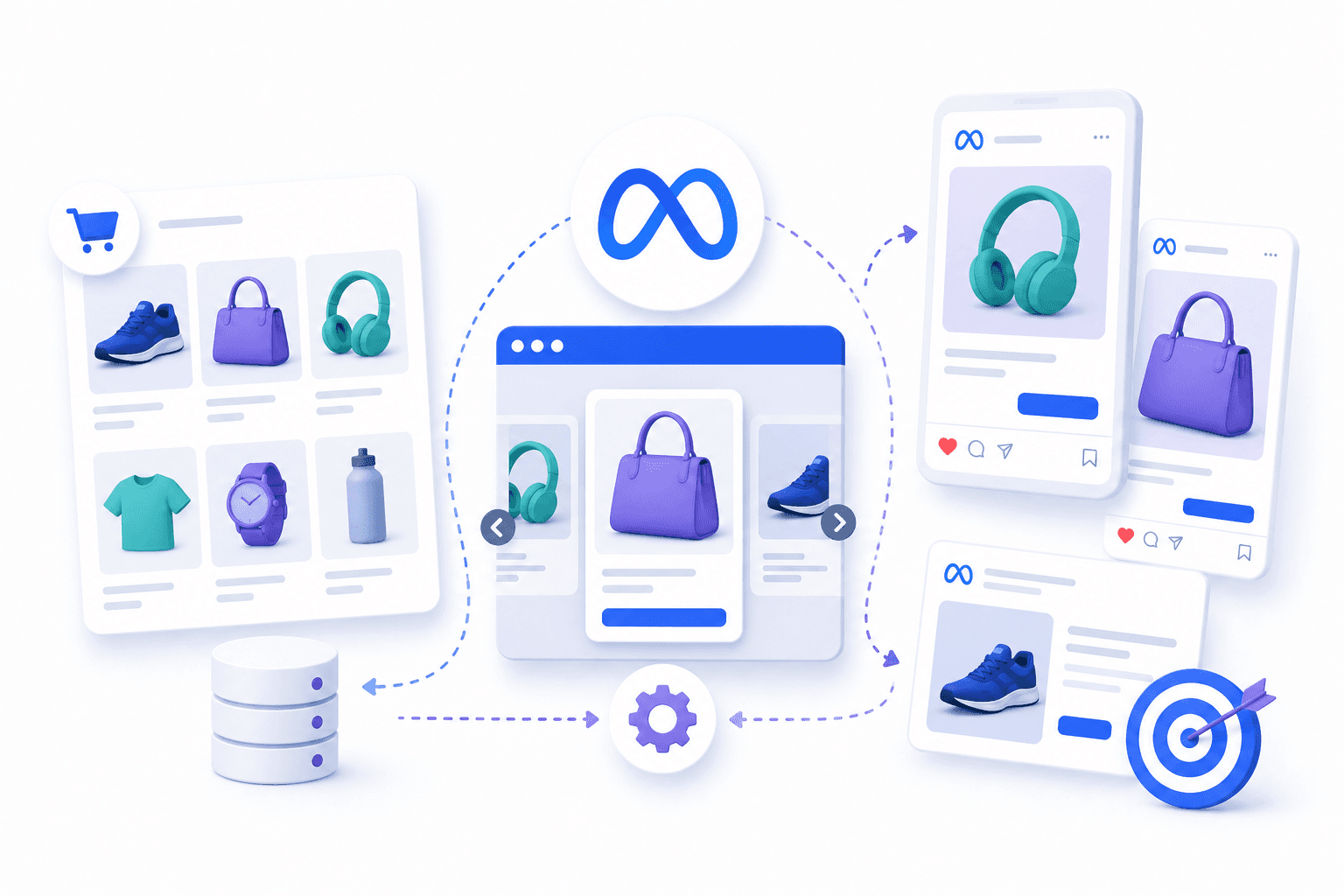
Table Of Contents
DPA stands for Dynamic Product Ads—automated Meta ads that show users the exact products they viewed, added to cart, or browsed on your site. You upload a product feed once, and Meta generates personalized ads based on each user's behavior.
This guide covers how DPA marketing works technically and when to use it versus DABA. It includes setup instructions, creative best practices, and common mistakes that tank performance.
Key Takeaways
DPA definition: Automated Meta ads showing users exact products they viewed, added to cart, or browsed.
Technical components: Product catalog, Meta Pixel (or Conversions API), and configured retargeting audiences.
Primary use: Retargeting warm audiences; DABA targets cold prospects who haven't visited your site.
Creative quality: Custom overlays, lifestyle images, and strong ad copy outperform default catalog pulls.
Performance factors: Landing page experience and creative refresh cycles directly impact CPA and ROAS.
What DPA Means in Marketing
DPA stands for Dynamic Product Ads. In Meta advertising, DPA refers to automated ads displaying exact products users previously viewed, added to cart, or purchased on your site. You upload a product feed once, and Meta generates personalized ads based on each user's browsing behavior.
The core idea is relevance at scale—across Meta's 3.56 billion daily active people.
The core idea is relevance at scale. Someone visits your site, looks at a pair of running shoes, and leaves without buying.
They then see an ad for those exact shoes in their Instagram feed the next day. That's DPA doing its job.
Here's what typically triggers a DPA ad to appear:
Browsing history: Products a user viewed on your site
Cart abandonment: Items added to cart but not purchased
Previous purchases: Cross-sell and upsell opportunities based on past orders
How Meta Dynamic Product Ads Work
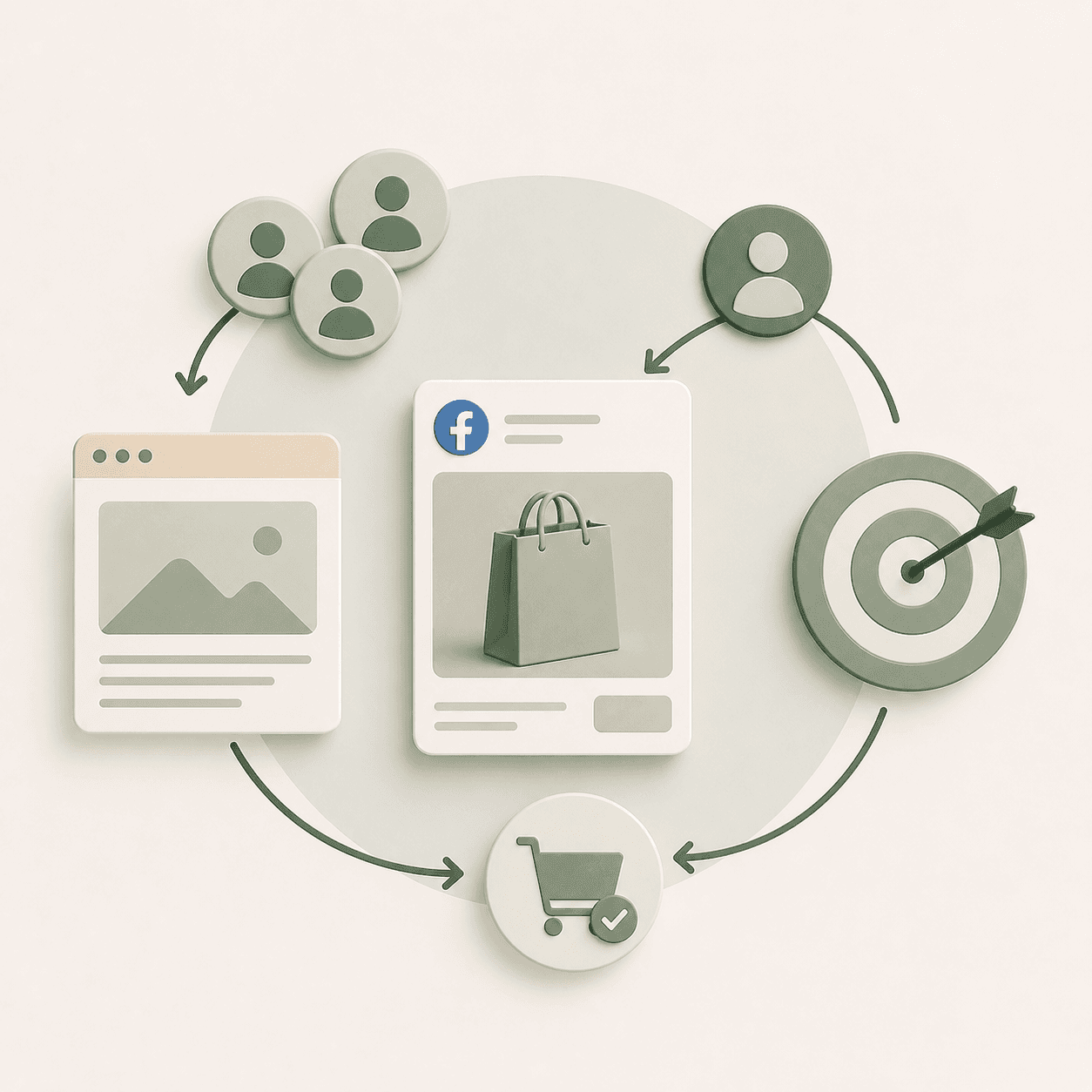
DPA connects three components: your product catalog, tracking tools that capture user behavior, and audience configurations that determine who sees which ads. When one piece breaks, the whole system underperforms. So it helps to understand how each part functions.
The Product Catalog
Your product catalog is a structured data feed containing your inventory. It lives in Meta's Commerce Manager and includes product names, prices, images, descriptions, availability status, and URLs. Every time DPA generates an ad, it pulls information directly from this catalog.
You can upload your catalog manually, connect a scheduled data feed URL, or integrate through platforms like Shopify or WooCommerce. The required fields are id, title, description, availability, condition, price, link, and image_link. Missing or broken fields—especially images and links—cause ad disapprovals.
The Meta Pixel and Conversions API
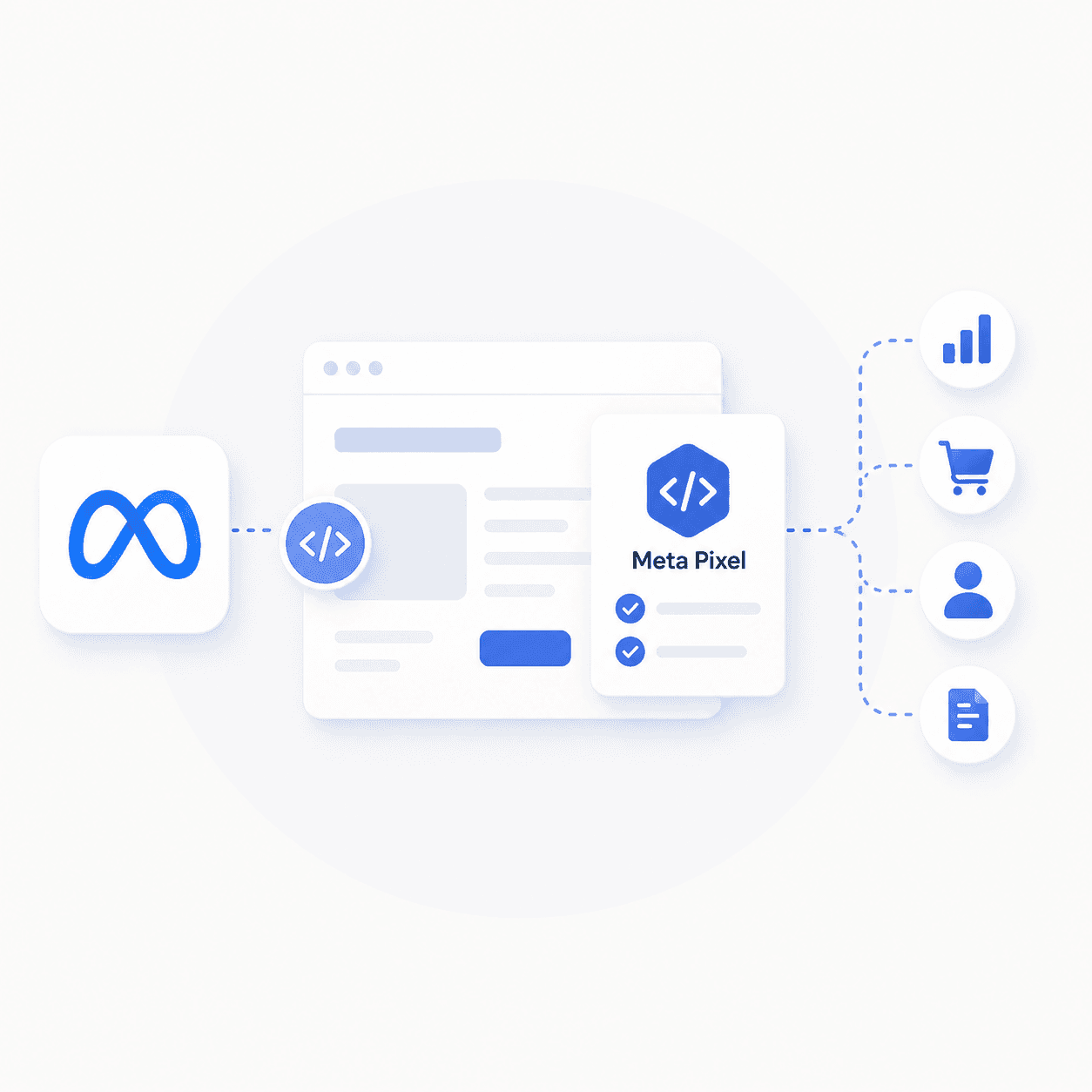
The Meta Pixel is a snippet of code installed on your website that tracks user actions. It fires events like ViewContent (someone looked at a product), AddToCart (someone added a product to their cart), and Purchase (someone completed checkout).
The Conversions API, often called CAPI, sends the same event data server-side. This helps capture actions that browser-based tracking might miss due to ad blockers or iOS privacy settings.—only 15–30% of iOS users opt in to app tracking.
Running both Pixel and CAPI together provides redundancy. Before launching any DPA campaign, verify in Events Manager that your events are firing correctly and matching to your catalog.
Audience and Event Matching
Here's where the pieces connect. Meta takes the events your Pixel or CAPI captures, matches them to catalog products, and serves personalized ads based on user actions. You control the lookback window—typically 7, 14, or 30 days—which defines how recently someone interacted with your site before they become eligible for retargeting.
The sequence works like this:
A user visits your site and views a product
The Pixel fires a ViewContent event
Meta matches that event to the corresponding product in your catalog
DPA serves an ad featuring that exact product
Meta DPA vs DABA for Dynamic Ads
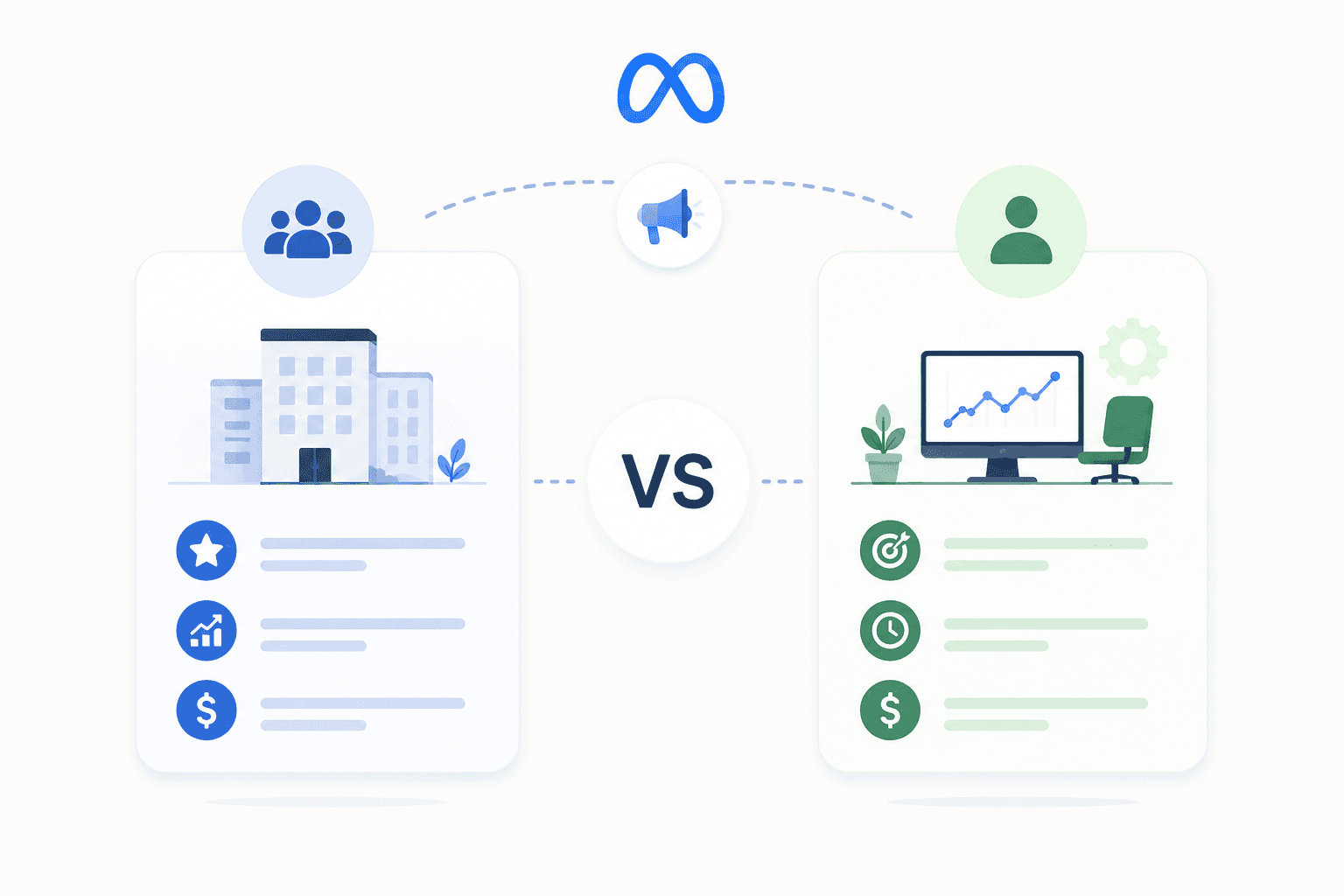
DPA and DABA both pull from your product catalog to generate ads dynamically. The difference is who they target.
DPA retargets warm traffic—people who already visited your site and interacted with your products. DABA stands for Dynamic Ads for Broad Audiences. It prospects cold traffic—people who haven't visited your site but whose behavior suggests interest in what you sell. DABA uses broad behavioral signals similar to lookalike audiences to find new buyers based on existing customer patterns.
Feature | DPA (Retargeting) | DABA (Prospecting) |
|---|---|---|
Audience | Users who interacted with your site | New users who haven't visited |
Goal | Re-engage and convert warm traffic | Find new customers |
Signal Source | Pixel events from your site | Interest and behavior modeling |
Most advertisers run both. DABA fills the top of the funnel with new visitors; DPA converts the bottom by bringing back people who already showed interest. See our Meta ads best practices for more on structuring campaigns effectively.
When to Use DPA for Retargeting vs DABA for Prospecting
The choice between DPA and DABA depends on your current traffic volume and where you are in your growth curve.
If you have high site traffic but a low conversion rate, DPA helps recapture abandoners and nudge them toward purchase. If you're a newer store with limited pixel data, starting with DABA makes more sense. You don't yet have enough warm audience to retarget effectively.
For established brands looking to scale, layering both works well—DABA for acquisition, DPA for conversion. Review our guide on Meta ads account structure to set this up correctly.
One practical threshold: if your site sees fewer than 1,000 monthly visitors, DPA alone won't generate meaningful results. You simply don't have enough retargeting volume for Meta to optimize against. In that case, set your starting Meta ads budget toward prospecting first, then layer in DPA once traffic supports it.
How to Set Up a Meta DPA Campaign
1. Build and Upload Your Product Catalog
Start in Commerce Manager by creating a new catalog. Choose your upload method—manual upload, scheduled data feed URL, or direct integration with Shopify, WooCommerce, or another platform.
Make sure every required field is populated and accurate. Missing images or broken product links will cause ad disapprovals and waste your budget on poor user experiences.
2. Install the Meta Pixel and Conversions API
Add the Pixel to your site header or use a partner integration if your platform supports it. Then set up CAPI through your platform's native integration or a server-side solution.
Once both are installed, verify in Events Manager that ViewContent, AddToCart, and Purchase events are appearing in real time. Do not launch DPA campaigns until you've confirmed your tracking is working.
3. Configure Product Sets and Audiences
Product sets are subsets of your catalog—for example, products priced over $50, items in a specific category, or seasonal collections. After creating product sets, build retargeting audiences based on events and lookback windows.
A common starting configuration: users who viewed products in the last 14 days but didn't purchase.
4. Choose Your Campaign Objective and Placements
Select the Sales objective for DPA campaigns. For budget allocation, decide between campaign-level or ad set-level budgets based on how much control you need over spend distribution across product sets. For placements, Advantage+ placements work well for most advertisers because Meta optimizes delivery across Feed, Stories, Reels, and other surfaces automatically. If you have specific creative formats designed for particular placements, manual selection gives you more control.
5. Launch Creative Templates and Dynamic Overlays
Set up ad templates that pull product information dynamically from your catalog. Add overlays like price badges, discount percentages, or brand frames to differentiate your ads from generic product shots. Templates live in Commerce Manager and apply across your entire catalog or specific product sets.
Creative Best Practices for Facebook DPA Campaigns
Recommended DPA Image Sizes and Aspect Ratios
Feed and Carousel: 1:1 (1080x1080 px)
Stories and Reels: 9:16 (1080x1920 px)
Collection ads: 1.91:1 hero image with square product images below
Low-resolution catalog images hurt click-through rates. If your feed images look pixelated on mobile, fix them before scaling spend.
Carousel, Collection, and Single Image Formats
Carousel format works well for showing multiple products or product variations in a single ad. Collection ads create an immersive browsing experience and suit brands with large catalogs. Single image format makes sense for hero SKUs or limited product lines where you want to focus attention on one item.
Dynamic Overlays and Catalog Feed Customization
Default catalog images—the raw product shots from your feed—rarely perform as well as customized creative. Adding price overlays, sale badges, or lifestyle imagery to your feed improves performance.
Increase DPA Performance with Ad Creatives covers this in detail. Tools like Catalog Creative or custom templates in Commerce Manager make this manageable even with large catalogs.
Ad Copy and Hook Templates That Convert
DPA ad copy often gets overlooked because the ads feel "automated." But the primary text and headline still matter. A solid creative brief ensures your hooks acknowledge the user's previous behavior and create a reason to act now. Our guide to Meta ads creative strategies covers hook frameworks in depth.
A few examples that tend to perform:
Still thinking it over? Your picks are waiting—grab them before they're gone.
You're not the only one watching this product. See why shoppers keep coming back.
Ready to check out? Complete your order now and get your favorites delivered fast.
DPA stands for Dynamic Product Ads—automated Meta ads that show users the exact products they viewed, added to cart, or browsed on your site. You upload a product feed once, and Meta generates personalized ads based on each user's behavior.
This guide covers how DPA marketing works technically and when to use it versus DABA. It includes setup instructions, creative best practices, and common mistakes that tank performance.
Key Takeaways
DPA definition: Automated Meta ads showing users exact products they viewed, added to cart, or browsed.
Technical components: Product catalog, Meta Pixel (or Conversions API), and configured retargeting audiences.
Primary use: Retargeting warm audiences; DABA targets cold prospects who haven't visited your site.
Creative quality: Custom overlays, lifestyle images, and strong ad copy outperform default catalog pulls.
Performance factors: Landing page experience and creative refresh cycles directly impact CPA and ROAS.
What DPA Means in Marketing
DPA stands for Dynamic Product Ads. In Meta advertising, DPA refers to automated ads displaying exact products users previously viewed, added to cart, or purchased on your site. You upload a product feed once, and Meta generates personalized ads based on each user's browsing behavior.
The core idea is relevance at scale—across Meta's 3.56 billion daily active people.
The core idea is relevance at scale. Someone visits your site, looks at a pair of running shoes, and leaves without buying.
They then see an ad for those exact shoes in their Instagram feed the next day. That's DPA doing its job.
Here's what typically triggers a DPA ad to appear:
Browsing history: Products a user viewed on your site
Cart abandonment: Items added to cart but not purchased
Previous purchases: Cross-sell and upsell opportunities based on past orders
How Meta Dynamic Product Ads Work
DPA connects three components: your product catalog, tracking tools that capture user behavior, and audience configurations that determine who sees which ads. When one piece breaks, the whole system underperforms. So it helps to understand how each part functions.
The Product Catalog
Your product catalog is a structured data feed containing your inventory. It lives in Meta's Commerce Manager and includes product names, prices, images, descriptions, availability status, and URLs. Every time DPA generates an ad, it pulls information directly from this catalog.
You can upload your catalog manually, connect a scheduled data feed URL, or integrate through platforms like Shopify or WooCommerce. The required fields are id, title, description, availability, condition, price, link, and image_link. Missing or broken fields—especially images and links—cause ad disapprovals.
The Meta Pixel and Conversions API
The Meta Pixel is a snippet of code installed on your website that tracks user actions. It fires events like ViewContent (someone looked at a product), AddToCart (someone added a product to their cart), and Purchase (someone completed checkout).
The Conversions API, often called CAPI, sends the same event data server-side. This helps capture actions that browser-based tracking might miss due to ad blockers or iOS privacy settings.—only 15–30% of iOS users opt in to app tracking.
Running both Pixel and CAPI together provides redundancy. Before launching any DPA campaign, verify in Events Manager that your events are firing correctly and matching to your catalog.
Audience and Event Matching
Here's where the pieces connect. Meta takes the events your Pixel or CAPI captures, matches them to catalog products, and serves personalized ads based on user actions. You control the lookback window—typically 7, 14, or 30 days—which defines how recently someone interacted with your site before they become eligible for retargeting.
The sequence works like this:
A user visits your site and views a product
The Pixel fires a ViewContent event
Meta matches that event to the corresponding product in your catalog
DPA serves an ad featuring that exact product
Meta DPA vs DABA for Dynamic Ads
DPA and DABA both pull from your product catalog to generate ads dynamically. The difference is who they target.
DPA retargets warm traffic—people who already visited your site and interacted with your products. DABA stands for Dynamic Ads for Broad Audiences. It prospects cold traffic—people who haven't visited your site but whose behavior suggests interest in what you sell. DABA uses broad behavioral signals similar to lookalike audiences to find new buyers based on existing customer patterns.
Feature | DPA (Retargeting) | DABA (Prospecting) |
|---|---|---|
Audience | Users who interacted with your site | New users who haven't visited |
Goal | Re-engage and convert warm traffic | Find new customers |
Signal Source | Pixel events from your site | Interest and behavior modeling |
Most advertisers run both. DABA fills the top of the funnel with new visitors; DPA converts the bottom by bringing back people who already showed interest. See our Meta ads best practices for more on structuring campaigns effectively.
When to Use DPA for Retargeting vs DABA for Prospecting
The choice between DPA and DABA depends on your current traffic volume and where you are in your growth curve.
If you have high site traffic but a low conversion rate, DPA helps recapture abandoners and nudge them toward purchase. If you're a newer store with limited pixel data, starting with DABA makes more sense. You don't yet have enough warm audience to retarget effectively.
For established brands looking to scale, layering both works well—DABA for acquisition, DPA for conversion. Review our guide on Meta ads account structure to set this up correctly.
One practical threshold: if your site sees fewer than 1,000 monthly visitors, DPA alone won't generate meaningful results. You simply don't have enough retargeting volume for Meta to optimize against. In that case, set your starting Meta ads budget toward prospecting first, then layer in DPA once traffic supports it.
How to Set Up a Meta DPA Campaign
1. Build and Upload Your Product Catalog
Start in Commerce Manager by creating a new catalog. Choose your upload method—manual upload, scheduled data feed URL, or direct integration with Shopify, WooCommerce, or another platform.
Make sure every required field is populated and accurate. Missing images or broken product links will cause ad disapprovals and waste your budget on poor user experiences.
2. Install the Meta Pixel and Conversions API
Add the Pixel to your site header or use a partner integration if your platform supports it. Then set up CAPI through your platform's native integration or a server-side solution.
Once both are installed, verify in Events Manager that ViewContent, AddToCart, and Purchase events are appearing in real time. Do not launch DPA campaigns until you've confirmed your tracking is working.
3. Configure Product Sets and Audiences
Product sets are subsets of your catalog—for example, products priced over $50, items in a specific category, or seasonal collections. After creating product sets, build retargeting audiences based on events and lookback windows.
A common starting configuration: users who viewed products in the last 14 days but didn't purchase.
4. Choose Your Campaign Objective and Placements
Select the Sales objective for DPA campaigns. For budget allocation, decide between campaign-level or ad set-level budgets based on how much control you need over spend distribution across product sets. For placements, Advantage+ placements work well for most advertisers because Meta optimizes delivery across Feed, Stories, Reels, and other surfaces automatically. If you have specific creative formats designed for particular placements, manual selection gives you more control.
5. Launch Creative Templates and Dynamic Overlays
Set up ad templates that pull product information dynamically from your catalog. Add overlays like price badges, discount percentages, or brand frames to differentiate your ads from generic product shots. Templates live in Commerce Manager and apply across your entire catalog or specific product sets.
Creative Best Practices for Facebook DPA Campaigns
Recommended DPA Image Sizes and Aspect Ratios
Feed and Carousel: 1:1 (1080x1080 px)
Stories and Reels: 9:16 (1080x1920 px)
Collection ads: 1.91:1 hero image with square product images below
Low-resolution catalog images hurt click-through rates. If your feed images look pixelated on mobile, fix them before scaling spend.
Carousel, Collection, and Single Image Formats
Carousel format works well for showing multiple products or product variations in a single ad. Collection ads create an immersive browsing experience and suit brands with large catalogs. Single image format makes sense for hero SKUs or limited product lines where you want to focus attention on one item.
Dynamic Overlays and Catalog Feed Customization
Default catalog images—the raw product shots from your feed—rarely perform as well as customized creative. Adding price overlays, sale badges, or lifestyle imagery to your feed improves performance.
Increase DPA Performance with Ad Creatives covers this in detail. Tools like Catalog Creative or custom templates in Commerce Manager make this manageable even with large catalogs.
Ad Copy and Hook Templates That Convert
DPA ad copy often gets overlooked because the ads feel "automated." But the primary text and headline still matter. A solid creative brief ensures your hooks acknowledge the user's previous behavior and create a reason to act now. Our guide to Meta ads creative strategies covers hook frameworks in depth.
A few examples that tend to perform:
Still thinking it over? Your picks are waiting—grab them before they're gone.
You're not the only one watching this product. See why shoppers keep coming back.
Ready to check out? Complete your order now and get your favorites delivered fast.
Looking for Meta ads support?
We're a small, hardworking US-based team. Book a call and get a free audit today.
Common Meta DPA Mistakes to Avoid
Running DPA Without a Healthy Product Feed
Broken links, missing images, and outdated prices cause ad disapprovals and poor user experience. Audit your feed monthly to catch errors before they affect performance.
Targeting Retargeting Audiences That Are Too Narrow
If your lookback window is too short or your site traffic is too low, Meta won't have enough data to optimize delivery. Aim for retargeting audiences of at least 1,000 users before expecting consistent results.
Relying on Default Catalog Images
Raw product shots from your feed rarely outperform lifestyle images with custom overlays. Treating DPA creative as a performance lever—not an afterthought—separates high-performing accounts from mediocre ones.
Ignoring Landing Page Experience for DPA Traffic
Users who click your DPA ad and land on a slow, confusing, or mismatched page will bounce. Your CPA climbs and your break-even ROAS becomes harder to hit.
At Flighted, we treat landing page optimization as inseparable from paid media and creative strategy. Learn how to reduce Meta ads CPM to improve overall campaign efficiency.
Who Should Run Meta DPA Campaigns
DPA marketing works best for a specific profile of advertiser. If you fit the criteria below, DPA is likely worth prioritizing:
E-commerce brands with 100+ SKUs: High catalog volume benefits from dynamic creative generation.
DTC brands with existing site traffic: Pixel data fuels retargeting, and you have enough volume to build meaningful audiences. See our DTC ecommerce growth services for more.
Brands with abandoned cart rates to address: With a global cart abandonment rate of 70%, DPA directly recovers lost sales from users who showed purchase intent.
On the other hand, if you're running lead-gen B2B campaigns or your site sees fewer than 1,000 monthly visitors, DPA probably isn't your priority yet. Build traffic first, then layer in retargeting.
Scale Your Meta DPA Program With Flighted
DPA performance depends on more than campaign setup. At Flighted, we approach Meta Ads management as one part of an interdependent system—Paid Media Expertise, Creative Strategy, and Landing Page Design working together. We've managed $50M+ in cumulative ad spend and treat DPA creative testing, feed optimization, and landing page conversion as connected problems rather than separate workstreams.
Book a call to talk through your DPA setup and identify where the gaps are.
Frequently Asked Questions About DPA Marketing
Below are common questions about DPA marketing and how it works in practice.
What is the difference between Meta DPA and Advantage Plus Catalog Ads?
Understanding DPA marketing terminology helps clarify how these tools relate.
Advantage Plus Catalog Ads is Meta's rebranded name for DPA. Functionally, they're the same product. The Advantage Plus label emphasizes Meta's automation features, but the underlying mechanics haven't changed.
Minimum Products Needed to Run Meta DPA
Technically, you can run DPA with one product. However, campaigns tend to perform better with larger catalogs because Meta has more options to match user intent and test different products.
Can you run Meta DPA campaigns without a product catalog?
No. A product catalog is required because DPA dynamically pulls product information—images, prices, descriptions—directly from your feed to generate ads.
How long does a Meta DPA campaign take to optimize?
Most DPA campaigns exit the learning phase within a few days to a week, depending on budget and audience size. Meaningful performance trends typically require two to four weeks of data before you can draw reliable conclusions. Compare your results against performance benchmarks by industry to gauge whether your DPA campaigns are tracking toward viable unit economics.
What is the 3-3-3 rule in marketing?
The 3-3-3 rule is a creative testing framework: test three hooks, three body variations, and three CTAs to systematically identify winning combinations. It's not specific to DPA but applies to structured creative iteration across any ad format.
Related Posts
Related Posts
Related Posts
Related Posts









































Ready to talk?
New York, NY 11217
hello@flighted.co
© Flighted, 2026
Ready to talk?
New York, NY 11217
hello@flighted.co
© Flighted, 2026