The Complete Meta Ads Audit Checklist for Marketers 2026

Meta Ads

May 5, 2026
Table Of Contents

No headings found on page


Your Meta ads account is probably leaking money right now. Not in obvious ways—more like a slow drip from campaigns that looked fine last month but quietly started underperforming while you focused elsewhere.

A structured audit catches these problems before they compound into serious budget waste. This checklist walks through every layer of your account, from tracking setup to creative fatigue signals, with specific metrics and thresholds to evaluate each area.

What Is a Meta Ads Audit

A meta ads audit is a systematic review of your Facebook and Instagram ad account to find performance gaps, wasted spend, and growth opportunities. The audit covers tracking setup, campaign structure, audience targeting, creative performance, and landing page alignment. When done well, it tells you exactly what's broken, what's underperforming, and what's working well enough to scale.

Most accounts benefit from a quarterly meta ads audit, with lighter monthly check-ins on key metrics. Think of it as a diagnostic checkup for your ad spend.

Why You Need to Audit Your Meta Ads Account

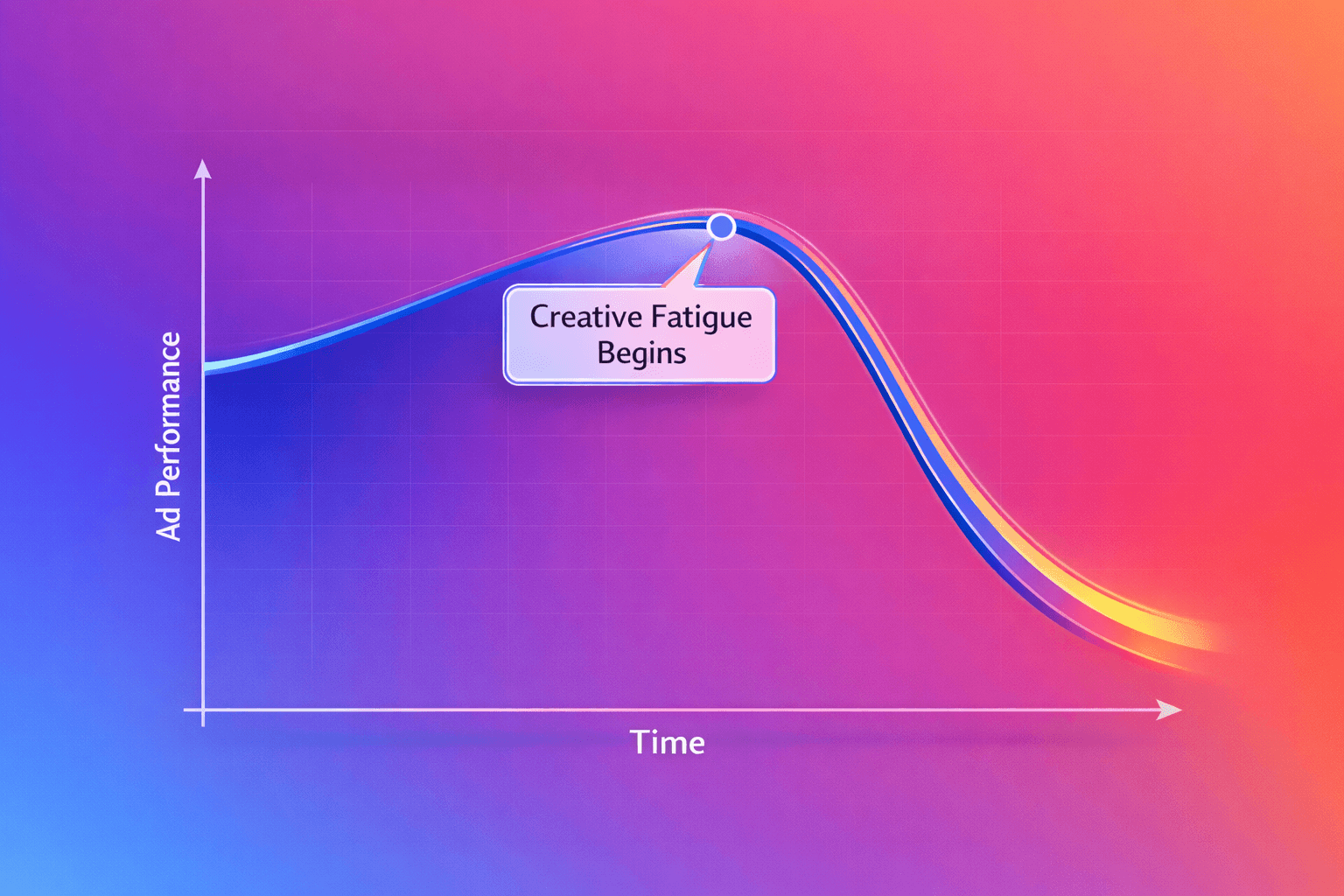
Rising CPAs and creative fatigue don't announce themselves. They creep in gradually—with creative fatigue alone capable of spiking CPA by 15–25%—and by the time you notice, you've already burned through significant budget.

A regular audit catches problems early, before they compound.

Here are the warning signs that typically trigger a meta ads audit:

  • Rising CPA with flat revenue: Your cost to acquire customers climbs without corresponding growth in sales

  • Inconsistent ROAS across campaigns: Some campaigns wildly outperform others with no clear explanation

  • Scaling failures: Performance collapses when you increase budget beyond a certain threshold

  • Attribution mismatch: Meta's reported conversions don't align with your backend data

If any of those sound familiar, you're probably overdue for a full review.

Key Takeaways

  1. Tracking accuracy comes first—if your data is wrong, Meta's algorithm optimizes toward the wrong signals

  2. Campaign structure determines how efficiently Meta allocates budget and learns from conversions

  3. Creative is the primary performance lever, and fatigue indicators like frequency and declining CTR require constant monitoring

  4. Audience targeting mistakes waste spend on users who will never convert

  5. Landing page alignment connects ad performance to actual revenue

  6. Audits are only valuable if you act on findings with a prioritized action plan

How to Audit Your Meta Ads Tracking and Data Setup

Accurate tracking is the foundation of everything else. If your data is wrong, Meta's algorithm optimizes toward the wrong signals, and every decision you make downstream is compromised. Start here.

Conversions API Configuration

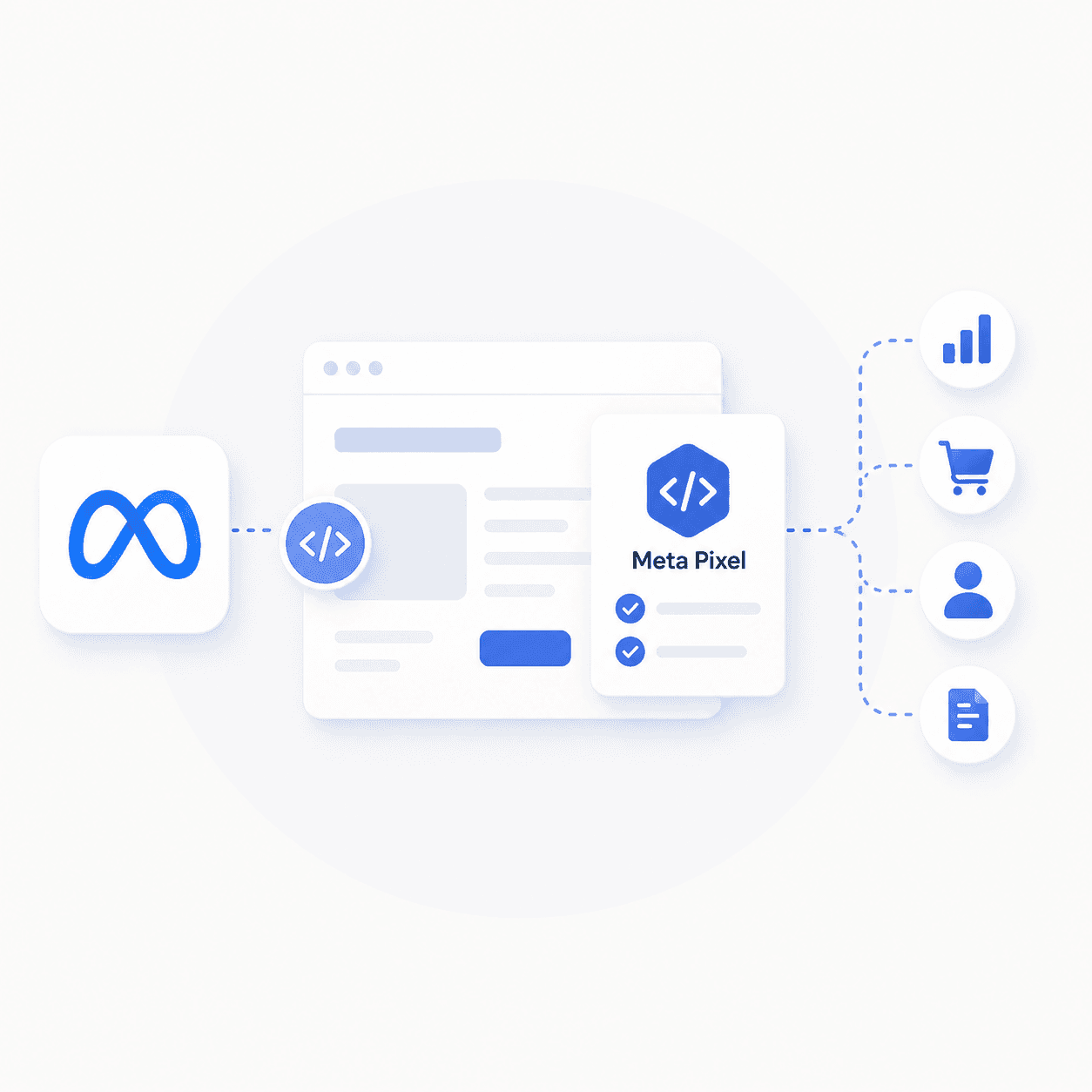
The Conversions API (CAPI) sends data directly from your server to Meta, bypassing browser limitations that affect the pixel. Meta reports that pairing CAPI with the pixel delivers an average 17.8% lower cost per result. In Events Manager, verify that CAPI events are firing alongside pixel events. You want redundancy, not replacement.

Look for the "Connection Method" column in Events Manager. If you only see "Browser" and not "Server," CAPI isn't set up correctly.

Meta Pixel Event Verification

Standard events like Purchase, Add to Cart, and Initiate Checkout form the backbone of your tracking. Use Meta's Test Events tool to confirm each event fires correctly when you complete the corresponding action on your site. Open a test purchase flow and watch Events Manager in real time.

UTM Parameter Consistency

UTMs matter for third-party attribution tools and cross-platform analysis. A simple structure works best: utm_source=meta&utm_medium=paid&utm_campaign=[campaign_name]&utm_content=[ad_name]. Consistency beats complexity here.

Attribution Window Settings

Attribution windows define the timeframe in which conversions get credited to your ads. The default 7-day click, 1-day view setting works for most ecommerce brands. Longer consideration cycles—like B2B or high-ticket items—may warrant adjustments to 28-day click.

Event Match Quality Score

Event Match Quality (EMQ) measures how well your customer data matches Meta's user database. You can find this score in Events Manager under each event.

EMQ Score

Quality Level

Action

Below 5

Poor

Fix immediately

5-7

Acceptable

Improve when possible

8+

Good

Maintain current setup

Target a score of 8 or higher. Anything below 5 requires immediate attention, usually by passing more customer identifiers like email and phone number through CAPI.

How to Audit Your Campaign Structure

Campaign structure determines how Meta's algorithm allocates budget and accumulates learning. Poor structure fragments your data and slows optimization.

Campaign Budget Optimization vs Ad Set Budgets

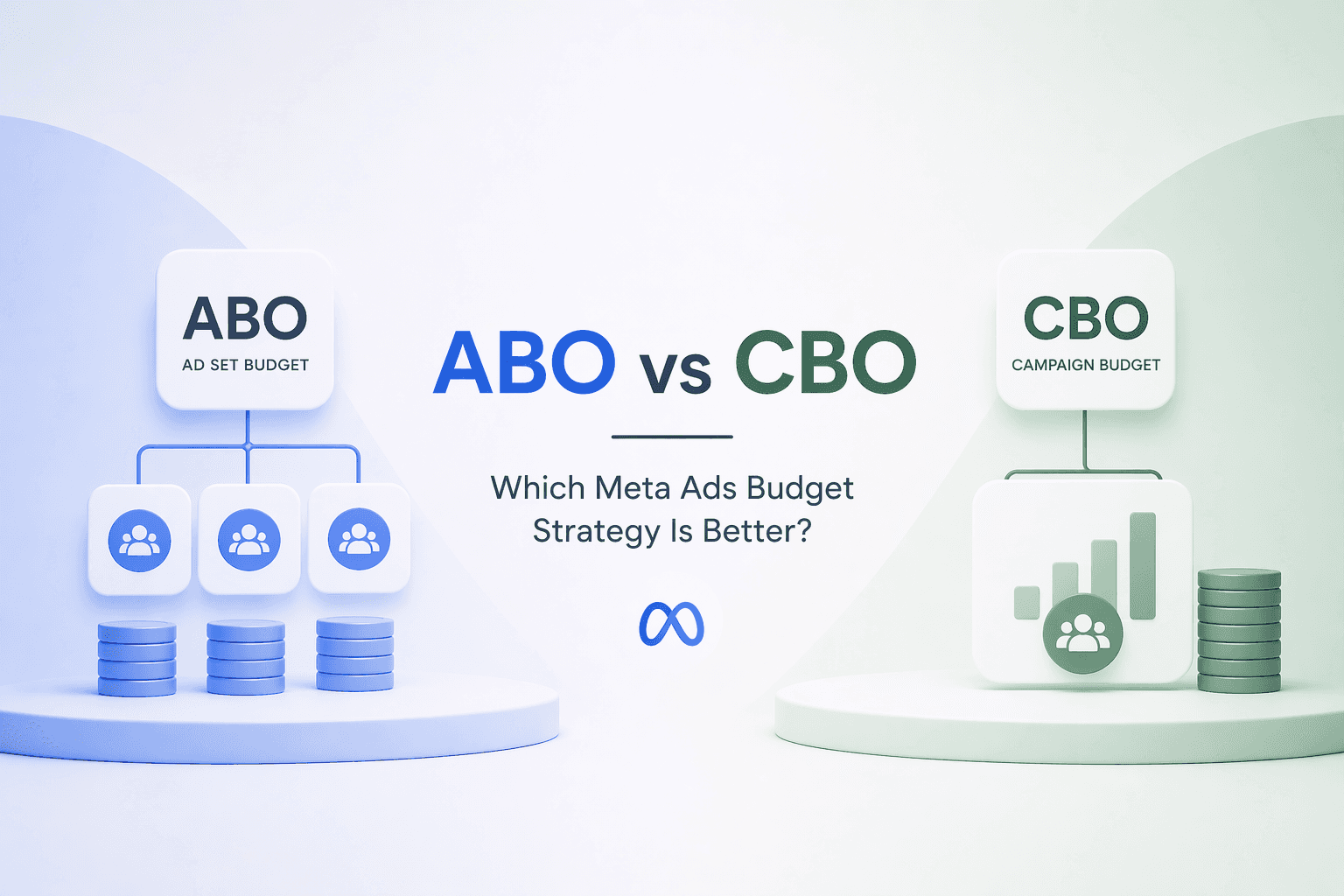
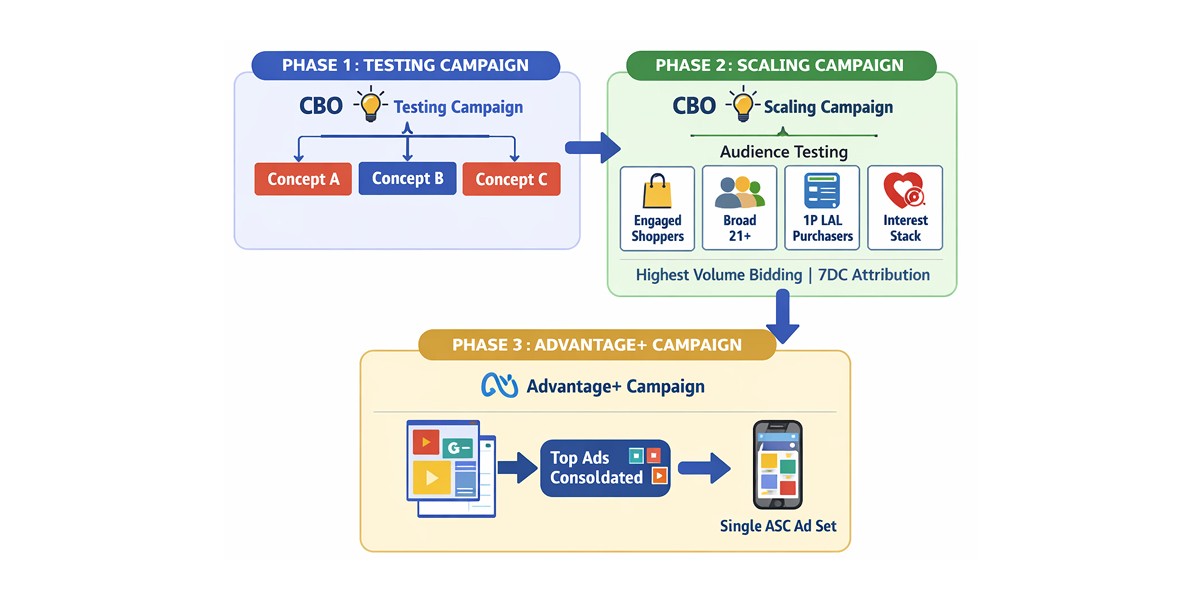
Campaign Budget Optimization (CBO) sets budget at the campaign level and lets Meta distribute it across ad sets automatically. Ad Set Budgets (ABO) give you manual control over each ad set's spend.

CBO typically performs better for scaling because Meta can shift budget toward winning ad sets in real time. ABO works better for controlled testing when you want equal spend across variations.

Campaign Objective Selection

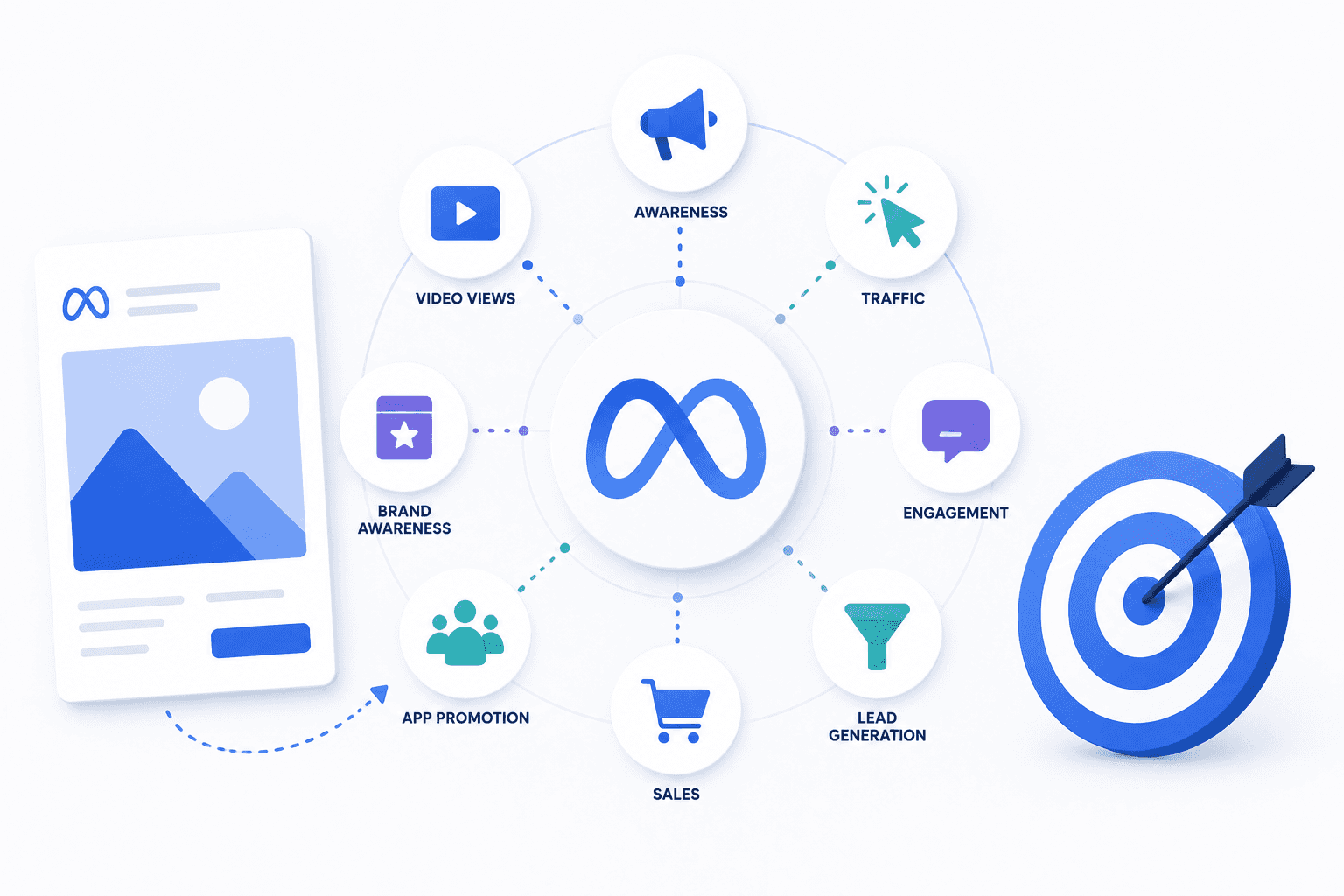
Misaligned objectives waste spend. If your goal is purchases, optimize for purchases—not traffic, not engagement.

This sounds obvious, yet misalignment shows up constantly in audits. The algorithm optimizes for exactly what you tell it to optimize for.

Campaign Consolidation and Count

Fewer, consolidated campaigns typically outperform many fragmented ones. Meta's algorithm needs roughly 50 conversions per week per ad set to exit the learning phase. Spreading budget too thin across many campaigns prevents ad sets from ever reaching that threshold.

If you're running more than 3-4 active campaigns at a time, consider whether consolidation would help.

How to Audit Your Ad Set Settings

Ad sets control targeting, placements, and optimization events. This layer is where most targeting mistakes happen.

Optimization Event Selection

Optimizing for link clicks when you want purchases sends Meta the wrong signal. The algorithm will find people who click, not people who buy. Match your optimization event to your actual business goal, even if it means fewer total conversions during the learning phase.

Placement Strategy and Advantage+ Placements

Advantage+ Placements lets Meta automatically select where your ads appear across Facebook, Instagram, Messenger, and the Audience Network. For most advertisers, automatic placements outperform manual selection because Meta's algorithm has more data than you do about where your specific ads perform best.

Review placement breakdowns in your reporting to see if any placements are dramatically underperforming. If so, you can exclude them manually.

Audience Exclusions and Overlap

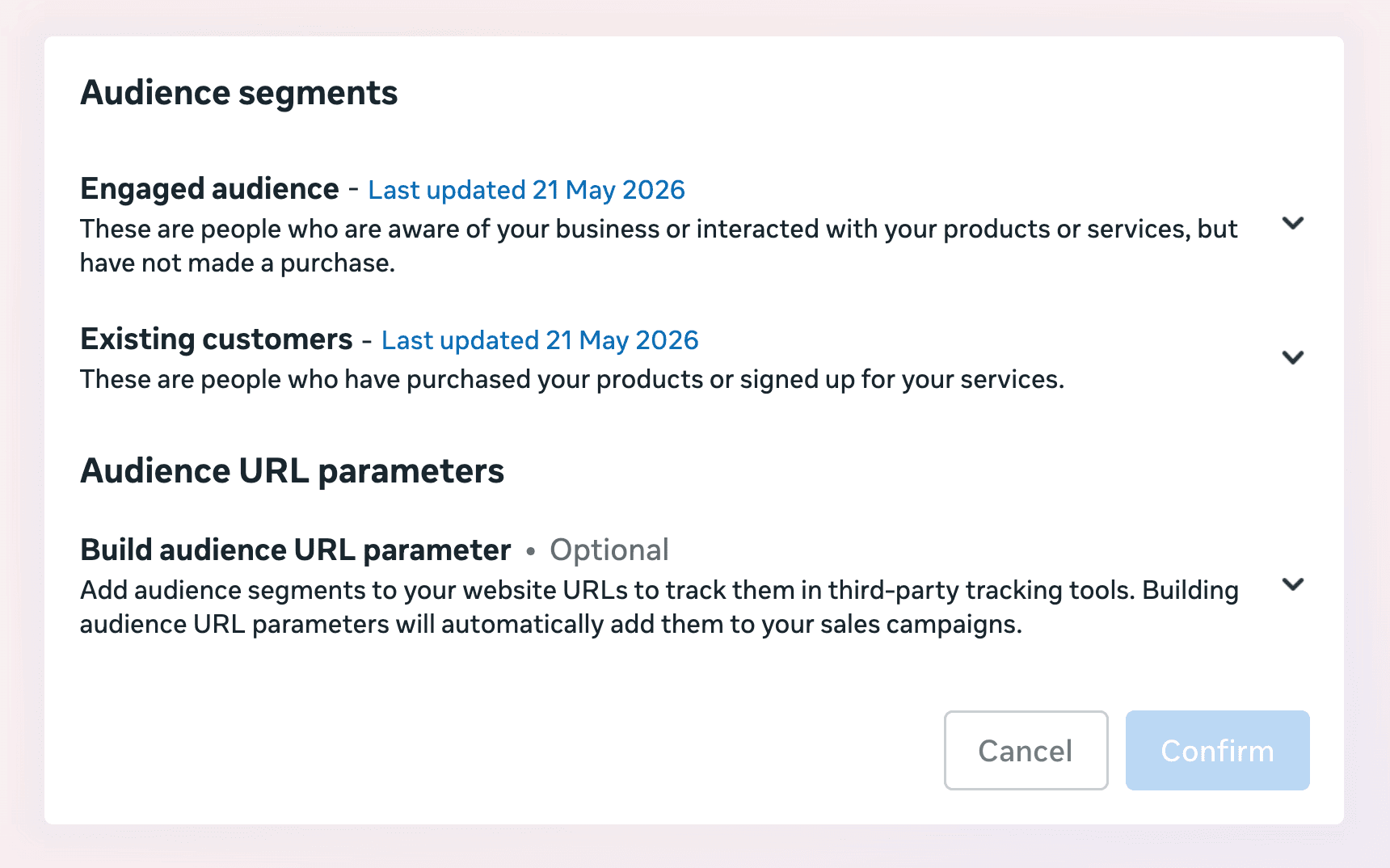
Exclude existing customers from prospecting campaigns to avoid paying to reach people who already bought. Check for audience overlap between ad sets using Meta's Audience Overlap tool in the Audiences section. Overlapping audiences compete against each other in the auction, which drives up your costs.

Frequency Monitoring

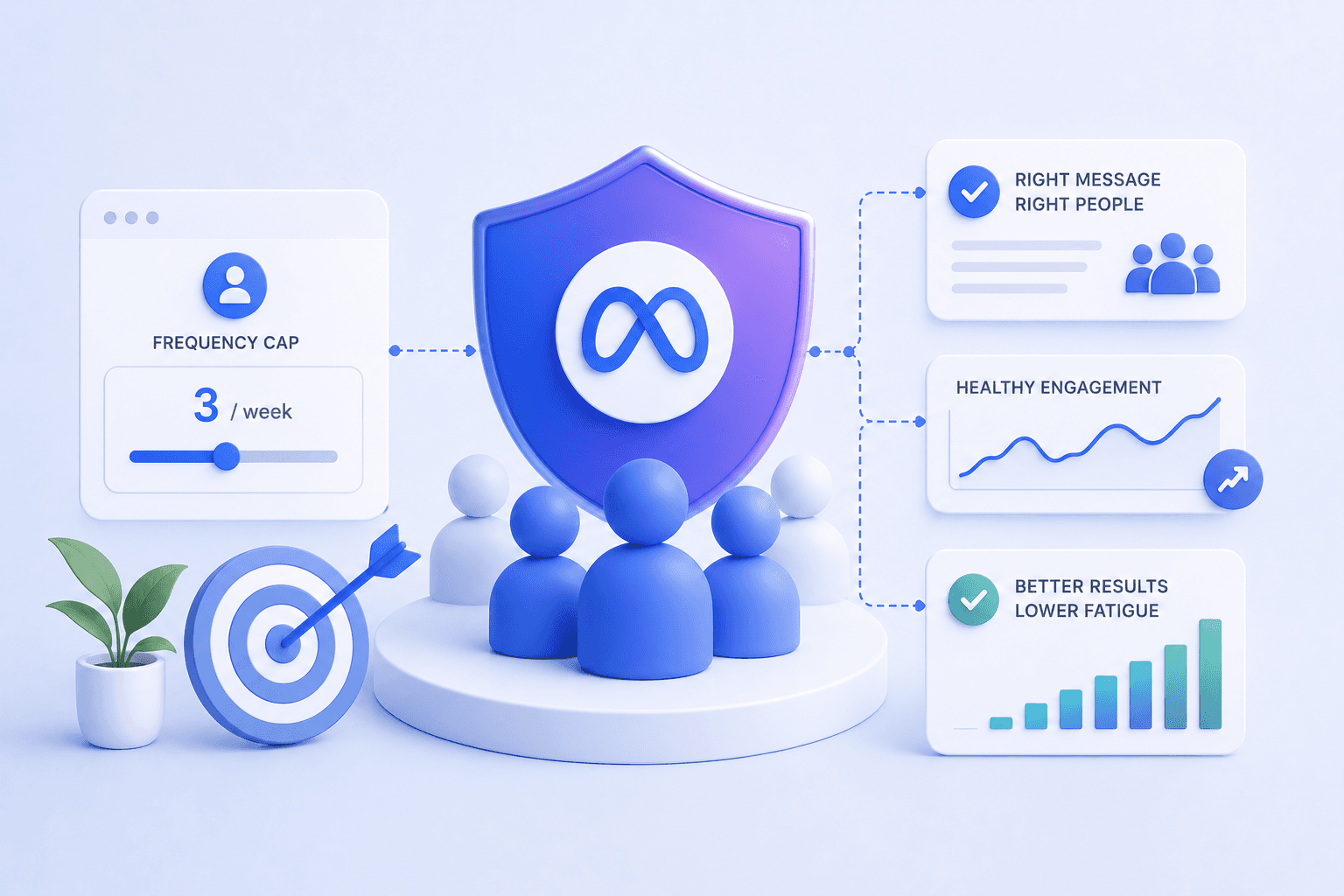
Frequency measures the average number of times a user sees your ad. For cold prospecting audiences, keep your trailing 7-day frequency below 3. Higher frequency on retargeting is acceptable, though anything above 5 typically indicates audience exhaustion.

You can find frequency in the Delivery column of your ad reporting.


Your Meta ads account is probably leaking money right now. Not in obvious ways—more like a slow drip from campaigns that looked fine last month but quietly started underperforming while you focused elsewhere.

A structured audit catches these problems before they compound into serious budget waste. This checklist walks through every layer of your account, from tracking setup to creative fatigue signals, with specific metrics and thresholds to evaluate each area.

What Is a Meta Ads Audit

A meta ads audit is a systematic review of your Facebook and Instagram ad account to find performance gaps, wasted spend, and growth opportunities. The audit covers tracking setup, campaign structure, audience targeting, creative performance, and landing page alignment. When done well, it tells you exactly what's broken, what's underperforming, and what's working well enough to scale.

Most accounts benefit from a quarterly meta ads audit, with lighter monthly check-ins on key metrics. Think of it as a diagnostic checkup for your ad spend.

Why You Need to Audit Your Meta Ads Account

Rising CPAs and creative fatigue don't announce themselves. They creep in gradually—with creative fatigue alone capable of spiking CPA by 15–25%—and by the time you notice, you've already burned through significant budget.

A regular audit catches problems early, before they compound.

Here are the warning signs that typically trigger a meta ads audit:

  • Rising CPA with flat revenue: Your cost to acquire customers climbs without corresponding growth in sales

  • Inconsistent ROAS across campaigns: Some campaigns wildly outperform others with no clear explanation

  • Scaling failures: Performance collapses when you increase budget beyond a certain threshold

  • Attribution mismatch: Meta's reported conversions don't align with your backend data

If any of those sound familiar, you're probably overdue for a full review.

Key Takeaways

  1. Tracking accuracy comes first—if your data is wrong, Meta's algorithm optimizes toward the wrong signals

  2. Campaign structure determines how efficiently Meta allocates budget and learns from conversions

  3. Creative is the primary performance lever, and fatigue indicators like frequency and declining CTR require constant monitoring

  4. Audience targeting mistakes waste spend on users who will never convert

  5. Landing page alignment connects ad performance to actual revenue

  6. Audits are only valuable if you act on findings with a prioritized action plan

How to Audit Your Meta Ads Tracking and Data Setup

Accurate tracking is the foundation of everything else. If your data is wrong, Meta's algorithm optimizes toward the wrong signals, and every decision you make downstream is compromised. Start here.

Conversions API Configuration

The Conversions API (CAPI) sends data directly from your server to Meta, bypassing browser limitations that affect the pixel. Meta reports that pairing CAPI with the pixel delivers an average 17.8% lower cost per result. In Events Manager, verify that CAPI events are firing alongside pixel events. You want redundancy, not replacement.

Look for the "Connection Method" column in Events Manager. If you only see "Browser" and not "Server," CAPI isn't set up correctly.

Meta Pixel Event Verification

Standard events like Purchase, Add to Cart, and Initiate Checkout form the backbone of your tracking. Use Meta's Test Events tool to confirm each event fires correctly when you complete the corresponding action on your site. Open a test purchase flow and watch Events Manager in real time.

UTM Parameter Consistency

UTMs matter for third-party attribution tools and cross-platform analysis. A simple structure works best: utm_source=meta&utm_medium=paid&utm_campaign=[campaign_name]&utm_content=[ad_name]. Consistency beats complexity here.

Attribution Window Settings

Attribution windows define the timeframe in which conversions get credited to your ads. The default 7-day click, 1-day view setting works for most ecommerce brands. Longer consideration cycles—like B2B or high-ticket items—may warrant adjustments to 28-day click.

Event Match Quality Score

Event Match Quality (EMQ) measures how well your customer data matches Meta's user database. You can find this score in Events Manager under each event.

EMQ Score

Quality Level

Action

Below 5

Poor

Fix immediately

5-7

Acceptable

Improve when possible

8+

Good

Maintain current setup

Target a score of 8 or higher. Anything below 5 requires immediate attention, usually by passing more customer identifiers like email and phone number through CAPI.

How to Audit Your Campaign Structure

Campaign structure determines how Meta's algorithm allocates budget and accumulates learning. Poor structure fragments your data and slows optimization.

Campaign Budget Optimization vs Ad Set Budgets

Campaign Budget Optimization (CBO) sets budget at the campaign level and lets Meta distribute it across ad sets automatically. Ad Set Budgets (ABO) give you manual control over each ad set's spend.

CBO typically performs better for scaling because Meta can shift budget toward winning ad sets in real time. ABO works better for controlled testing when you want equal spend across variations.

Campaign Objective Selection

Misaligned objectives waste spend. If your goal is purchases, optimize for purchases—not traffic, not engagement.

This sounds obvious, yet misalignment shows up constantly in audits. The algorithm optimizes for exactly what you tell it to optimize for.

Campaign Consolidation and Count

Fewer, consolidated campaigns typically outperform many fragmented ones. Meta's algorithm needs roughly 50 conversions per week per ad set to exit the learning phase. Spreading budget too thin across many campaigns prevents ad sets from ever reaching that threshold.

If you're running more than 3-4 active campaigns at a time, consider whether consolidation would help.

How to Audit Your Ad Set Settings

Ad sets control targeting, placements, and optimization events. This layer is where most targeting mistakes happen.

Optimization Event Selection

Optimizing for link clicks when you want purchases sends Meta the wrong signal. The algorithm will find people who click, not people who buy. Match your optimization event to your actual business goal, even if it means fewer total conversions during the learning phase.

Placement Strategy and Advantage+ Placements

Advantage+ Placements lets Meta automatically select where your ads appear across Facebook, Instagram, Messenger, and the Audience Network. For most advertisers, automatic placements outperform manual selection because Meta's algorithm has more data than you do about where your specific ads perform best.

Review placement breakdowns in your reporting to see if any placements are dramatically underperforming. If so, you can exclude them manually.

Audience Exclusions and Overlap

Exclude existing customers from prospecting campaigns to avoid paying to reach people who already bought. Check for audience overlap between ad sets using Meta's Audience Overlap tool in the Audiences section. Overlapping audiences compete against each other in the auction, which drives up your costs.

Frequency Monitoring

Frequency measures the average number of times a user sees your ad. For cold prospecting audiences, keep your trailing 7-day frequency below 3. Higher frequency on retargeting is acceptable, though anything above 5 typically indicates audience exhaustion.

You can find frequency in the Delivery column of your ad reporting.

Want this playbook run for you?

Book a call and get a free audit today.

How to Audit Your Ad Creative Performance

Creative is the primary performance lever in modern Meta advertising. The algorithm handles targeting increasingly well on its own. Your job is to give it creative that converts.

Creative Fatigue Signals

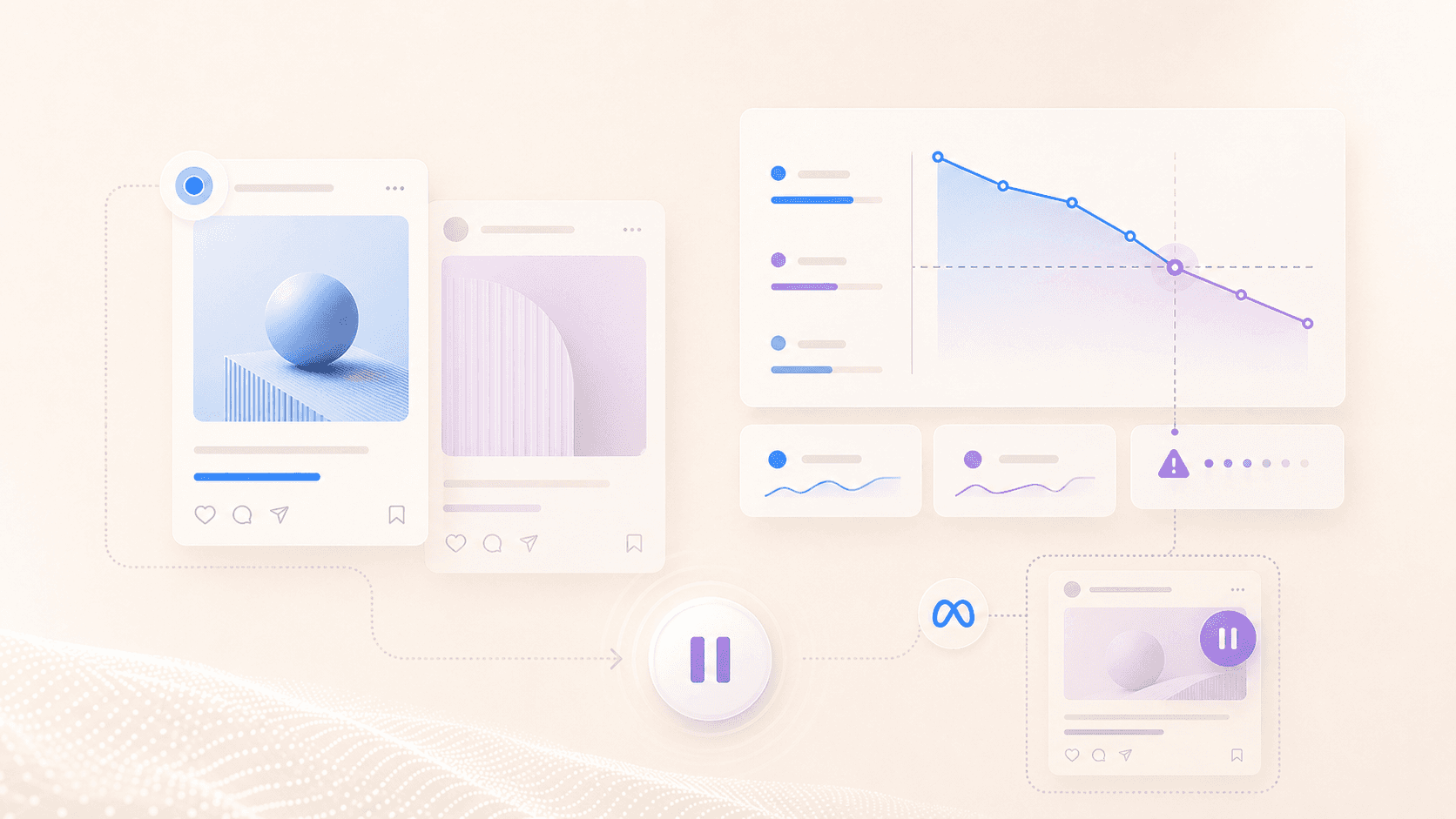
Creative fatigue shows up as declining CTR (click-through rate) and increasing CPA on previously strong ads. The pattern usually unfolds over 7-14 days.

Watch for:

  • CTR declining over time: The same creative gets fewer clicks as audiences tire of it

  • Rising frequency on top performers: Your best ads are being shown repeatedly to the same users

  • Increasing CPA with stable targeting: Costs rise despite no changes to audience settings

When you see this pattern, it's time to introduce fresh creative.

Ad Format Diversity

A healthy account includes a mix of static images, videos, carousels, and UGC-style content. Different formats reach different users and prevent fatigue from setting in too quickly. If you're running only one format, you're leaving performance on the table.

Hook and Copy Effectiveness

The hook—the first 2-3 seconds of video or the opening line of copy—determines whether someone stops scrolling. Hook rate is calculated as 3-second video views divided by impressions.

A hook rate above 30% indicates strong performance. Below 20% suggests the opening isn't capturing attention.

First-Time Impression Ratio

First-Time Impression Ratio (FTIR) measures the percentage of impressions going to users seeing your ad for the first time. When FTIR drops below 50%, you're saturating your audience and likely need fresh creative or expanded targeting. You can find this metric in the Delivery section of ad reporting.

How to Audit Your Audience Targeting and Segmentation

Even great creative fails with poor audience selection. Targeting determines who sees your ads.

Custom Audience Health

Review custom audience sizes and recency. A website visitor audience from 180 days ago contains mostly irrelevant users who have long forgotten your brand. Shorter windows of 30-60 days typically perform better for retargeting.

Lookalike Audience Effectiveness

Lookalike audiences are built from a source audience that you provide. The quality of your source matters enormously.

A lookalike based on your highest-value customers outperforms one based on all purchasers. Review which source audiences you're using and whether they still represent your best customers.

Retargeting Funnel Structure

Segment retargeting by intent level: site visitors, product viewers, cart abandoners, and past purchasers. Each segment deserves different messaging and budget allocation. Someone who abandoned a cart is much closer to purchasing than someone who viewed your homepage once.

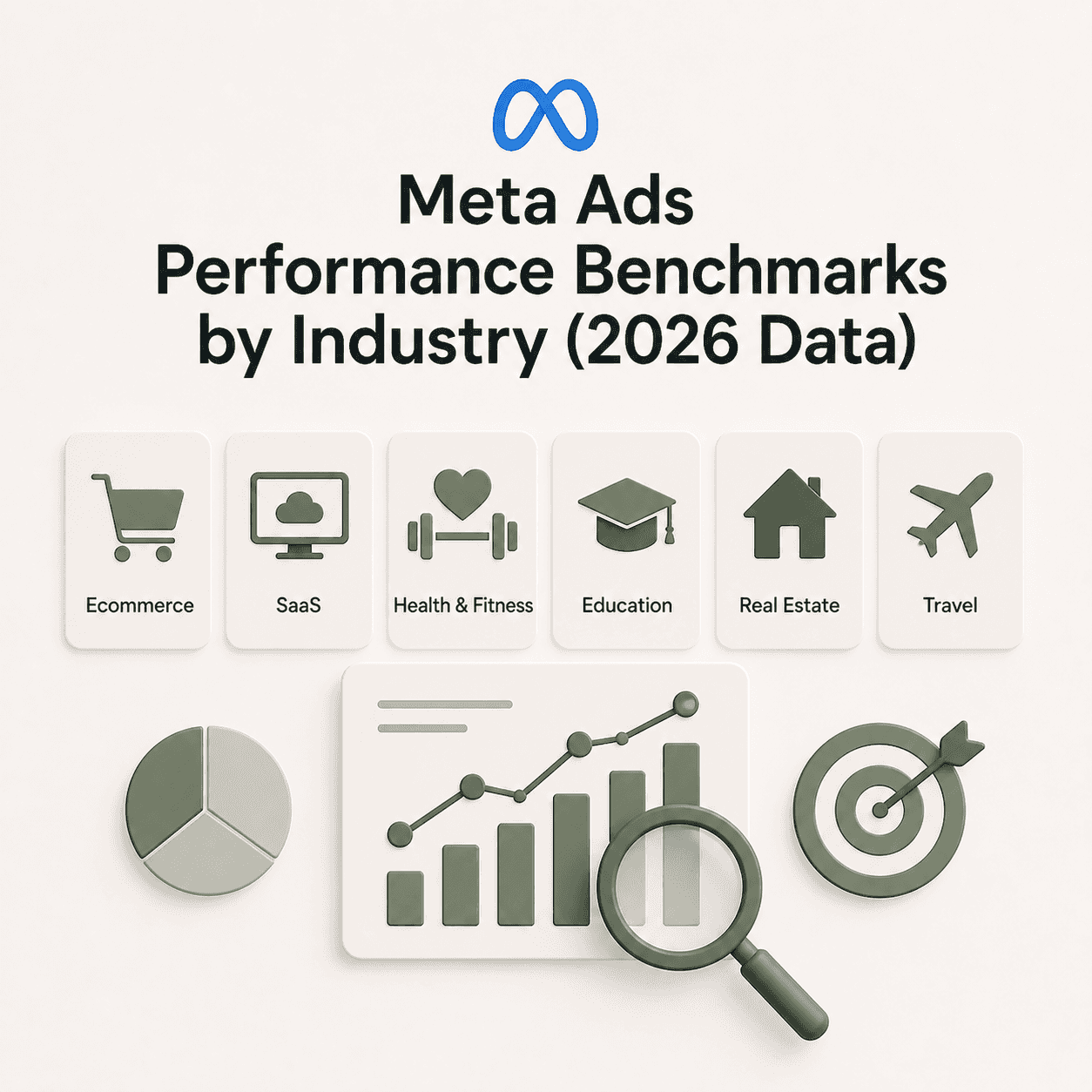
Meta Ads Audit Metrics and Benchmarks

Knowing what "good" looks like helps you prioritize fixes. Benchmarks vary by industry, but here are useful starting points:

How to Audit Landing Page Alignment

Ads and landing pages work together. A great ad driving traffic to a poor page wastes spend. This is where paid media expertise connects to landing page optimization—two of the three interdependent pillars that determine whether Meta ads actually drive revenue.

Message Match Between Ads and Landing Pages

The landing page delivers on the ad's promise. If your ad promotes a specific offer, that offer appears above the fold on the landing page. Mismatched messaging kills conversion rates because visitors feel confused or misled.

Mobile-First Page Performance

94–98% of Meta ad traffic is mobile. Pages that load slowly lose visitors before they even see your offer.

Test your landing pages on actual mobile devices, not just desktop browser simulations. Page speed tools like Google PageSpeed Insights can identify specific issues.

What to Do After Your Meta Ads Audit

An audit is only valuable if you act on findings. Here's how to prioritize.

1. Prioritize High-Impact Fixes

Start with tracking issues—garbage in, garbage out. Then address structural problems before creative.

  • Fix immediately: Tracking errors, broken events, attribution misconfiguration

  • Fix within one week: Campaign structure issues, major targeting problems

  • Fix within 30 days: Creative refresh, audience expansion, landing page optimization

2. Create a 30-Day Action Plan

Turn audit findings into a sequenced plan. Don't fix everything at once.

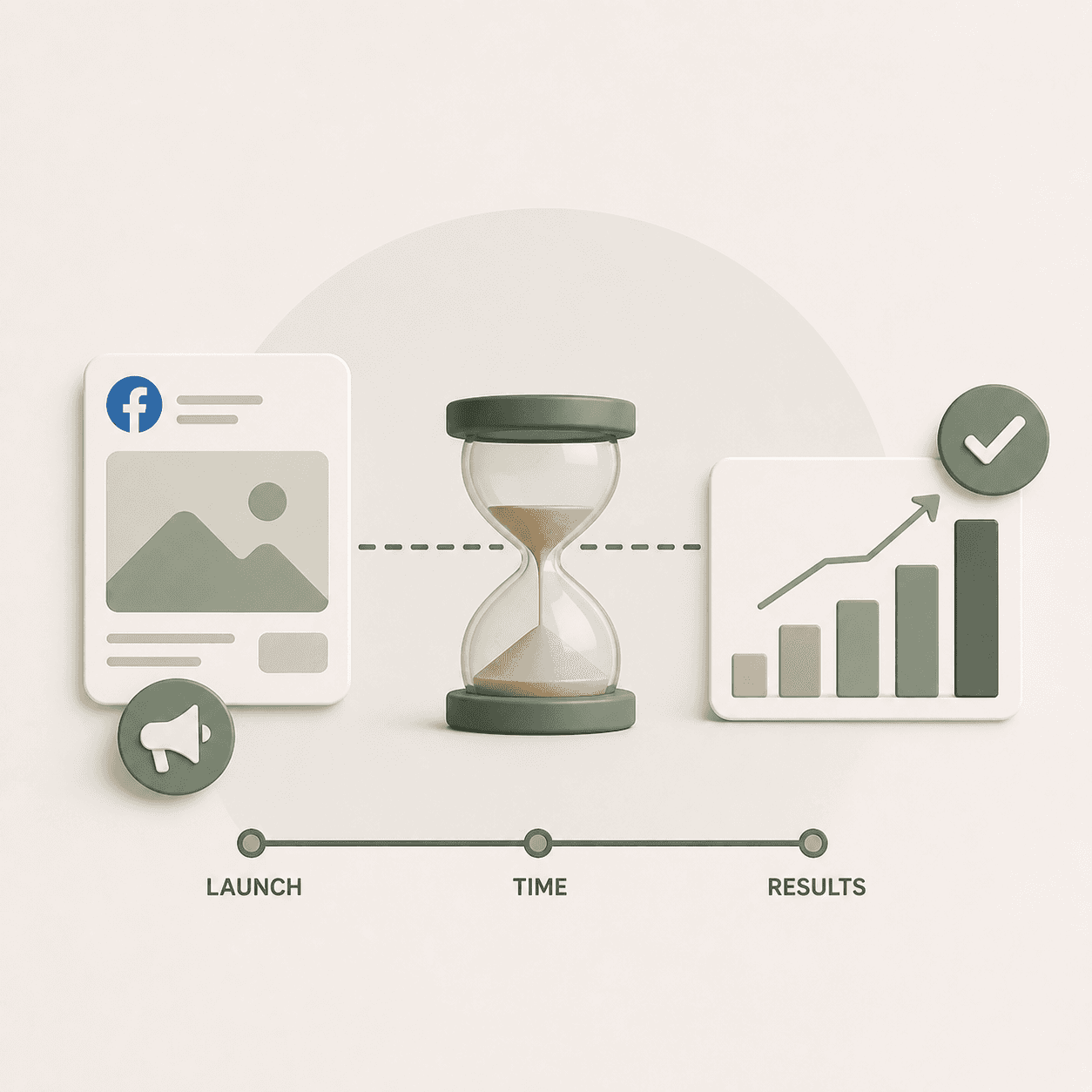
Changes need time to show impact before you layer on additional changes. Give each fix at least 7 days of data before evaluating results.

3. Establish an Ongoing Audit Cadence

Quarterly meta ads audits with monthly check-ins on key metrics works for most accounts. Increase frequency during scaling periods or after major platform changes.

Turn Your Facebook Ad Account Audit into a Growth Roadmap

An audit identifies problems. Fixing them—and scaling what works—requires ongoing execution across paid media, creative strategy, and landing page optimization working together.

At Flighted, we treat these three pillars as interdependent. Improving one without the others limits your upside. See how our Meta ads agency approach brings them together.

Book a call to discuss how Flighted turns audit insights into scaled performance.

FAQs About Meta Ads Audits

How often should you conduct a meta ads audit?

Quarterly comprehensive audits work for most accounts, with lighter monthly check-ins on key metrics like CPA trends, frequency, and FTIR. During aggressive scaling or after major algorithm updates, increase to monthly full audits.

Can you conduct a facebook ads audit yourself or do you need an agency?

In-house teams can absolutely run audits using a structured checklist. However, external auditors often catch blind spots and bring cross-account benchmarks that internal teams lack visibility into.

What is the difference between a meta audit and a facebook audit?

The terms are interchangeable. Meta is the parent company of Facebook and Instagram, so a Meta audit covers ads across both platforms within the same Ads Manager account.

Related Posts

Related Posts

Related Posts

Related Posts

Ready to talk?

Book A Call

We are a Paid Media agency based in New York, NY.
Flighted

New York, NY 11217

hello@flighted.co

© Flighted, 2026

Ready to talk?

Book A Call

We are a Paid Media agency based in New York, NY.

Flighted

New York, NY 11217

hello@flighted.co

© Flighted, 2026